
Quick verdict
AudioPen appears most useful for people who do not merely want a transcript. Its central idea is to capture a spoken thought, remove verbal clutter, and turn it into an email, outline, script, note, or other organized draft.
That makes it meaningfully different from ordinary dictation. AudioPen's strongest documented advantage is the combination of voice capture, rewrite styles, saved notes, uploads, and access across several devices.
The most important caveat is that "AudioPen" is not one privacy or processing path. The Mac app's basic voice-typing mode is described as local, while AI Rewrite uses cloud processing and saved Notes sync through an AudioPen account. Those distinctions matter more than a broad claim that the product is private or offline.
The verdict is favorable but conditional: AudioPen has a coherent use case for people who regularly turn rough spoken thinking into finished writing. Anyone who needs only free direct dictation, guaranteed local processing, long-form meeting transcription, or speaker identification should compare simpler or more specialized tools first.
| Quick question | Answer |
|---|---|
| Best for | Turning a personal voice note or brain dump into organized writing, then continuing that work across devices |
| Less suitable for | Meeting records, speaker-labeled transcripts, guaranteed all-local workflows, or users who only need basic dictation |
| Distinctive feature | Optional rewriting in preset or custom styles rather than stopping at raw transcription |
| Main privacy boundary | Mac Hot Key Press is described as local; AI Rewrite, Notes, and uploaded-audio workflows involve cloud services or account storage |
| Safest first step | Use the free tier with non-sensitive material and confirm its current limits before buying a pass |
Try AudioPen with one real voice note
Start with non-sensitive material and check whether the rewrite preserves names, numbers, qualifications, and intent before considering a yearly or two-year Prime pass.
Affiliate link: I may earn a commission from a qualifying purchase, at no extra cost to you.
What AudioPen does
AudioPen describes itself as a voice-to-writing tool. According to the official homepage, it first transcribes speech and can then rewrite the result into clearer, more structured text.
That second step is the product's real point of differentiation. Traditional dictation tries to preserve what was said; AudioPen is designed to transform what was meant into something more readable.
This can be useful when the raw input includes false starts, repeated points, filler words, or ideas delivered in the wrong order. The tradeoff is equally important: once software rewrites rather than merely transcribes, the reader must check whether qualifications, names, numbers, and intent survived the edit.
AudioPen's public pages say a user can retain a plain transcript or choose a lighter cleanup, a larger restructure, a preset style, or a custom style based on a writing sample. Those are vendor-described capabilities, not independently verified results in this review.
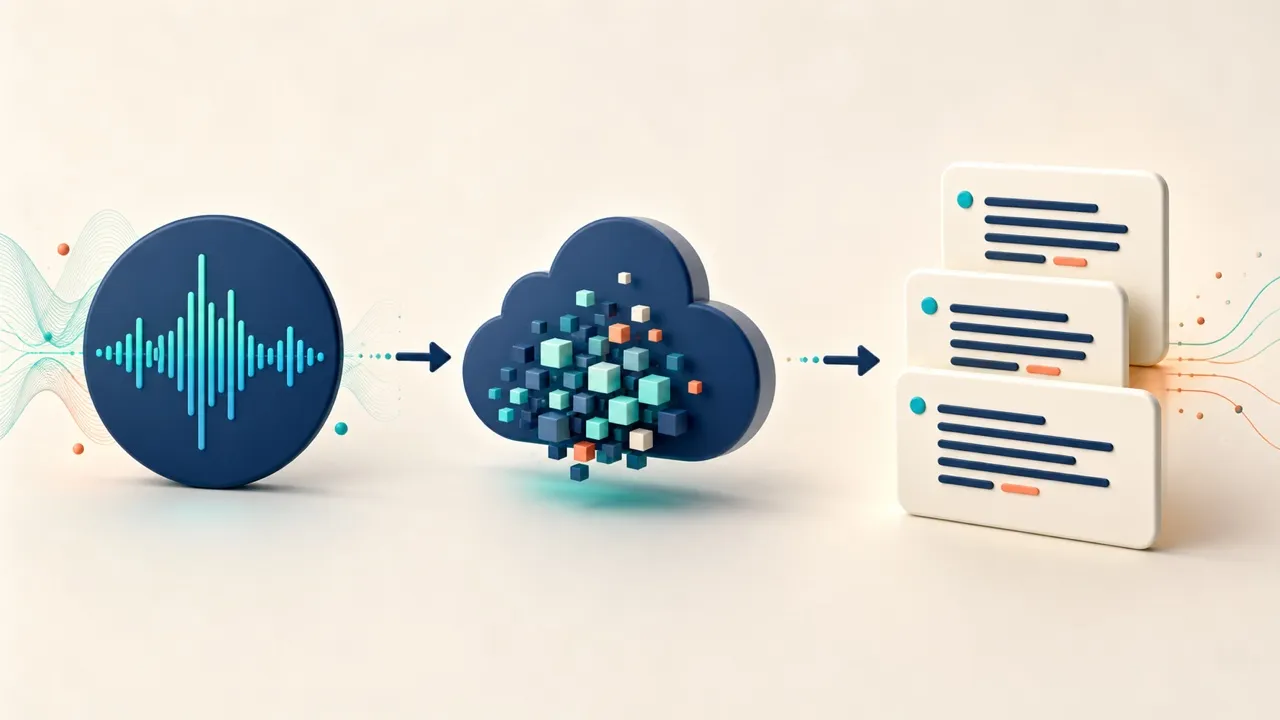
AudioPen is positioned around the step after transcription: turning rough speech into organized writing. This is an editorial workflow illustration, not a product screenshot.
Who should consider AudioPen
AudioPen makes the most sense when speaking is easier than composing but the final output still needs structure.
Possible fits include:
- a writer talking through an article before organizing the argument;
- a video creator turning a spoken idea into a brief or script outline;
- a freelancer drafting a follow-up email or proposal note;
- an educator capturing a lesson idea away from a keyboard;
- a developer explaining a pull request, code comment, or issue before editing the text for precision.
For related workflows, see the site's guides to freelancer-focused Mac apps, developer productivity apps, and the Craft writing app. AudioPen is not represented as part of Setapp; these links provide workflow context only.
AudioPen is less obviously suited to recorded meetings or interviews. Its documentation emphasizes personal capture and writing transformation, not speaker diarization, attendance, collaborative meeting records, or compliance-oriented archives.
AudioPen on Mac: local typing and cloud rewriting are different
The AudioPen Mac page describes three related but distinct modes. Treating them as one feature would blur the product's most important technical boundary.
| Mac workflow | What AudioPen says happens | Practical interpretation |
|---|---|---|
| Hot Key Press | Speech transcription happens on the Mac and nothing is sent to a server; formatted text is inserted at the cursor | Best candidate for quick, privacy-conscious direct typing, subject to device and app compatibility |
| AI Rewrite | Transcription happens locally, then rewriting happens in the cloud; AudioPen says the data is processed and discarded rather than saved | Better suited to polished prose, but it is not an all-local workflow because text leaves the device for rewriting |
| Notes mode | A hotkey records a thought, processes it like the web product, saves it to the AudioPen library, and syncs it across devices | Designed for capture and retrieval, with account storage and cloud processing rather than local-only typing |
The Mac app is described as built for Apple Silicon. AudioPen does not state a minimum macOS version on that page, so compatibility should be confirmed before relying on it.
The claim that text can be inserted into any app or text field should also be read as product positioning, not a compatibility guarantee. Text editors, browser forms, email composers, and code editors can behave differently around focus, formatting, accessibility permissions, and keyboard shortcuts.
Styles, uploads, and the cross-device workflow
AudioPen's documentation describes preset styles, custom styles, and the ability to imitate a user's writing style from a sample. It also says the output language can be chosen independently from the spoken language.
The editorial value of styles depends on factual restraint, not just fluent prose. A useful style should change organization and tone without inventing a detail, weakening a qualification, or turning a tentative thought into a confident claim.
Audio uploads are positioned as a Prime feature. The current AudioPen FAQ states that Prime users can upload up to 100 audio files in a four-week period, with a maximum size of 100 MB per file. The site's paid-plan material separately describes a 15-minute limit per recording; those are different limits and should not be merged into one rule.
According to AudioPen, one account works across the web, Mac, iPhone, iPad, Apple Watch, Android, and the Chrome extension. Notes can be saved to a library, restyled, combined into a SuperSummary, or routed through Zapier and webhooks on eligible plans.
There is no documented native Windows app at the time of this research. Windows users can still evaluate the web product, but that is not the same workflow as the Mac voice-typing utility.
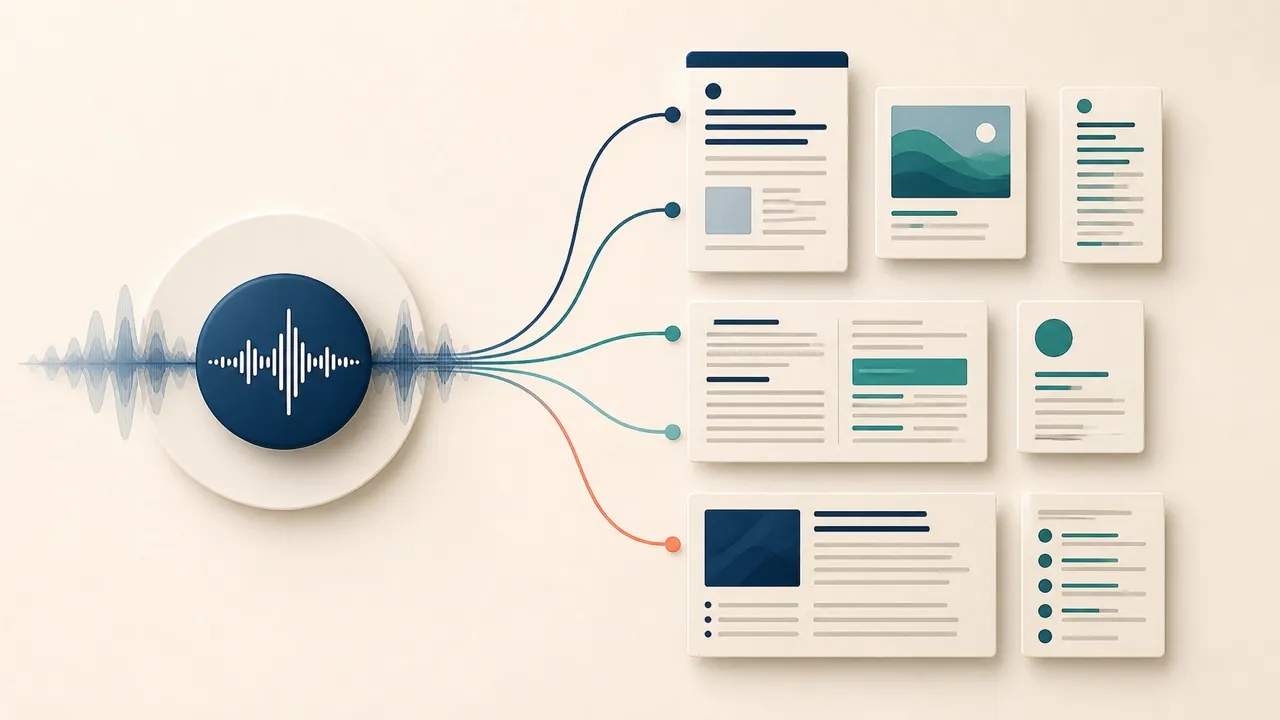
Preset and custom styles can change how a spoken note is organized. The resulting claims still need to be checked against the speaker's intent, names, and numbers.
Privacy: read the workflow, not the headline
AudioPen's public materials provide more detail than a generic "private" label, but they also use wording that requires careful interpretation.
The privacy policy says AudioPen uses OpenAI, Replicate, and Groq APIs to process audio and summarize transcripts. It says relevant data is transmitted to those providers and is not used to train their models.
The same policy says successful recording audio is automatically deleted from AudioPen's servers within 48 hours, while notes stored on AudioPen's servers remain for as long as the account exists. It also says QuickType recordings from the dedicated Mac app are kept locally rather than on AudioPen's servers.
By contrast, AudioPen's voice-to-text page says audio from notes recorded inside AudioPen is deleted after about 24 hours. The 24-hour marketing-page wording and the policy's 48-hour wording do not match.
The responsible interpretation is to use the more conservative 48-hour policy statement and treat the discrepancy as unresolved. Neither statement clearly promises how long an uploaded audio file is retained, so the shorter period should not be extended to uploads without written clarification.
| Data path | Documented boundary | Editorial caution |
|---|---|---|
| Mac Hot Key Press or QuickType | Audio and transcription are described as local | Confirm the selected mode before dictating sensitive material |
| Mac AI Rewrite | Local transcription followed by cloud rewriting | Text must be transmitted for the cloud step, even if AudioPen says it is not saved |
| Web or saved Notes | Cloud processing and account-backed note storage | Notes may remain until deletion or account removal; review export and deletion controls |
| Uploaded audio | Audio is sent for processing by the service | The public pages do not clearly resolve uploaded-file retention timing |
| Shareable note images | The policy says relevant data can be sent to and stored by Bannerbear | Avoid creating shareable images from confidential notes without reviewing that provider boundary |
For ordinary brainstorming, that may be an acceptable trade. For client secrets, unreleased financial information, medical or legal material, credentials, or confidential source recordings, the prudent choice is to avoid cloud modes until the exact handling is acceptable for that material.
Free access and current AudioPen pricing
AudioPen advertises a free starting option with no payment card required. Its public voice-to-text page says the free tier has a shorter recording cap, but it does not state the current number there.
Pricing observed on August 3, 2026:
| Access period | Price shown on the homepage | Important note |
|---|---|---|
| 3 months | $33 | Listed on the homepage but absent from the separate Prime pricing page |
| 1 year | $99 | Listed on both the homepage and Prime page |
| 2 years | $159 | Listed on both the homepage and Prime page |
AudioPen describes these as one-time, non-recurring payments for a fixed access period. In other words, "no subscription" and "no auto-renewal" do not mean lifetime access; access lasts for the purchased period.
The homepage currently says paid access includes 15-minute recordings, unlimited note storage, audio uploads, custom styles, SuperSummaries, restyling, text-note processing, all supported platforms, and Zapier and webhook integrations. The separate Prime page lists a smaller subset and only the one- and two-year passes.
Prices, plan names, limits, platform support, and included features can change. Check AudioPen's live pricing and checkout before purchase rather than treating this dated snapshot as an evergreen offer.
AudioPen vs Tinta vs Apple Dictation
These three options overlap at voice input but solve different jobs. The table compares documented positioning, not measured accuracy or speed.
| Decision factor | AudioPen | Tinta Voice | Apple Dictation |
|---|---|---|---|
| Primary job | Turn spoken thoughts into organized or styled writing | Direct Mac dictation and local audio or video transcription | Enter spoken text into the current Mac text field |
| Rewriting | Optional cloud-assisted rewriting, styles, and restructuring | Not positioned as an AI writing system | No AudioPen-style rewriting in standard Dictation |
| File workflow | Prime audio uploads for cloud processing | Positioned for local media-file transcription | Standard Dictation is documented for live text entry, not as a file-upload transcription workflow |
| Cross-device library | Documented across web and supported mobile/desktop surfaces | Not positioned as a cross-device notes library | Apple features can participate in the broader Apple ecosystem but are not an AudioPen-style note service |
| Local boundary | Basic Mac voice typing is described as local; rewrite and saved-note workflows use the cloud | Vendor positions speech processing and file transcription as local on supported Macs | Apple says processing and internet requirements depend on device, language, region, and the Dictation setting shown on the Mac |
| Cost framing | Free tier plus fixed-period paid access | Separate commercial Mac app with vendor pricing and trial terms | Included with macOS |
| Best reason to choose it | You want speech transformed into a usable draft and may value styles, uploads, and device continuity | You prioritize a focused Mac utility and local file transcription | You need straightforward built-in dictation without another account or product |
AudioPen is the most ambitious writing workflow of the three. Tinta is the more focused candidate for local Mac dictation and media transcription, while Apple Dictation is the simplest place to start because it is already built into macOS.
Apple notes that general Dictation may be processed on-device in some configurations and may require a network connection in others. The current state is shown under Dictation in Keyboard settings, so "Apple Dictation is always offline" would be too broad. See Apple's current Dictation guide and Tinta's official site for their respective documentation.
Is AudioPen worth it?
AudioPen looks worth trying if spoken thinking is already part of your process and the expensive step is turning that material into organized writing. The combination of capture, restructuring, styles, uploads, and cross-device access addresses a real workflow rather than adding another generic chat box.
Value is less obvious if ordinary dictation already solves the problem. Someone who dictates short messages directly into one Mac may get enough from Apple Dictation or a focused local app without paying for a voice-note library and rewriting system.
The free tier is the sensible evaluation route. Use a non-sensitive, representative note and judge the output on four questions: Did it preserve every important fact? Did the structure improve? How much correction remained? Did the chosen mode send data to the cloud?
Do not judge it only by how polished the first paragraph sounds. A confident rewrite that drops a deadline, changes a name, or removes an important qualification is worse than a rough transcript that remains faithful.
Documented strengths
- Clear differentiation between raw transcription and rewritten output.
- Local Mac voice typing is available for quick direct insertion, according to AudioPen.
- Optional styles and custom voice-matching can support several kinds of writing.
- Audio uploads, saved notes, restyling, and SuperSummaries create a broader workflow than basic dictation.
- One account is documented across web, Mac, major mobile platforms, Apple Watch, and Chrome.
- Fixed-period passes do not automatically renew, according to the current pricing pages.
- The privacy policy identifies important processors and describes export and deletion controls.
Limitations and open questions
- This edition does not contain first-hand accuracy, latency, rewrite-fidelity, app-compatibility, or reliability measurements.
- AudioPen's "any app" and writing-quality claims remain vendor claims until tested in representative text fields and workflows.
- Cloud rewriting means the Mac app is not an entirely local product.
- The 24-hour and 48-hour recording-retention statements conflict, and uploaded-file retention is not clearly specified.
- Current public pages do not clearly state every free-tier limit or the minimum macOS version.
- The homepage and dedicated Prime page show different paid-access selections.
- There is no documented native Windows app.
- AudioPen is not positioned as a full meeting assistant with speaker identification and collaborative records.
- Rewriting can create factual risk even when the result reads better than a raw transcript.
Final recommendation
Based on its documented design, AudioPen is one of the more thoughtfully differentiated voice tools because it focuses on the step after transcription: turning speech into writing someone can actually use.
The right buyer is not simply a person who dislikes typing. It is a person who regularly has useful ideas in spoken form and then spends time imposing structure, tone, and clarity on them.
Start with the free tier and non-sensitive material. If the rewritten result consistently preserves facts while reducing editing work, Prime's longer recordings, uploads, custom styles, saved-note tools, and integrations may be valuable. If the raw transcript is all that is needed, Apple Dictation or a local-focused tool such as Tinta is the simpler decision.
Frequently asked questions
What does AudioPen do?
AudioPen records or accepts speech, transcribes it, and can rewrite the transcript into clearer, structured text. It can also save notes, apply writing styles, process uploaded audio on eligible plans, and make notes available across supported devices.
Is AudioPen free?
AudioPen advertises a free tier that does not require a payment card. Its public documentation says the free recording cap is shorter than Prime's but does not clearly state every current free limit, so verify those limits in the live product.
Does AudioPen work offline on Mac?
AudioPen says basic Mac voice typing is transcribed locally. AI Rewrite requires cloud processing, while Notes mode uses the account-backed AudioPen workflow, so the whole product should not be described as offline.
Does AudioPen send recordings to the cloud?
It depends on the mode. The company says dedicated Mac QuickType or Hot Key Press audio stays local, while web notes, saved Notes, uploaded audio, and cloud-assisted processing can involve AudioPen systems and third-party processors.
How long does AudioPen keep recordings?
AudioPen's privacy policy says successfully processed recordings are deleted within 48 hours. A separate official page says recorded-note audio is deleted after about 24 hours. Because the wording conflicts, rely on the more conservative policy statement and do not assume the shorter period applies to uploads.
Can AudioPen upload audio files?
Yes, AudioPen documents uploads as a Prime feature. Its FAQ currently states a limit of 100 uploaded audio files every four weeks, with a maximum size of 100 MB per file.
What is the difference between AudioPen and Tinta?
AudioPen is centered on transforming personal voice notes into organized or styled writing across devices. Tinta is positioned as a focused Mac tool for local dictation and local audio or video transcription.
Is AudioPen a meeting transcription app?
It can process spoken material, but its public documentation does not position it as a complete meeting assistant with speaker diarization, attendance, collaborative records, and meeting-platform automation. Evaluate a dedicated meeting tool if those capabilities are essential.
Official sources reviewed
Accessed August 3, 2026:
- AudioPen homepage and current pricing
- AudioPen for Mac
- AudioPen FAQ
- AudioPen privacy policy
- AudioPen voice-to-text overview
- AudioPen Prime
- Tinta Voice
- Apple's macOS Dictation guide

About the Author
Joseph Nilo has been working professionally in all aspects of audio and video production for over twenty years. His day-to-day work finds him working as a video editor, 2D and 3D motion graphics designer, voiceover artist and audio engineer, and colorist for corporate projects and feature films.