
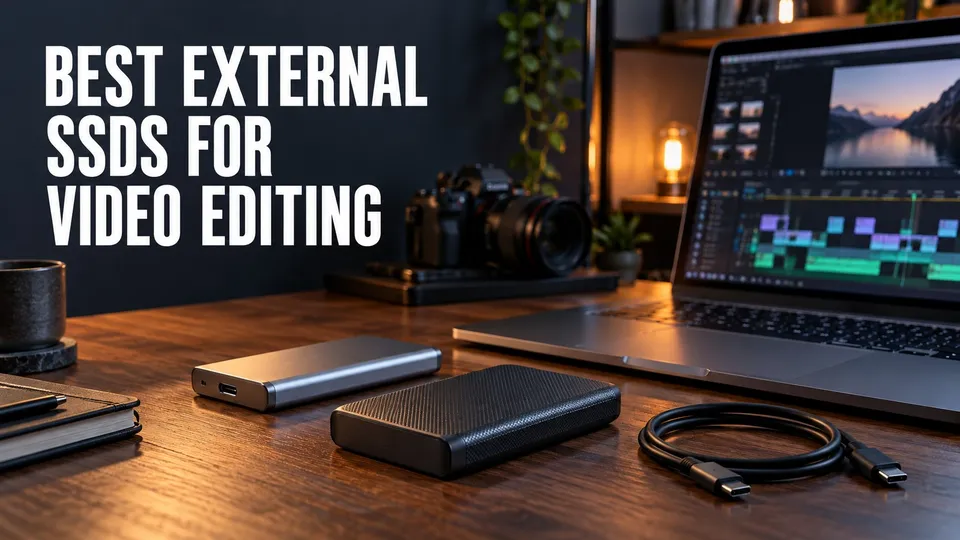
A good external SSD is not just extra storage. For video editing, it can decide whether your timeline plays smoothly, whether proxies are necessary, and whether your travel kit survives real production days.
Quick Answer
For most creators, a 2TB portable SSD is the practical starting point. It is large enough for active projects without becoming painfully expensive, and it keeps the current edit separate from long-term archive storage.
Choose a rugged USB-C SSD for travel and everyday editing. Choose Thunderbolt or very high-speed USB4 storage only when your footage and computer can actually benefit from the extra throughput.
Affiliate disclosure: This page contains affiliate links. I may earn a commission if you buy through them, at no extra cost to you.
Shop the shortlist
Start with capacity, sustained speed, enclosure durability, and the port on your Mac or PC. Do not buy only from the peak speed number on the box.
Speed That Actually Matters
Peak read speed is not the same as sustained editing performance. Video editing stresses a drive for longer periods, especially with multicam, high-bitrate codecs, render files, and cache folders.
If you edit compressed 4K footage, many good USB-C SSDs are enough. If you edit high-bitrate RAW, ProRes, multicam, or larger formats, pay more attention to sustained write speed, thermal behavior, and the port standard.
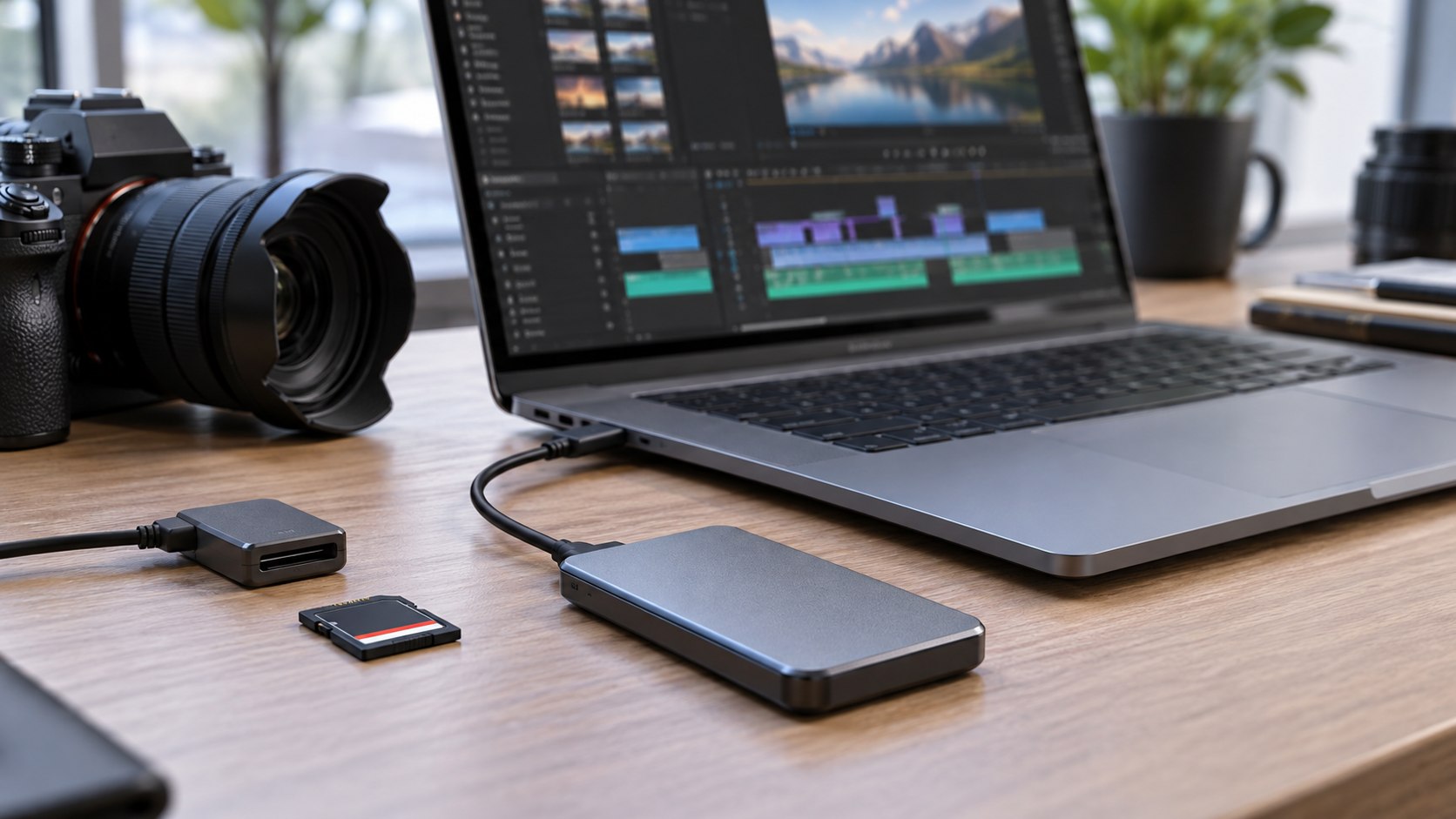
Capacity And Project Setup
Keep active projects on the SSD and archive finished work somewhere else. A drive that is almost full will become harder to manage and easier to misuse.
A clean setup is one SSD for active edits, one larger backup/archive drive, and cloud or NAS backup for irreplaceable work.
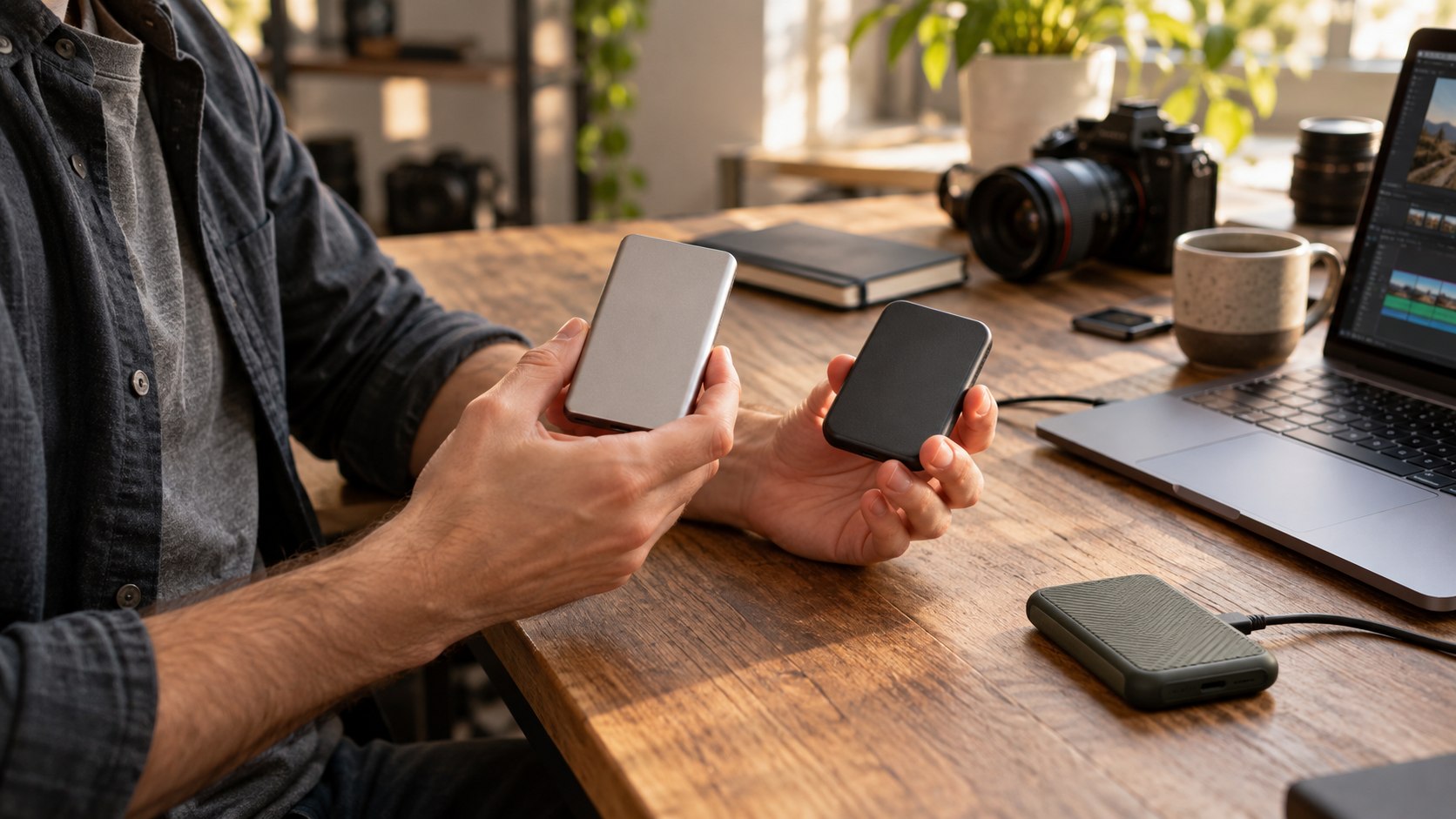
Ruggedness And Travel
For creators who shoot outside the studio, ruggedness matters. Look for a compact enclosure, good cable fit, and a design that can survive being tossed into a camera bag.
Also buy short reliable cables. Many mysterious drive problems are actually bad USB-C cables.
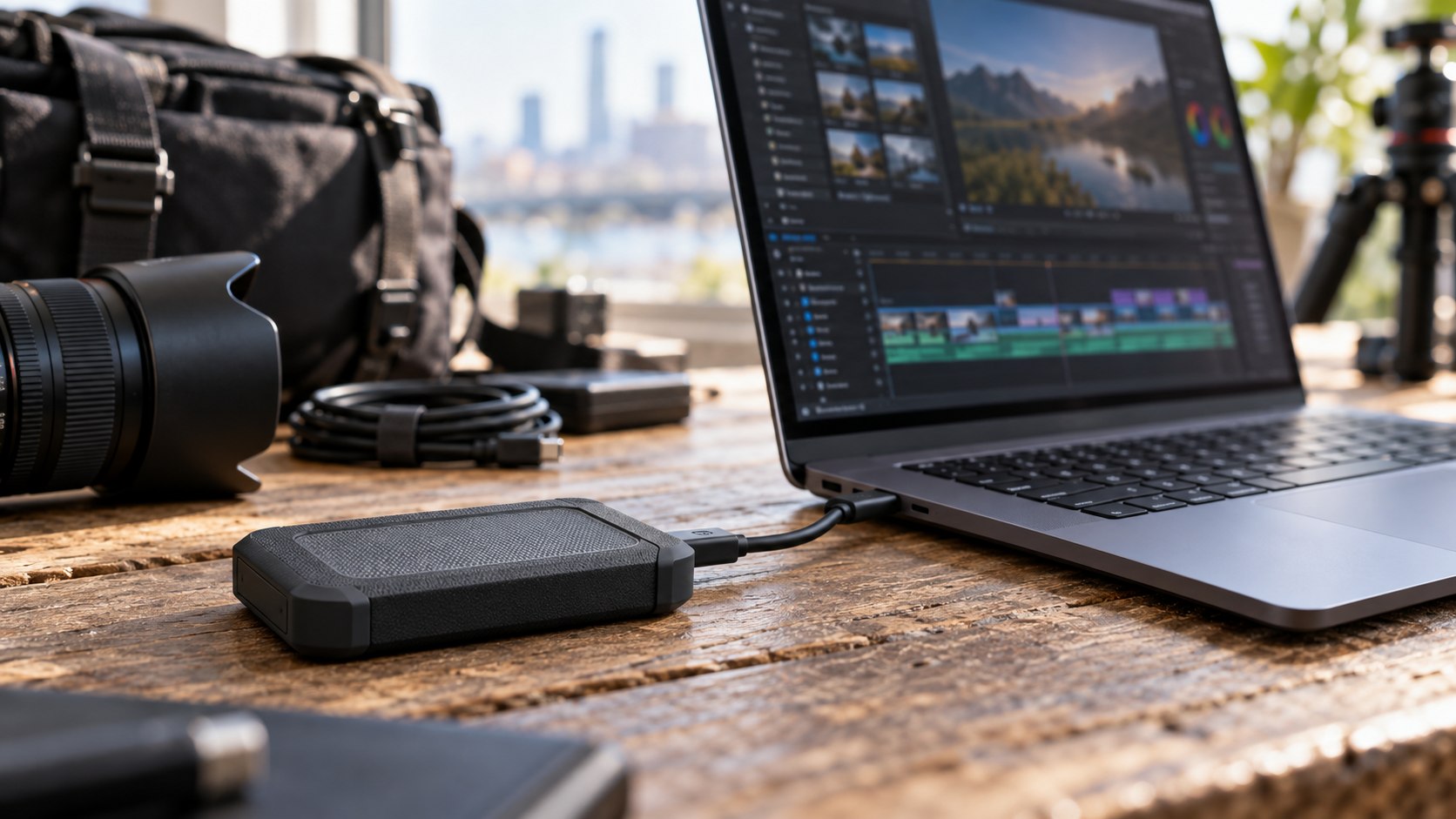
What I Would Buy First
If you are unsure, start with a reputable 2TB portable SSD from Samsung, SanDisk, Crucial, or another established storage brand. Only upgrade to Thunderbolt-class storage when you can explain exactly why the current drive is slowing you down.
Product searches to compare
Common SSD Buying Mistakes
The biggest mistake is buying the cheapest high-capacity drive and assuming it will behave like an editing drive. Cheap storage may be fine for archive copies, but active editing needs consistent speed and a reliable enclosure.
The second mistake is ignoring the cable and port. A fast drive connected through the wrong cable can perform like a much slower drive, and an unstable cable can create disconnects that look like software bugs.
The third mistake is using one drive as project storage, backup, and archive. Keep at least one separate backup of current work, especially before travel or client delivery.
Shortlist Notes
Samsung T9 is worth comparing if you want a compact high-speed USB drive for active editing and file transfers. Samsung T7 Shield remains a practical rugged option when value matters more than chasing the newest speed tier.
SanDisk Extreme PRO is a strong comparison point for field work and high-resolution media workflows, especially when ruggedness and sustained performance matter. Crucial X10 Pro is also worth checking when you want a small fast drive and competitive capacity options.
Do not buy only one drive for important jobs. Buy the editing drive and plan the backup at the same time.
Compare the current SSD shortlist
Use the buying criteria above, then compare current listings for the shortlist before choosing.
FAQ
How much SSD storage do I need for video editing?
For most creators, 2TB is the practical starting point for active projects. Heavy multicam, RAW, or client work may justify 4TB or more.
Is USB-C fast enough for video editing?
Often yes for compressed 4K and normal creator workflows. Thunderbolt or USB4 can help with high-bitrate footage, multicam, and more demanding projects.
Should I edit directly from an external SSD?
Yes, if the SSD and cable are reliable and fast enough for your footage. Keep a separate backup because an editing drive is not an archive.
About the Author
Joseph Nilo is a video producer and technical creator who writes practical software, creator-workflow, and production gear guides from hands-on experience.