
Prime Day is useful for creators only if you shop with a plan. Random gadgets are easy to buy. A cleaner MacBook desk, faster media transfer, safer charging, and better capture gear are what actually help.
Amazon says Prime Day 2026 runs June 23-26. I would use that window to watch the gear categories below, not chase every timer on the page.
Disclosure: This page uses Amazon affiliate links. If you buy through them, I may earn a commission at no extra cost to you.
Start with the creator gear shortlist
For most Mac creators, the best Prime Day buys are the boring upgrades: USB-C power, fast storage, card readers, desk organization, and better capture gear.
Quick Answer
If I were shopping Prime Day for a creator setup, I would start with charging, storage, and desk reliability. Those upgrades make every shoot and edit smoother.
After that, I would look at webcams, lights, microphones, monitors, and headphones. Those can help, but only if they fix a real bottleneck in your current setup.
What I Would Buy First
My order is simple: power, storage, connection, comfort, then capture.
| Priority | What to watch | Why it matters |
|---|---|---|
| 1 | USB-C chargers, power strips, power banks | Keeps your MacBook, phone, camera batteries, and desk gear alive. |
| 2 | External SSDs, SD cards, card readers | Removes transfer bottlenecks from video and photo work. |
| 3 | USB-C hubs and docks | Connects monitors, Ethernet, storage, and older accessories. |
| 4 | Desk setup gear | Reduces cable mess and makes long editing sessions easier. |
| 5 | Lights, webcams, microphones, headphones | Improves calls, tutorials, voiceover, and creator output. |
That order keeps the shopping useful. A flashy camera accessory is less helpful if your storage is slow or your desk is a cable nest.
MacBook Chargers And Power
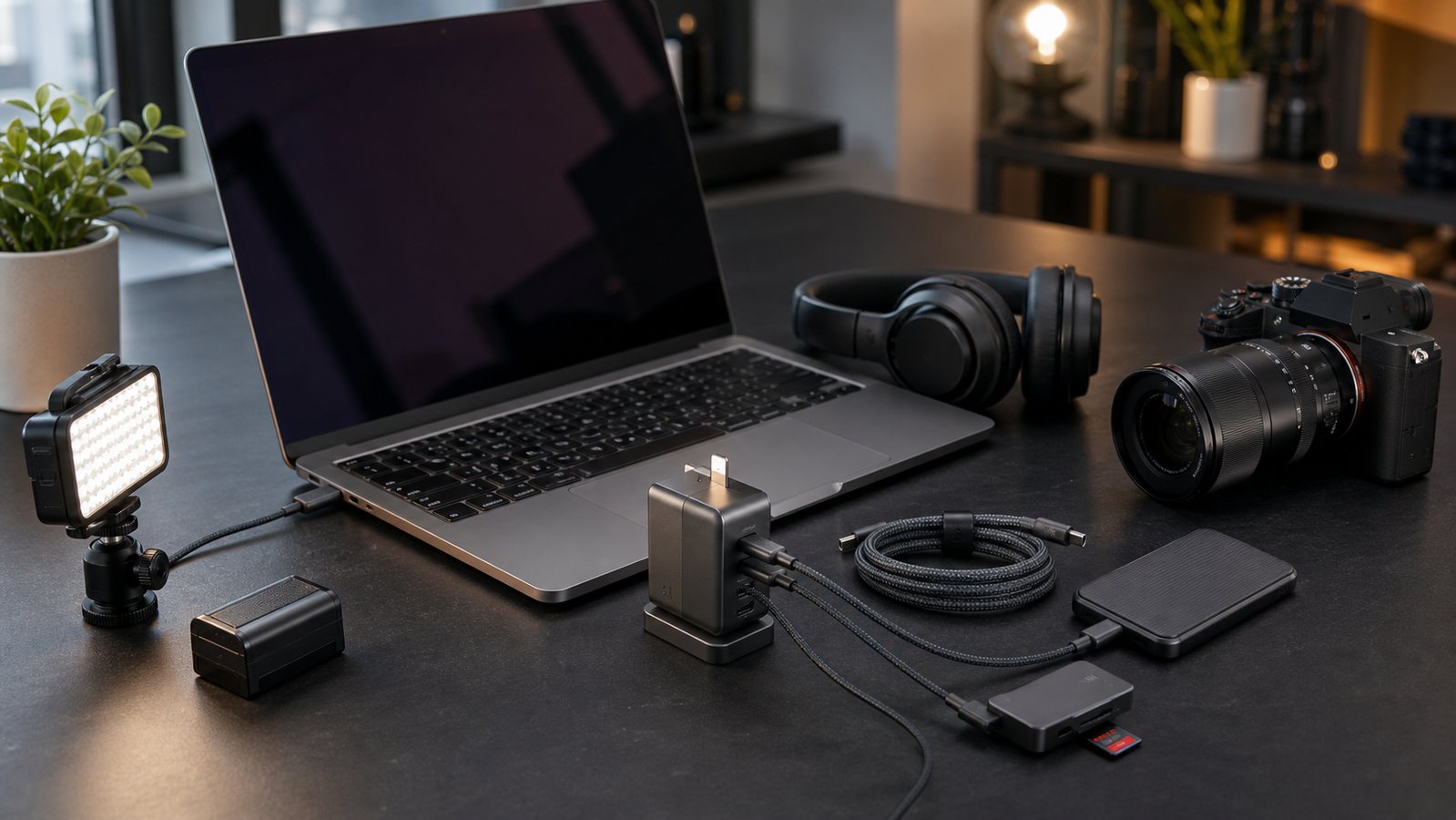
For MacBook users, I would watch 65W to 100W USB-C chargers, compact GaN chargers, travel power banks, surge protectors, and desk charging stations.
The key is wattage and port behavior. Some multi-port chargers slow down when every port is used. Read the spec sheet before assuming one brick can run everything.
Related: if you are building a portable editing setup, also read my guide to USB-C hubs for MacBook video editors.
Storage And Card Readers
Storage is where creators feel deals immediately. A faster external SSD or a reliable SD card can save time every week.
Look for portable SSDs, SDXC cards, microSD cards with adapters, USB-C card readers, and Thunderbolt or USB4 enclosures if you work with larger video projects.
Check storage and card reader deals
Related: compare practical options in my best external SSDs for video editing guide.
Creator Desk Setup
Desk gear is not glamorous, but it changes how the workspace feels every day. I would watch desk mats, cable trays, monitor arms, standing desks, task lamps, and outlet strips.
The best buys here are the ones that remove friction. If a cable-management box or monitor arm cleans up your daily setup, that can be worth more than another small gadget.
Check creator desk setup deals
Camera, Audio, And Lighting
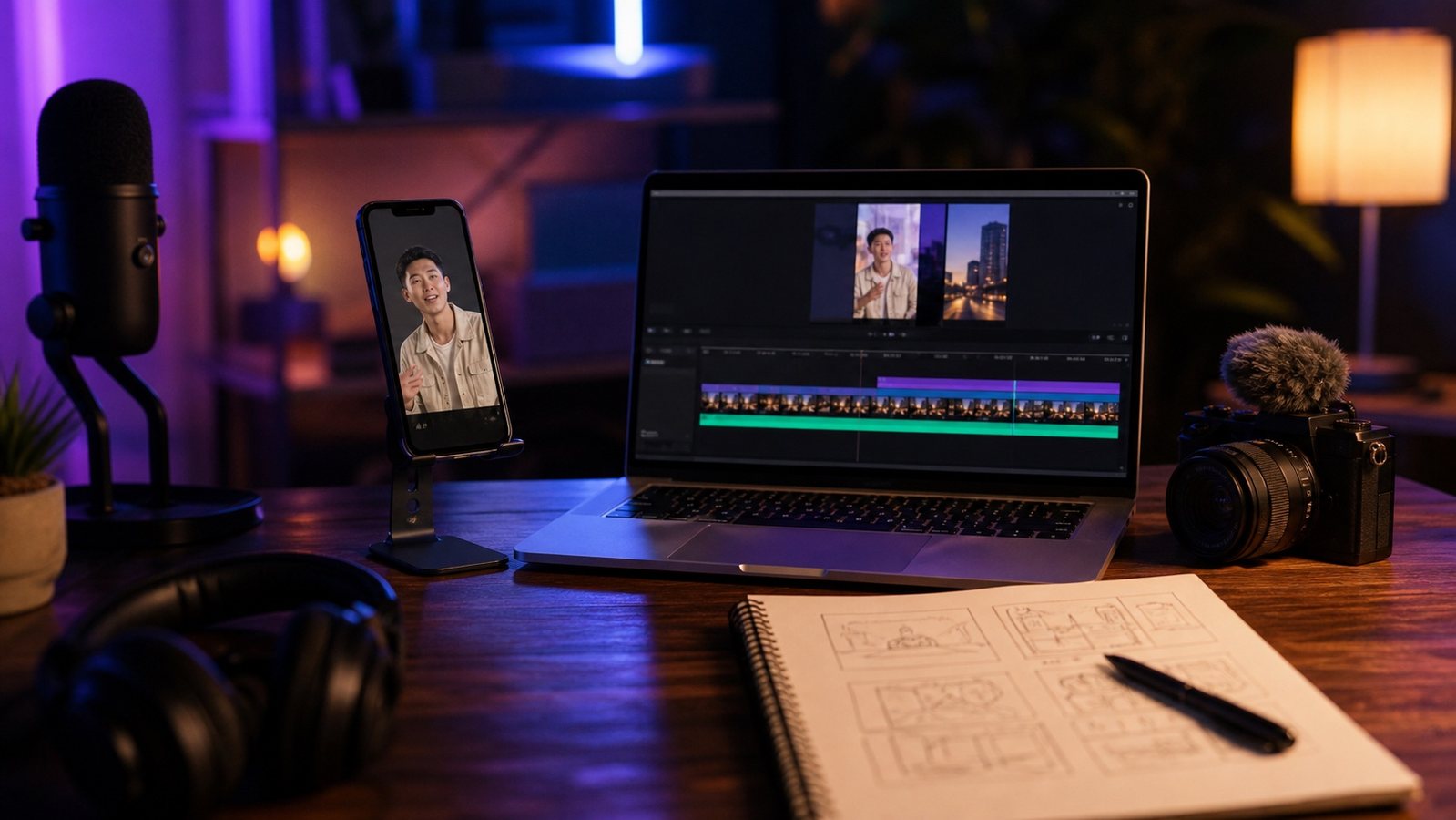
If your videos, calls, or tutorials look flat, Prime Day can be a good time to watch webcams, small LED lights, mic arms, lav mics, and camera accessories.
I would not buy a camera just because it is discounted. Buy camera gear only when you already know the job it needs to do.
Check camera, audio, and lighting deals
Related guides: best webcams for YouTube creators and best lights for YouTube videos.
Monitors And Headphones
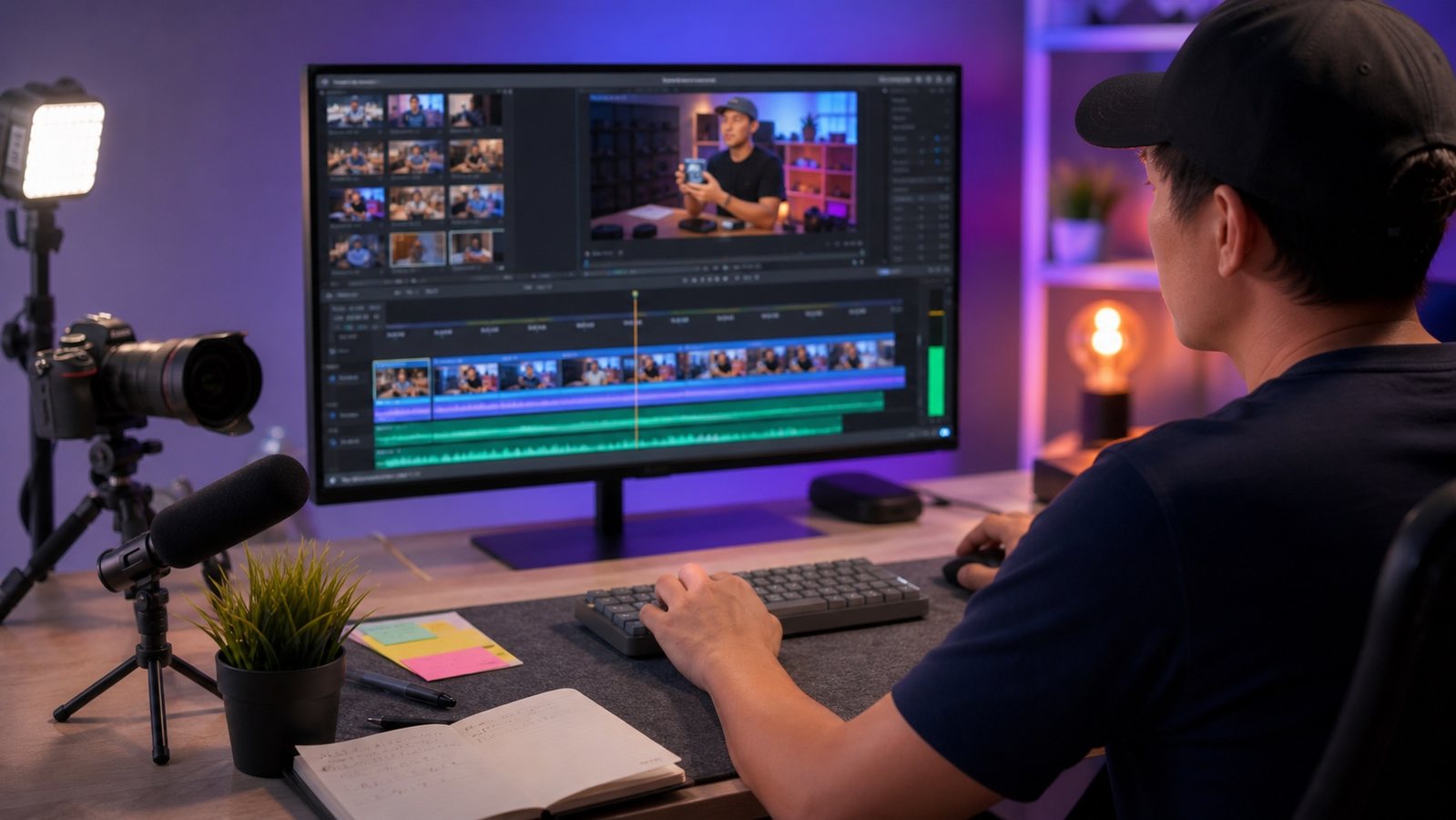
A better monitor helps if you edit, design, or compare media all day. For video work, check size, resolution, color coverage, ports, refresh rate, and whether the monitor works cleanly with your Mac.
For headphones, I would separate editing headphones from casual noise-canceling headphones. They solve different problems.
Check monitor and headphone deals
Related: see my best headphones for video editing guide before buying audio gear.
What I Would Skip
Skip cheap hubs with vague speed claims. Skip camera gadgets that do not match your camera. Skip no-name storage if you cannot confirm the real spec.
Also skip anything that solves a problem you do not have. Prime Day is best when it upgrades your real workflow, not when it fills a drawer.
My Prime Day creator checklist
- Check the exact model. Similar listings can hide different specs.
- Confirm Mac compatibility. Especially for docks, displays, and card readers.
- Do not trust port count alone. Speed and power delivery matter more.
- Compare warranty and returns. Creator gear gets used hard.
- Avoid price panic. If the gear is not useful after Prime Day, it is not a good deal.
FAQ
When is Amazon Prime Day 2026?
Amazon's public Prime Day page lists Prime Day 2026 as June 23-26, 2026.
What should creators buy on Prime Day?
Start with practical upgrades: USB-C chargers, external SSDs, card readers, docks, desk setup gear, lights, webcams, microphones, monitors, and headphones.
Should I buy exact products or search by category?
For fast-changing Amazon deals, I prefer category searches first. Then compare current price, seller, warranty, return window, and exact model before buying.
Are cheap USB-C hubs worth it?
Sometimes, but be careful. For video work, weak hubs can cause slow transfers, display limits, and unreliable power behavior.

About the Author
Joseph Nilo has been working professionally in all aspects of audio and video production for over twenty years. His day-to-day work finds him working as a video editor, 2D and 3D motion graphics designer, voiceover artist and audio engineer, and colorist for corporate projects and feature films.