
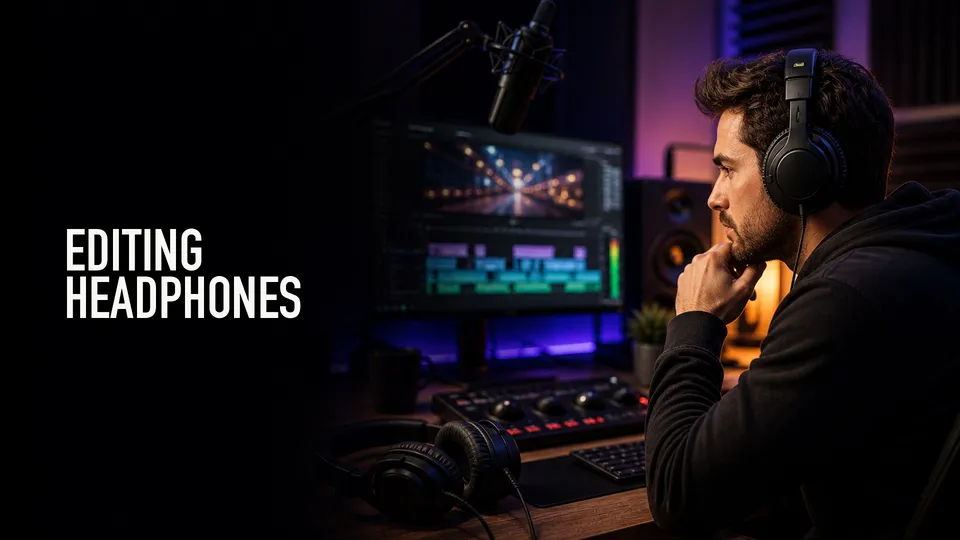
Headphones for video editing should help you catch problems, not flatter the mix. The best pair is comfortable, honest enough for dialogue decisions, and reliable across long editing sessions.
Shop the shortlist
Affiliate disclosure: This page includes Amazon affiliate links. I may earn a commission if you buy through them, at no extra cost to you.
Start with closed-back wired monitoring headphones unless you have a specific reason to use open-back or wireless headphones.
Quick Answer
For most video editors, start with closed-back wired studio headphones. They isolate better than open-back headphones, avoid Bluetooth latency, and make it easier to catch clicks, hum, harsh sibilance, and bad edits.
Popular starting points include Sony MDR-7506, Audio-Technica ATH-M50x, Beyerdynamic DT 770 Pro, and Sennheiser HD 280 Pro. Each has a different fit and sound, so comfort matters.
Why Wired Still Wins
Wireless headphones are convenient, but latency and processing can mislead editing decisions. For dialogue cuts, music timing, and sync checks, wired headphones are still the safer default.
Use Bluetooth headphones as a consumer playback check, not as the only monitoring path.
Closed-Back vs Open-Back
Closed-back headphones are better when you edit near other people, record voiceover, or need isolation. Open-back headphones can sound spacious, but they leak sound and do not isolate you from room noise.
For creator work, closed-back is usually the first purchase. Add open-back headphones later only if you know why you need them.
Comfort And Replaceable Parts
A technically good headphone is useless if you stop wearing it after thirty minutes. Check clamping force, pad material, cable style, and whether replacement pads are easy to find.
Long editing sessions expose small comfort problems quickly. If possible, buy from a seller with a reasonable return window.
What I Would Buy First
If you want the safest first pair, compare classic wired studio models before buying consumer noise-canceling headphones. Then check your final mix on speakers, earbuds, and a phone because no single headphone tells the whole truth.
Product searches to compare
Playback Checks After Headphones
After editing in headphones, play the video on speakers, phone speakers, and common earbuds. Dialogue that sounds fine in studio headphones can still be too quiet, too sharp, or buried under music on smaller devices.
Use headphones to find details: mouth clicks, hum, edit bumps, clothing noise, distortion, and harsh sibilance. Use speakers and earbuds to judge translation.
For client work, do not deliver after checking only one pair of headphones. A five-minute playback pass on multiple devices catches problems that are expensive to fix later.
Shortlist Notes
Sony MDR-7506 is a classic video and broadcast monitoring choice because it is wired, closed-back, lightweight, and familiar in production environments. Audio-Technica ATH-M50x is another common creator pick with detachable cables and a more modern consumer-friendly profile.
Beyerdynamic DT 770 Pro is worth comparing when comfort and isolation matter during long editing sessions. Sennheiser HD 280 Pro is a practical closed-back option when isolation and budget are major factors.
If possible, buy from somewhere with returns. Headphone fit is personal, and clamping force or pad shape can matter more than a spec sheet after three hours of editing.
FAQ
Are Bluetooth headphones okay for video editing?
They are fine for casual review, but wired headphones are safer for serious editing because they avoid latency and extra processing.
Should video editors use closed-back headphones?
Usually yes. Closed-back headphones isolate better and are more practical for editing, voiceover checks, and noisy rooms.
Do I still need speakers if I have good headphones?
Yes. Headphones help with detail, but speakers, earbuds, and phone playback checks reveal different mix problems.
About the Author
Joseph Nilo is a video producer and technical creator who writes practical software, creator-workflow, and production gear guides from hands-on experience.