
Quick verdict
On its documentation, Tinta Voice has a sensible proposition: use a push-to-talk shortcut to dictate into Mac apps, or transcribe an audio or video file, with speech recognition running locally after the model download. It is sold as a one-time, single-Mac license rather than a metered cloud service.
The most compelling part is the narrow focus. Tinta is not presented as a cross-device notebook, an AI rewriting assistant, or a meeting bot. It is meant to turn speech into editable text on an Apple Silicon Mac.
The largest caution is that the public pages make several claims that are broader than the current press kit. Compatibility with every text field, relative accuracy, speaker timestamps, meeting minutes, and structured summaries should not be treated as established performance. Tinta's own version 1.0 documentation says there is no speaker diarization, cloud rewriting, filler-word cleanup, or generated summaries.
Bottom line: try the three-day trial with one difficult paragraph, one app that matters to you, and one representative media file before buying. Tinta looks most promising for someone who wants local transcription and a one-time license. It is unlikely to fit someone who needs Intel Mac support, pre-Sonoma compatibility, speaker identification, cloud rewriting, or a synced voice-note library.
| Quick decision | Answer |
|---|---|
| Best fit | Apple Silicon Mac users who want focused push-to-talk dictation and local media transcription |
| Strongest differentiator | Dictation plus file transcription with local speech processing after setup |
| Important limitation | Mac-only requirements and no documented speaker diarization or AI rewriting in version 1.0 |
| Main uncertainty | Real accuracy, insertion speed, app compatibility, and offline behavior have not yet been independently measured here |
| Buying approach | Use the full three-day trial first and verify the current checkout price |
Try Tinta Voice with your own Mac workflow
Use the three-day trial for ordinary dictation and one local media file before deciding whether the one-time license fits your workflow.
Affiliate link: I may earn a commission from a qualifying purchase, at no extra cost to you.
What Tinta Voice does
Tinta describes a three-step dictation workflow: hold a keyboard shortcut, speak, then release the shortcut to place the transcript at the active cursor. Right Shift is the shortcut shown throughout the current product material, while the setup page says the push-to-talk shortcut can be selected during configuration.
The second workflow is local file transcription. According to Tinta, a user can drop an audio or video file into the app, optionally add timestamps, and then copy or save the result. The homepage describes searchable Markdown output, while the press kit uses the more conservative phrase copy or save the result.
That combination matters. Built-in dictation is enough for many emails and notes, but it is not presented by Apple as a drag-and-drop media transcription tool. Tinta is trying to cover both direct text entry and the separate job of turning an existing recording into text.
There is also a documented fallback for places where direct insertion does not work. Tinta's FAQ says a floating card preserves the transcript for 15 seconds and offers a Copy button when the active focus is not editable or an app blocks automatic insertion. That qualification is more useful than the homepage's blanket works in every text field claim, but the behavior still needs app-by-app testing.
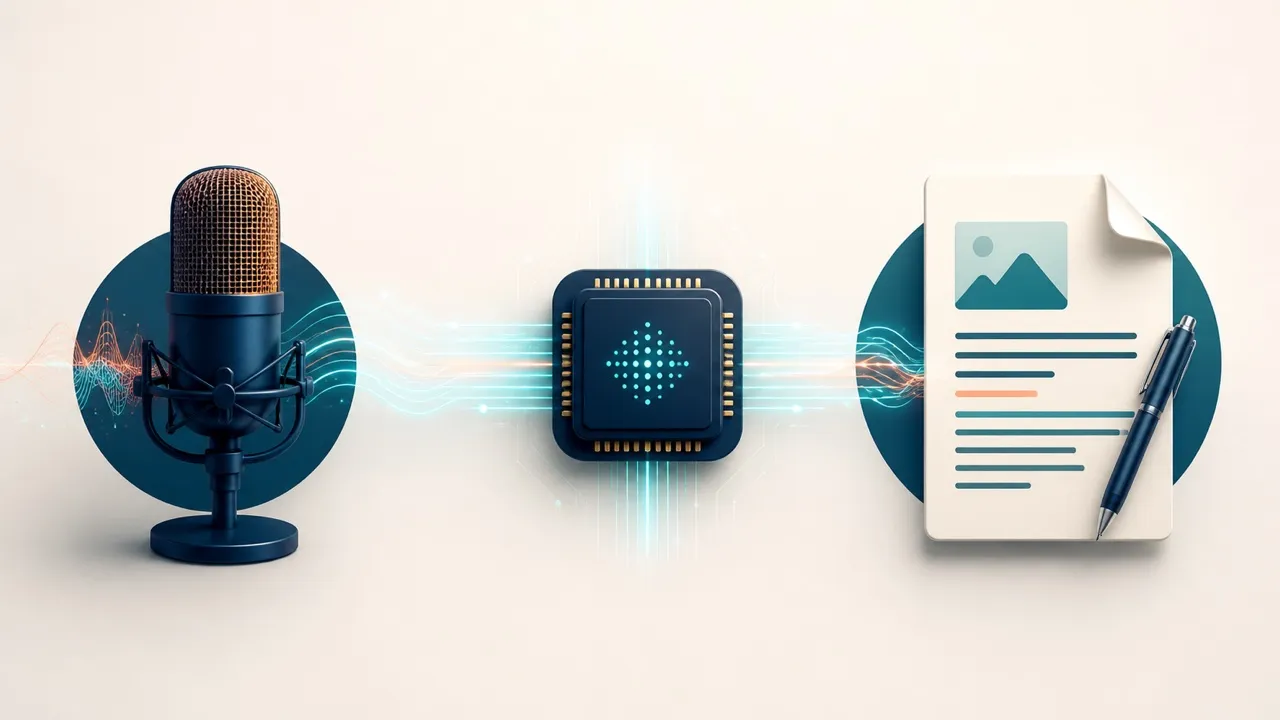
Tinta's documented distinction is local speech processing: voice is processed on the Mac after the model download. This is an editorial workflow illustration, not a product screenshot.
Setup and system requirements
The following are current Tinta requirements and seller claims, not observations from an installation:
- macOS 14 Sonoma or later
- an Apple Silicon Mac, M1 or newer
- 4 GB of RAM minimum and 8 GB recommended, according to the terms
- about 500 MB of free space for the app and optimized speech models, according to the download page
- an internal or external microphone
- Microphone and Accessibility permissions
- an internet connection during initial setup to download the speech model
Tinta distributes the app directly rather than through the Mac App Store. Its press kit calls the download signed and notarized. The documented installation sequence is to open the DMG, drag Tinta Voice into Applications, grant the requested macOS permissions, and select a shortcut.
The three-day trial starts the first time the app is opened. Tinta says the trial is fully featured and does not require an account, credit card, or payment details. That makes the installation date important: do not open it until there is time to test the real workflows within the trial window.
The application interface is documented as English-only. The July 28 press kit says speech recognition supports 16 spoken languages plus automatic detection, but it does not list those languages on the page. Anyone buying for a specific non-English workflow should verify that language during the trial rather than relying on the count alone.
What offline means here
Tinta's central claim is narrower and more credible when stated precisely: after the speech model is downloaded, dictation and file transcription are supposed to run on the Mac without sending speech to a cloud transcription service. The privacy policy says audio, transcripts, and dictated text are not collected, stored, or transmitted by Tinta.
That does not mean every part of the product is permanently disconnected from the internet. Tinta's privacy policy describes several network and account boundaries:
- purchase and license records include details such as email address, order ID, product, license key, and license status;
- Lemon Squeezy handles payment, tax, receipts, and refunds and provides limited order metadata to Tinta;
- model downloads and app updates can expose ordinary request metadata such as an IP address, user agent, time, and requested file URL to download providers;
- optional diagnostics may send pseudonymized device, app, model, language, stack-trace, and error information to Sentry, while the policy says audio and transcript text are excluded;
- the website records a limited set of acquisition and purchase events and can process affiliate-attribution data.
The useful privacy distinction is therefore local speech processing, not the app and its commercial infrastructure never use a network. A later hands-on update should record the diagnostics setting, activation behavior, model source, and what dictation and file transcription do after networking is deliberately disabled and restored.
Tinta's terms also warn that automated speech recognition may produce errors, omissions, misinterpretations, or hallucinated details. The app is not described as certified for medical, legal, or safety-critical decisions. Local processing can reduce one privacy concern, but it does not make an unverified transcript safe to trust without review.
Audio and video file transcription
File transcription may be the clearest reason to consider Tinta instead of relying only on macOS Dictation. Tinta says audio and video files can be processed locally, with optional timestamps and Markdown-oriented output. That could be useful for interviews, voice memos, lectures, or a creator's owned recordings.
Readers working with video should keep the job boundaries clear. Tinta appears to be a standalone transcript utility, not a Premiere Pro extension or a substitute for transcript-based editing inside an NLE. For the editing side of that workflow, see the Premiere Pro transcription guide.
The current product pages are inconsistent about meeting output. The press kit says version 1.0 has no speaker diarization and no generated summaries. The homepage promotes precise speaker timestamps, meeting minutes, action logs, and structured summaries. A separate Tinta Meetings page describes local-first summaries and action items as a coming-soon product in private developer builds.
The conservative reading is straightforward:
- timestamps do not necessarily identify who spoke;
- version 1.0 should not be assumed to separate speakers;
- Tinta Voice should not be purchased for automated meeting summaries or action items unless the current shipping app demonstrably includes them;
- exact supported media formats, long-file behavior, timestamp accuracy, and noisy-audio performance should be tested with the buyer's own files.
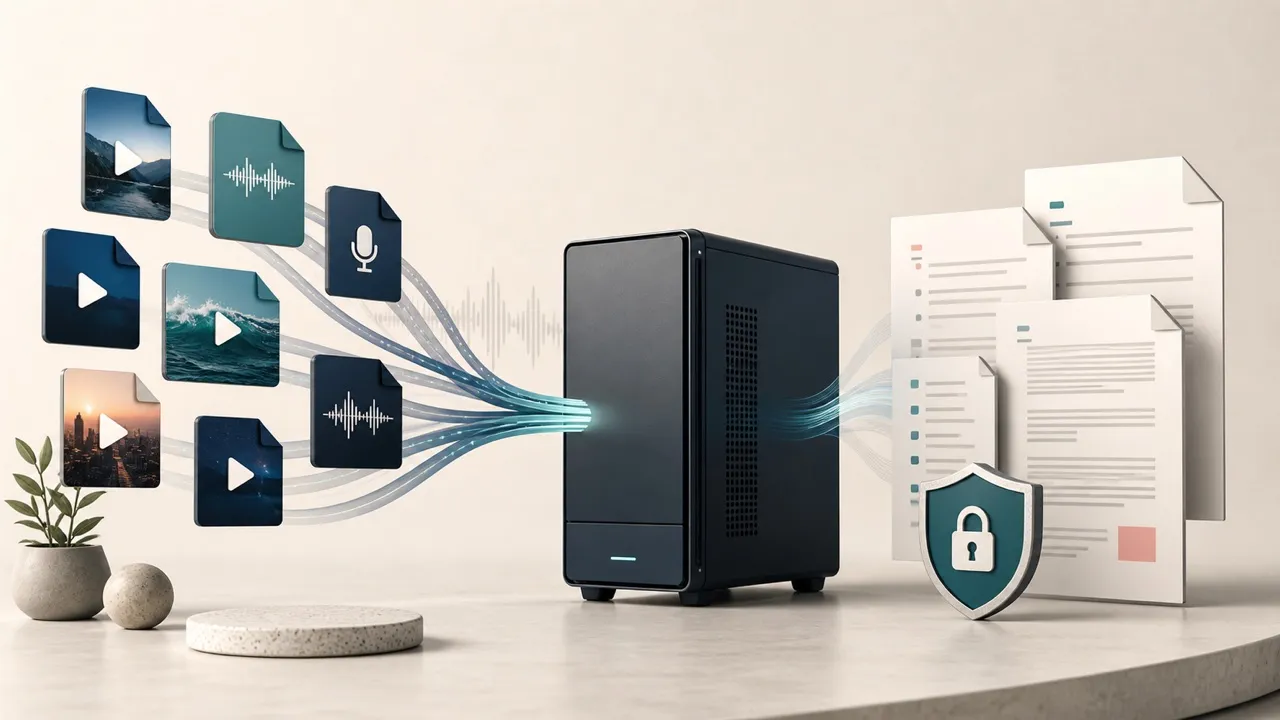
The file-transcription use case is separate from ordinary dictation. This editorial illustration shows the documented workflow without simulating Tinta's interface or results.
Tinta Voice limitations and open questions
Some constraints are clear in the official documentation:
- Apple Silicon and macOS 14 or later are required;
- one license covers one Mac owned or controlled by the buyer;
- the interface is in English;
- version 1.0 has no speaker diarization;
- the press kit says there is no cloud AI rewriting, filler-word cleanup, or generated summaries;
- transcription can contain errors and must be checked.
Other limitations remain research questions rather than established facts:
works in every text fieldis softened by the documented fallback card for blocked insertion;- Tinta's
80%+ of massive cloud API accuracywording does not define a dataset, metric, language, model, or comparison service; precise speaker timestampsis difficult to reconcile withno speaker diarization;- homepage meeting-output claims conflict with the press kit and the separate coming-soon Tinta Meetings product;
- no independent measurements in this review establish insertion latency, word error rate, CPU use, memory use, or battery impact.
These are reasons to test, not reasons to dismiss the product. They are also reasons not to publish a star rating or a best-in-class claim from documentation alone.
Tinta Voice versus Apple Dictation
Apple Dictation is the right first comparison because it is already included with macOS. Apple's current guide says Dictation can enter text anywhere a user can type, supports selectable languages and microphones, can add punctuation in supported languages, and allows continued keyboard use while speaking on Apple Silicon.
Apple also tells users to check Keyboard settings to learn whether their particular general-text Dictation input is processed on-device or needs an internet connection. That is more nuanced than claiming Apple Dictation is always cloud-based or always offline.
| Decision point | Tinta Voice, based on its documentation | Apple Dictation, based on Apple's documentation |
|---|---|---|
| Cost | Separate one-time, single-Mac license | Included with macOS |
| Core trigger | Hold a selected push-to-talk shortcut, speak, and release | Start and stop with the microphone key, a shortcut, or the Edit menu |
| Local processing | Tinta says speech recognition is local after the model download | Keyboard settings indicate whether general-text Dictation is on-device for the current Mac and configuration |
| Existing media files | Tinta advertises drag-and-drop audio and video transcription | Not presented as a standard Dictation feature in Apple's guide |
| Text entry | Tinta claims cursor insertion and documents a copy-card fallback | Apple says Dictation works where text can be typed |
| Punctuation and editing | Tinta's exact behavior needs testing | Apple documents punctuation, new-line commands, alternatives for ambiguous words, and continued typing on Apple Silicon |
| Best first step | Use the trial if file transcription or Tinta's hold-to-talk workflow matters | Try the included tool first if ordinary text entry is the only requirement |
Tinta does not need to beat Apple Dictation at every task to be useful. It needs to make a material difference in the specific workflow that justifies another utility: more dependable hold-to-talk capture, usable file transcription, clearer local-processing control, or a better fit in the apps the buyer actually uses. None of those advantages should be assumed before a side-by-side trial.
Tinta Voice versus AudioPen
Tinta and AudioPen both begin with speech, but their documented end goals are different. Tinta is a focused Mac utility for direct dictation and local media-file transcription. AudioPen is a broader voice-to-writing system that can restructure a spoken note, apply writing styles, save it to an account-backed library, and make it available across supported devices.
| Decision point | Tinta Voice | AudioPen |
|---|---|---|
| Best documented fit | Literal dictation and local audio or video transcription on a supported Mac | Turning an unstructured personal voice note into organized or styled writing |
| Processing model | Tinta says speech recognition runs locally after setup | AudioPen describes local Mac voice typing, but cloud processing for AI Rewrite and saved Notes workflows |
| Writing transformation | Version 1.0 is not documented as an AI rewriting tool | Rewriting, restructuring, and styles are central features |
| Library and devices | Not positioned as a synced, cross-device notes service | Account-backed notes and several web, desktop, mobile, wearable, and browser surfaces are documented |
| Sensible first test | Dictate into a critical Mac app and transcribe a representative media file | Record a non-sensitive idea and verify whether the rewrite preserves every important fact |
Based on the documented designs, choose Tinta when local Mac transcription is the job and choose AudioPen when organizing spoken thinking is the job. That is a workflow recommendation, not a matched accuracy or speed result; this review does not include a controlled head-to-head test.
Pricing, trial, license, and refund framing
On August 3, 2026, Tinta's homepage, pricing page, and structured data displayed a $19.99 launch price and described $24.99 as the regular price. The same pages still called the discount a two-week launch promotion, while the press kit dates version 1.0's release to July 8. That timing is internally stale, so neither price should be treated as evergreen. Check the live checkout before making a decision.
The seller describes the purchase as a perpetual license for one Mac, with no subscription, recurring fee, usage cap, or in-app purchase. The current terms say future Tinta Voice updates generally released to customers are included. That is the seller's present contractual language, not a guarantee about the pace or duration of future development.
The full trial lasts three days and starts on first launch. The voluntary refund policy offers a full refund within 14 days of purchase, generally requested through the refund link in the Lemon Squeezy receipt. The policy notes fraud and abuse exceptions and explains that separate statutory consumer rights may apply.
For readers who prefer a collection of Mac apps instead of buying utilities one by one, the economics are different. Tinta is not presented as a Setapp app; the Setapp versus individual Mac app purchases guide explains how to evaluate that broader tradeoff.
The prudent sequence is:
- Try Apple Dictation with the real writing task.
- Open Tinta's trial only when there is time for a focused three-day evaluation.
- Dictate natural and technical text into a safe, unsent document.
- Test one app where insertion reliability matters and observe any fallback card.
- Transcribe one representative, non-confidential media file.
- Confirm the current checkout price and license terms only if Tinta materially improves the workflow.
Download the official three-day Tinta Voice trial.
Who should try Tinta Voice?
Tinta is worth a trial for an Apple Silicon Mac user who:
- prefers local speech processing to a cloud transcription workflow;
- wants one shortcut for short drafts, email, notes, or code comments;
- also needs occasional audio or video file transcription;
- prefers a one-time software license to another subscription;
- is comfortable proofreading literal transcription rather than expecting AI rewriting.
It is less suitable for someone who:
- uses an Intel Mac or macOS older than Sonoma;
- needs synchronized notes across Mac, web, and mobile;
- wants automatic tone rewriting, summaries, or filler-word cleanup;
- needs reliable multi-speaker identification and meeting action items;
- requires demonstrated compatibility, accuracy, or accessibility evidence before installing another system utility.
Frequently asked questions
Does Tinta Voice work offline?
Tinta says dictation and file transcription run locally after the speech model is downloaded. Initial setup requires the model download, and license, update, diagnostics, purchase, and website functions can involve network services. Local speech processing is more precise than treating every part of the product as permanently offline.
Which Macs can run Tinta Voice?
The current requirements are an Apple Silicon Mac running macOS 14 Sonoma or later. Tinta's terms list 4 GB of RAM as the minimum and 8 GB as recommended; the download page calls for roughly 500 MB of free space plus a microphone.
Can Tinta transcribe audio and video files?
Tinta says it can transcribe local audio and video files and optionally add timestamps. This review has not verified supported formats, long-file reliability, speed, timestamp accuracy, or noisy-recording performance. Test the exact kind of media that matters during the trial.
Does Tinta identify different speakers?
The current press kit explicitly says version 1.0 has no speaker diarization. Homepage wording about speaker timestamps should not be read as confirmed speaker identification. A timestamp can mark when words occur without knowing who said them.
Does Tinta rewrite or summarize dictated text?
The press kit says version 1.0 has no cloud AI rewriting, filler-word cleanup, or generated summaries. That conflicts with some broader meeting and summary language on the homepage. Tinta Meetings, which is described separately as coming soon, appears to be the product intended for structured meeting notes and action items.
Is Tinta Voice a subscription?
No, according to the current pricing page and terms. It is sold as a one-time license for one Mac, with a fully featured three-day trial. Pricing and promotional language can change, so confirm the checkout before purchase.
Is Tinta Voice better than Apple Dictation?
That cannot be established from documentation. Tinta's clearest added capability is local audio and video file transcription alongside its push-to-talk workflow. Apple Dictation is already included with macOS and may process general text on-device depending on the current Mac and settings. A matched trial is the only sound way to compare accuracy and workflow fit.
Is local transcription safe for sensitive material?
Local processing can reduce exposure to cloud transcription services, but recognition errors remain. Tinta's own terms say not to use its output as the sole source of truth where errors could cause harm and state that the software is not designed or certified for medical, legal, or safety-critical decisions. Confidential material also requires attention to local file security, backups, screenshots, and any optional diagnostics.
Sources
Official product and policy pages reviewed August 3, 2026:
- Tinta Voice homepage
- Tinta Voice reviewer and press kit
- Tinta Voice download and setup page
- Tinta Voice pricing
- Tinta Meetings status
- Tinta Voice privacy policy
- Tinta Voice terms of service
- Tinta Voice refund policy
- AudioPen homepage
- AudioPen for Mac
- Apple Support: Use Dictation on Mac

About the Author
Joseph Nilo has been working professionally in all aspects of audio and video production for over twenty years. His day-to-day work finds him working as a video editor, 2D and 3D motion graphics designer, voiceover artist and audio engineer, and colorist for corporate projects and feature films.