
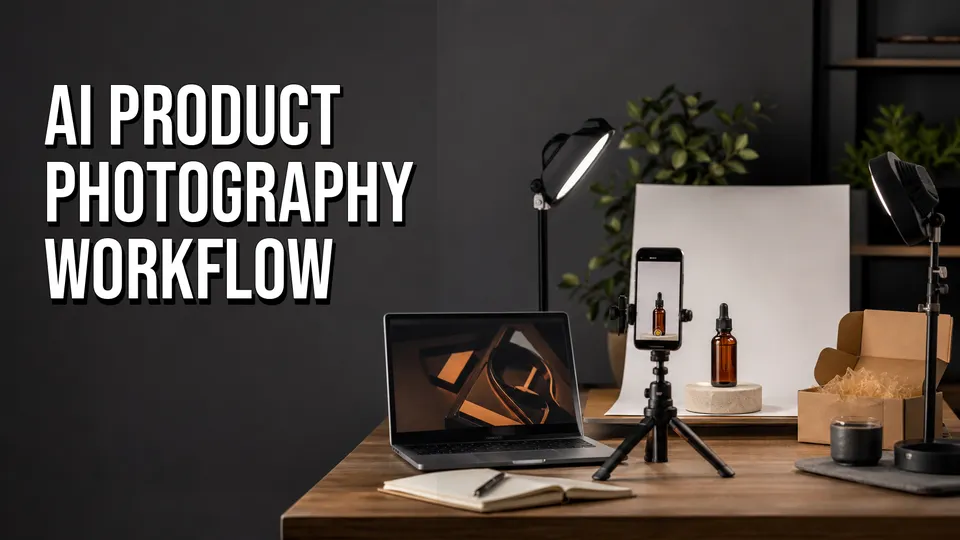
Workflow map
| Source photo | Capture the real product clearly. |
|---|---|
| Generate | Create controlled variations for one channel. |
| Review | Reject outputs that change shape, color, labels, texture, or scale. |
| Export | Match the crop and file to Shopify, Etsy, Amazon, ads, or social. |
| Test | Compare performance without misleading the buyer. |
Affiliate disclosure: This page may include affiliate links. I may earn a commission if you buy through them, at no extra cost to you.
Test Rewarx for this workflow
If you want to try this process with an AI product photography tool, Rewarx is a good first test for product-photo drafts, background variations, model-style shots, ghost mannequin images, and marketplace visuals.
Check RewarxStep 1: Shoot A Clean Source Photo
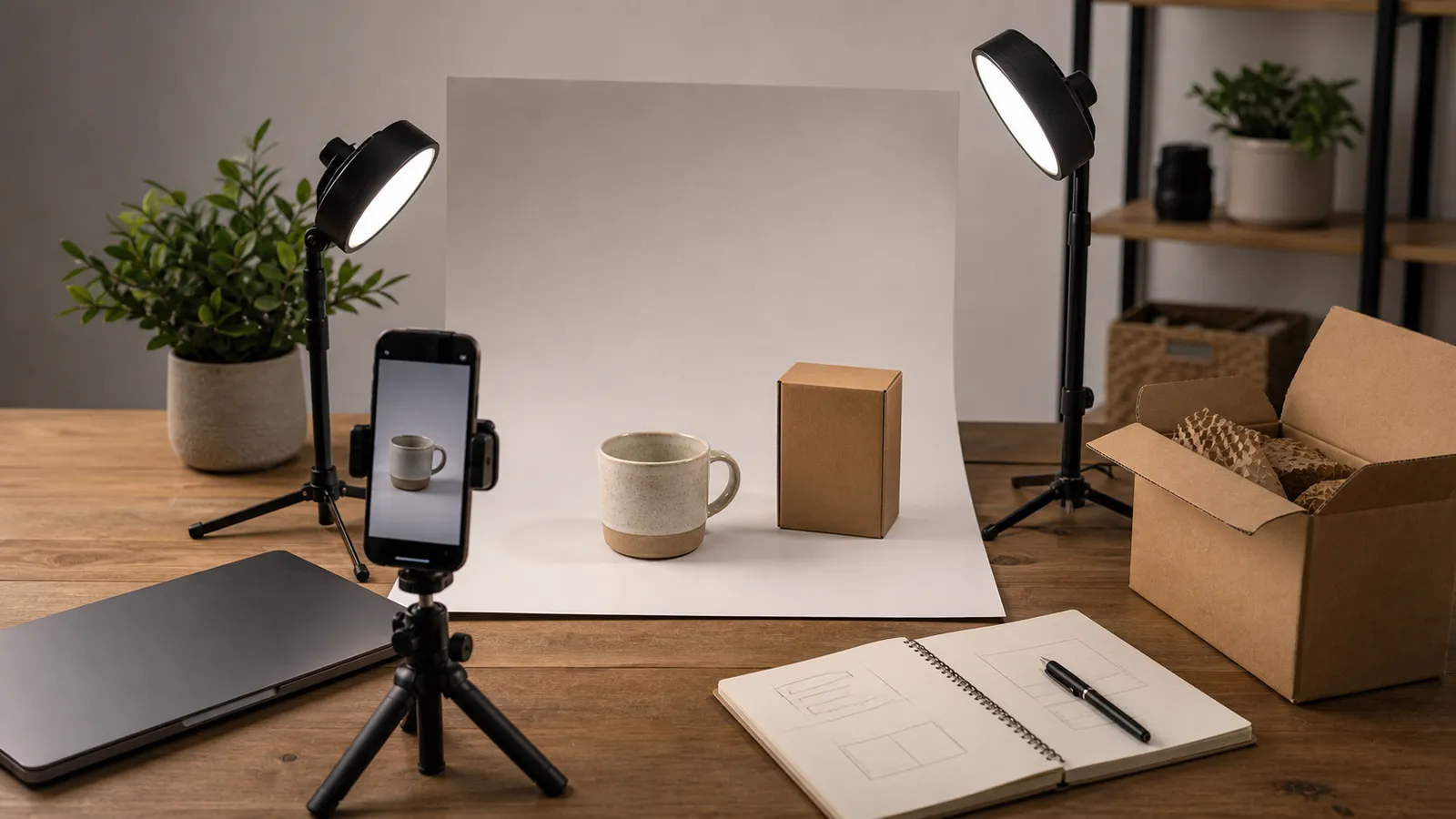
Start with a clean background, soft light, a stable phone or camera, and the product shown without clutter. The source image should show real shape, color, packaging, and texture.
Step 2: Decide The Job Before Generating
Pick the destination first: product page, marketplace listing, paid social ad, email campaign, product launch page, or organic social post. Each image has a different job.
Step 3: Generate A Small Batch
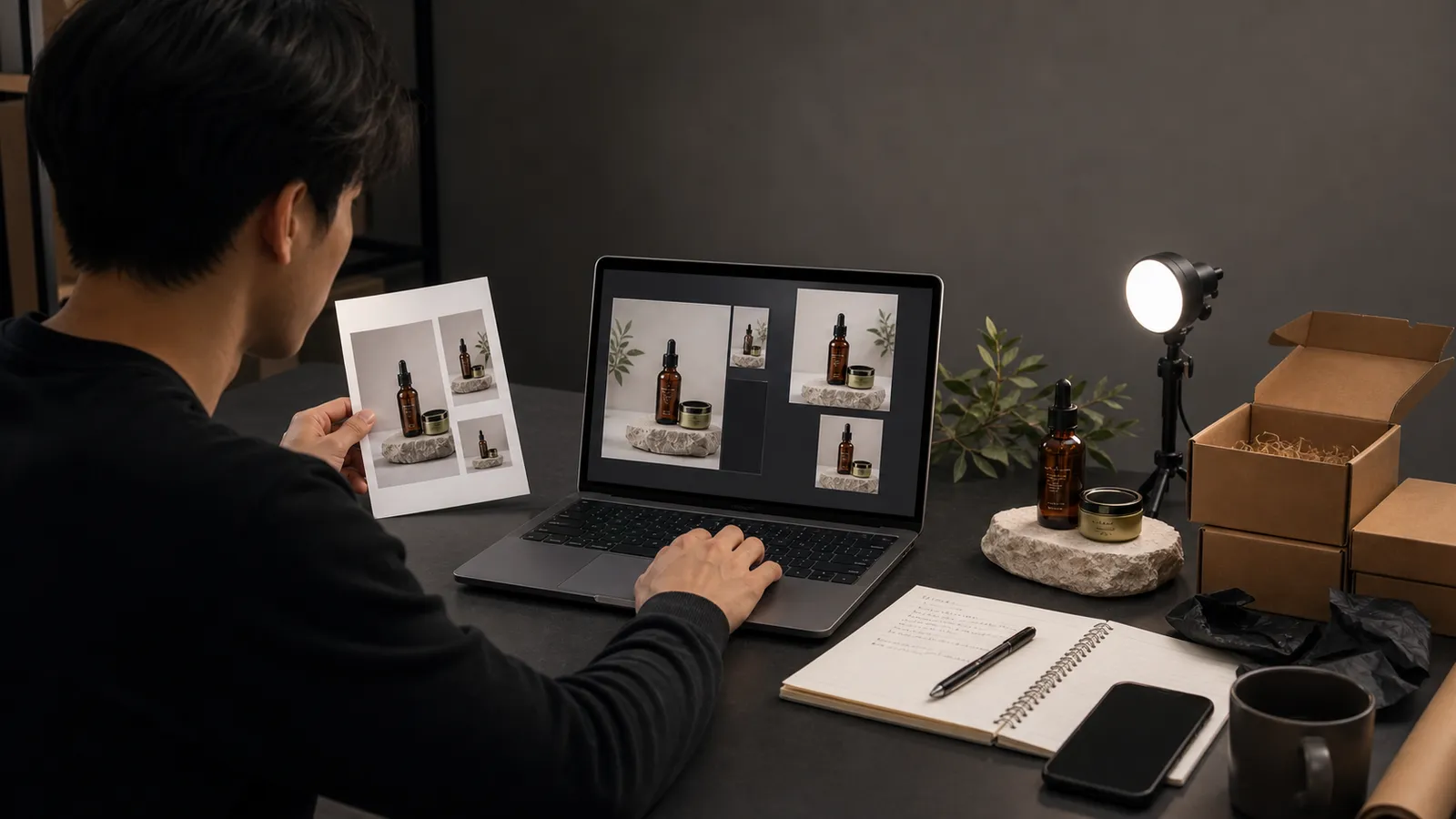
Use a tool like Rewarx to create a narrow set of controlled options. Small batches are easier to review than huge galleries.
Step 4: Compare Against The Real Product
Check shape, proportions, color, label placement, material texture, included accessories, shadows, scale, and packaging details. Reject anything materially different.
Step 5: Export And Test
Product-page images, marketplace thumbnails, email heroes, and vertical social ads need different safe areas. Track whether new images improve conversion without confusing buyers.
FAQ
Can I use AI product photos on Shopify?
Yes, but review every image for product accuracy and crop fit before publishing. Shopify product pages need trust, so use AI to support the image set rather than to misrepresent the product.
Can I use AI product photos on Etsy?
AI can help with staging and backgrounds, but handmade items need extra care. Do not use images that change texture, color, scale, material finish, or the handmade character of the item.
Can I use AI product photos on Amazon?
Check current Amazon image requirements first, especially for main images. AI can be useful for secondary lifestyle images and ad creative, but accuracy and compliance matter.
What is the biggest risk with AI product photography?
The biggest risk is misrepresentation. An image can look professional while changing product shape, material, color, label, included accessories, or scale.
Which tool should I test first?
Rewarx is a strong first test for a broad AI product photography workflow. Compare PhotoRoom, Claid, Flair, and Pebblely depending on whether you need editing, automation, scene control, or simple backgrounds.
How many images should I generate in the first batch?
Generate a small batch of three to six options for one destination. Small batches make it easier to compare accuracy and avoid choosing the prettiest but least truthful image.
What source photo works best for AI product photography?
Use a clear image with simple lighting, visible product edges, accurate color, and minimal clutter. The AI needs enough truthful detail to preserve shape, texture, packaging, and scale.
How should I measure whether AI product photos worked?
Track product-page conversion, add-to-cart rate, marketplace clicks, saves, ad CTR, and buyer complaints or returns. A higher-click image is not a win if it creates confused buyers.

About the Author
Joseph Nilo has been working professionally in all aspects of audio and video production for over twenty years. His day-to-day work finds him working as a video editor, 2D and 3D motion graphics designer, voiceover artist and audio engineer, and colorist for corporate projects and feature films.