
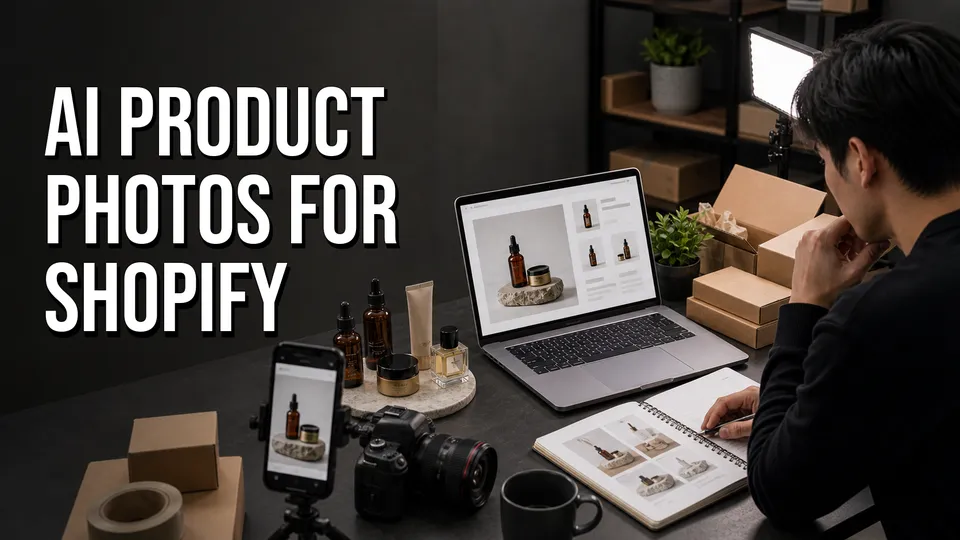
Shopify image set
| Hero image | Clean, accurate product view. |
|---|---|
| Detail images | Texture, scale, materials, packaging. |
| Lifestyle image | Context without changing buyer expectations. |
| Ad/social crops | Variants tested separately from product-page trust images. |
Affiliate disclosure: This page may include affiliate links. I may earn a commission if you buy through them, at no extra cost to you.
Test Rewarx for this workflow
Rewarx is worth testing for Shopify sellers who need product-page image sets, background variations, lifestyle concepts, and ad creative from a small source-photo workflow.
Check RewarxWhere AI Product Photos Fit In Shopify
Shopify sellers usually need more than one good image. A product page may need a clean hero, detail views, lifestyle context, variant images, and ad/social crops. AI product photography can speed up that image set if it starts from a truthful source photo.
Use Shopify Help Center guidance as the final source for current product media behavior, image uploads, and theme-specific display rules.
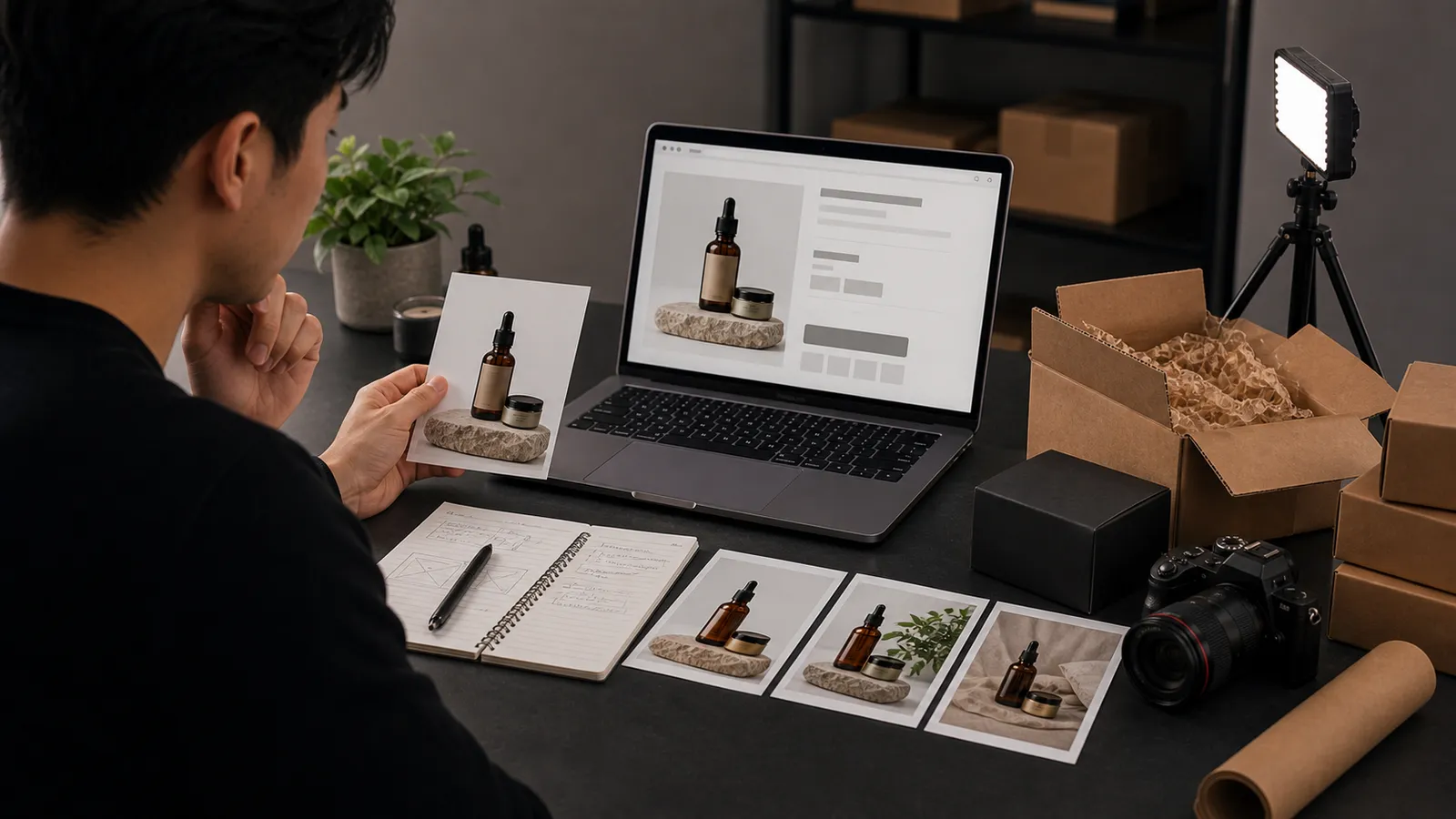
Build A Product-Page Image Set
Start with the main product image, then create detail, scale, lifestyle, and promotional variants. Do not let the AI make the product look more premium, larger, glossier, or more complete than what the customer receives.
Review Accuracy Before Publishing
Check product shape, color, label details, materials, reflections, included accessories, and crop safety. Shopify gives you control over the page, so use that control to keep trust images and ad images in the right places.
Tools To Compare
Test Rewarx first if you want a broad AI product studio. Compare PhotoRoom for editing, Claid for automated ecommerce processing, Flair for scene control, and Pebblely for simple background generation.
FAQ
Can Shopify sellers use AI product photos?
Yes, Shopify sellers can use AI product photos, but each image should be reviewed for accuracy before it represents a product for sale. The page should build buyer trust, not just look polished.
What Shopify image should I generate first?
Start with secondary lifestyle or ad variants before replacing the trust-critical hero image. This gives you a safer place to test AI output against real product expectations.
Which AI tool should Shopify sellers test first?
Rewarx is a strong first test for a broad AI product photo workflow. Compare alternatives based on whether you need editing, ecommerce processing, scene control, or simple backgrounds.
How many product images should a Shopify page have?
The right number depends on the product, but a strong set usually includes a clear hero image, detail images, scale/context images, lifestyle images, and variant-specific visuals where needed.
Can AI help with Shopify ad creative?
Yes. AI-generated product scenes can be useful for paid social, email, and launch creative. Keep those variants separate from core product-page trust images if they are more stylized.
What should I check before uploading AI images to Shopify?
Check product shape, labels, color, material texture, included accessories, image crop, mobile display, and whether the image matches what the customer receives.
Should Shopify sellers use AI for every product?
No. Start with products where photography is the bottleneck and where the AI can preserve product truth. Complicated labels, regulated goods, and texture-heavy products need extra caution.
How do I compare Rewarx with my current Shopify photos?
Use one product page and compare your current images against Rewarx output for clarity, accuracy, mobile crop, page trust, and whether the image improves buyer confidence.

About the Author
Joseph Nilo has been working professionally in all aspects of audio and video production for over twenty years. His day-to-day work finds him working as a video editor, 2D and 3D motion graphics designer, voiceover artist and audio engineer, and colorist for corporate projects and feature films.