
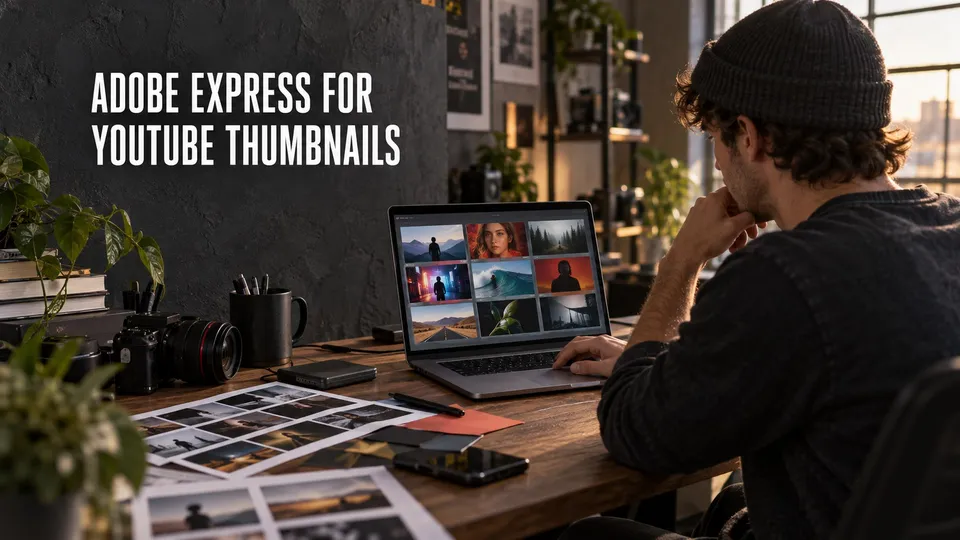
Adobe Express can make YouTube thumbnails quickly, but it is not automatically the best thumbnail tool for every channel. It shines when you need speed, brand consistency, and reusable layouts more than advanced compositing.
Before paying for template and brand features, compare the current Adobe Express price paths.
Updated July 8, 2026: Adobe Express plan names, free features, premium assets, Brand Kit access, generative AI credits, and checkout terms can change. Use this guide for workflow fit, then verify current Adobe checkout before subscribing.
Affiliate disclosure: This page contains affiliate links. I may earn a commission if you buy through them, at no extra cost to you.
Compare the Adobe plan before you decide
If you already use Creative Cloud, Adobe Express can become the fast thumbnail and social-asset layer that sits beside Premiere Pro and Photoshop.
Quick Answer
Adobe Express is good for YouTube thumbnails when you need templates, brand colors, simple cutouts, text treatment, and fast campaign variants. Photoshop is better when the thumbnail needs precise masking, heavy retouching, advanced compositing, or a custom visual style.
The best workflow is often Express for speed and Photoshop for the few thumbnails that need deeper work.
Why Express Works For Thumbnails
Adobe promotes Express as a free online YouTube thumbnail maker with templates, brand kits, and quick creation on desktop or mobile. That matches a real creator need: thumbnails are recurring production work, not one-off art projects.
A template system helps you keep a recognizable channel identity. It also makes it easier to delegate thumbnail drafts without giving someone a full Photoshop workflow.
A Practical Thumbnail Workflow
Start with the video promise, not the template. Decide what the viewer should understand in one glance: the problem, result, comparison, face, product, or moment.
Then use Express to build a few variants with the same brand colors, font system, and visual hierarchy. Export, preview at small size, and keep the version that still reads when it is tiny.
When Photoshop Is Better
Use Photoshop when the thumbnail depends on detailed selections, object cleanup, lighting fixes, compositing multiple photos, or a visual gag that needs precision.
Express is a layout and speed tool. Photoshop is the better craft tool when the image itself needs serious work.
Verdict
Adobe Express is good enough for many YouTube thumbnails, especially for education, tutorial, business, podcast, and creator channels that need consistency.
It is less ideal for channels where the thumbnail is a complex piece of image manipulation. In that case, use Express for supporting graphics and Photoshop for the final thumbnail.
Build A Thumbnail System
The real value of Adobe Express is not one nice thumbnail. It is a repeatable thumbnail system that keeps your channel recognizable while still letting each video have a clear hook.
Create a small set of reusable layouts: comparison, tutorial, reaction, product result, before-and-after, and list-style video. Then change the subject, image, color accent, and short phrase instead of starting from a blank canvas every time.
Preview each thumbnail at small size before publishing. If the face, object, promise, or contrast disappears when the image is tiny, the design is not ready no matter how good it looks full size.
FAQ
Is Adobe Express good for YouTube thumbnails?
Yes. Adobe Express is good for YouTube thumbnails when you need templates, brand consistency, fast layout, and simple image edits.
Is Adobe Express free for thumbnails?
Adobe describes the YouTube thumbnail maker as free to start. Some templates, brand features, or premium assets may depend on the current Adobe Express plan.
Should I use Adobe Express or Photoshop for thumbnails?
Use Adobe Express for speed and repeatable templates. Use Photoshop for advanced compositing, detailed selections, retouching, and more custom thumbnail designs.
About the Author
Joseph Nilo is a video producer and technical creator who writes practical software, creator-workflow, and post-production guides from hands-on production experience.

About the Author
Joseph Nilo has been working professionally in all aspects of audio and video production for over twenty years. His day-to-day work finds him working as a video editor, 2D and 3D motion graphics designer, voiceover artist and audio engineer, and colorist for corporate projects and feature films.