
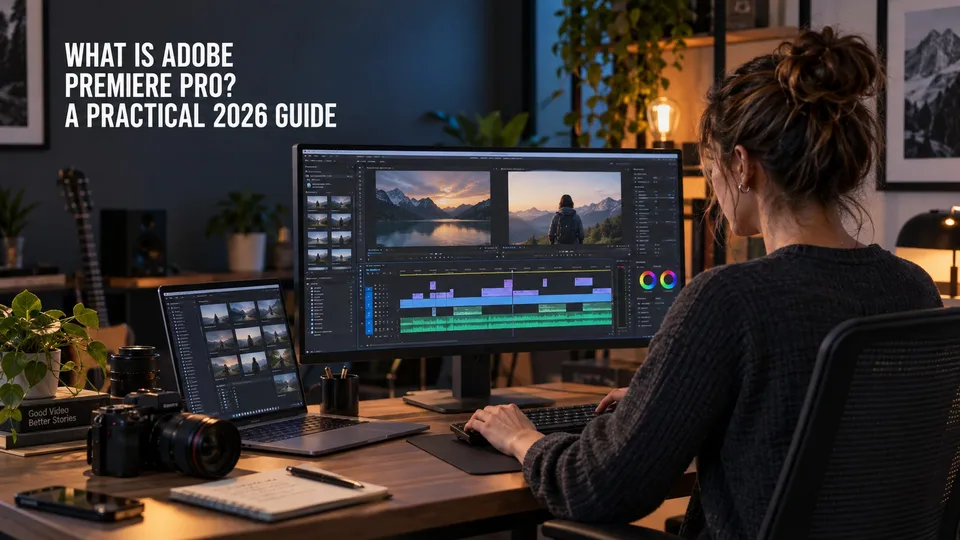
| Quick answer | Updated June 2026: Adobe Premiere Pro is Adobe's professional video editing app for cutting, organizing, color correcting, mixing, captioning, and exporting video projects on desktop, with Adobe now also positioning Premiere for iPhone in the plan bundle. |
|---|---|
| Best for | YouTube videos, client edits, documentaries, social campaigns, interviews, podcasts, multicam work, branded content, and professional post-production workflows. |
| Current cost | Adobe lists Premiere at US$22.99/month annual billed monthly for individuals, with a 7-day free trial, 100GB cloud storage, Adobe Express Premium, Frame.io for Creative Cloud, and 25 monthly generative credits. |
| Skip if | You only need quick template-based mobile edits or very simple social clips. Adobe Express or another lightweight editor may be faster. |
| Main rule | Use Premiere Pro when timeline control, audio, color, captions, effects, collaboration, and export quality matter. |
Adobe Premiere Pro is the Adobe app built for serious video editing.
It is where you assemble footage, shape pacing, clean up sound, adjust color, add titles, manage captions, and prepare the final export.
For creators and video professionals, Premiere Pro is usually the center of the Adobe video workflow. If you are comparing plans, read the dedicated Premiere Pro cost guide before buying.
This page may include affiliate links.
I only recommend software I would seriously evaluate for real creator or production workflows.
⭐⭐⭐⭐⭐
I pay for Adobe Creative Cloud and have used it every day in my 20-year career as a video editor, producer, and colorist.
Use the Adobe link below to check the current Creative Cloud offer. It can support this site and helps me keep these guides updated. Check current Adobe Creative Cloud offer.
Get Adobe Creative Cloud Now!
What Premiere Pro Does
Premiere Pro is a timeline-based non-linear editor. You import media, organize it into bins, build sequences, trim clips, layer audio and video, and export finished deliverables.
Adobe positions Premiere as a professional video editing app for desktop and iPhone plus cloud-connected workflows. Its strength is depth: it scales from short social edits to long-form production.
For 2026, Adobe release notes highlight practical editor improvements such as Object Masking refinements, Source Monitor audio and video waveforms, the Sequence Index panel, and improved offline-media reconnect logic.
Core Premiere Pro Workflows
- Editing: trim clips, build scenes, cut interviews, and shape pacing.
- Audio: clean dialogue, balance music, use Essential Sound, and send deeper work to Audition.
- Color: correct exposure, white balance, contrast, and creative looks with Lumetri Color.
- Graphics: add titles, captions, lower thirds, and motion templates.
- Export: deliver files directly or send batches to Media Encoder.
Premiere Pro vs. Other Adobe Apps
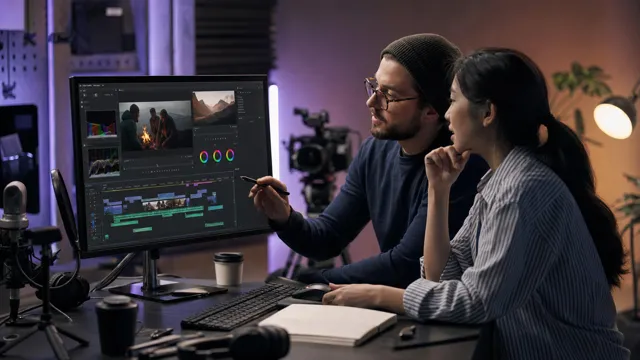
Premiere Pro is the editing hub, but it is not meant to do every post-production job alone. The best Adobe workflows use the right companion app at the right moment.
| Need | Use this app | Why |
|---|---|---|
| Timeline video editing | Premiere Pro | Best for cutting, pacing, audio, color, captions, and delivery. |
| Motion graphics | After Effects | Better for animation, compositing, and advanced visual effects. |
| Batch exports | Media Encoder | Better for queues, presets, and multiple deliverables. |
| Detailed audio cleanup | Audition | Better for repair, mixing, and audio-specific workflows. |
| Thumbnails and graphics | Photoshop or Illustrator | Better for still images, design assets, and vector elements. |
Who Should Use Premiere Pro?
Premiere Pro is a strong fit if video is part of your job, business, channel, or client work. It is especially useful when projects need revision control, reliable exports, audio cleanup, captions, and repeatable delivery settings.
It may be more than you need if you only cut occasional simple clips. The learning curve is real, but it pays off when your projects get larger.
Where to Go Next
New editors should read my Premiere Pro beginner guide. For exports, read my Media Encoder workflow guide and what Media Encoder does.
For official product details, use Adobe's Premiere Pro product page.
FAQ
What is Adobe Premiere Pro used for?
Premiere Pro is used for professional video editing, including timeline editing, audio, color, graphics, captions, review workflows, and export delivery.
How much does Adobe Premiere Pro cost in 2026?
Adobe lists Premiere at US$22.99/month for individuals on an annual plan billed monthly. Creative Cloud Pro is the broader multi-app option, and students should compare the student Creative Cloud Pro discount before buying.
Is Adobe Premiere Pro free?
Premiere is not a permanently free professional editor. Adobe currently lists a 7-day free trial for the full version of Premiere for desktop and iPhone.
Is Premiere Pro good for beginners?
Yes, if you are willing to learn the basics in order. Start with import, sequence setup, trimming, audio levels, captions, color basics, and export before trying advanced effects or multicam workflows.
Is Premiere Pro better than Adobe Express?
Premiere Pro is better for real timeline editing control, client work, color, audio, captions, and delivery. Adobe Express is faster for simple template-based social videos and lightweight marketing content.
What is new in Premiere Pro in 2026?
Adobe's 2026 desktop release notes include Object Masking refinements, Source Monitor audio and video waveforms, the Sequence Index panel, and improved offline-media reconnect logic.
Does Premiere Pro come with Creative Cloud?
Premiere is available as a single app and as part of Creative Cloud Pro. Adobe's current Premiere plan page also lists Adobe Express Premium, Frame.io for Creative Cloud, 100GB cloud storage, and 25 monthly generative credits with the single-app plan.

About the Author
Joseph Nilo has been working professionally in all aspects of audio and video production for over twenty years. His day-to-day work finds him working as a video editor, 2D and 3D motion graphics designer, voiceover artist and audio engineer, and colorist for corporate projects and feature films.
Video Editing Related Posts
Adobe Creative Cloud for Video Editing
Top 10 Video Editing Software for Mac
The Benefits of Dual-Monitor Setups for Video Editing
How to Choose the Right Video Editing Monitor for Your Needs
Best Monitors for Video Editing
(Almost) 50 Mistakes Every New Video Producer Makes
Breakthrough AI Tools: Elevate Your Video Production Game!
Find the Best Export Settings for YouTube Videos Now!
Your Guide on Where To Find Video Editor Remote Jobs
Adobe video workflow guides
Related Posts:
Adobe Creative Cloud What Is Series
Adobe Creative Cloud Pricing Explained
Adobe Creative Cloud Pricing and Plans - The Ultimate Resource
Best Adobe Creative Cloud Apps for Graphic Design
How to Install Adobe Creative Cloud on Mac
Adobe Creative Cloud for Photographers
Adobe Creative Cloud for Video Editing
How to Use Adobe Creative Cloud Libraries
Adobe Creative Cloud Subscription Discount
Adobe Creative Cloud Student Discount
Adobe creator and buying paths
Adobe Creative Cloud for Video Creators
Adobe Photography Plan vs Photoshop Single App
Best Adobe Creative Cloud Apps for YouTubers
Adobe Express for YouTube Thumbnails
Adobe Stock Licensing for YouTube and Client Work
Adobe app explainers and storage
What Is Adobe Photoshop Elements?
What Is Adobe Premiere Elements?
What Is Adobe Character Animator?
Adobe Rush migration paths
Premiere Rush Discontinuation FAQ