
Updated July 8, 2026. Adobe Express plan names, trial terms, premium assets, generative credits, storage, mobile features, and regional checkout terms can change, so confirm the live Adobe checkout before buying.
Quick answer
The Adobe Express price decision is mostly about whether the free plan is enough or whether Premium saves time on branded content. The free version is useful for quick social posts, simple graphics, basic templates, and lightweight creator work.
Adobe Express Premium is the plan to compare when templates, brand kits, premium assets, background removal, scheduled content, mobile publishing, and Firefly-powered creation become part of your regular workflow. If you already pay for Creative Cloud, check whether Express Premium is already included before buying it separately.
For current pricing, trials, and included features, check Adobe Express plans.
Affiliate disclosure: This page may include affiliate links. I may earn a commission if you buy through them, at no extra cost to you.
Adobe Express Price And Plan Paths
Adobe Express sits in a different buying lane from Photoshop, Illustrator, Premiere Pro, or InDesign. It is built for fast design, social graphics, short videos, brand-safe templates, quick edits, scheduling, and lightweight web/mobile publishing.
That makes the price decision practical: are you making occasional graphics, or are you publishing enough branded content that premium templates, brand controls, stock-style assets, Firefly generation, and scheduling save time every week?
- Free path: best for testing Express, quick social posts, basic templates, and occasional creator graphics.
- Premium path: best when brand kits, premium templates, background removal, scheduling, assets, and extra creation tools save time.
- Teams path: best when multiple people need shared brand controls, collaboration, and business workflow features.
- Creative Cloud path: best when Express is only one part of a larger Adobe workflow.
Best next step
Check current Express checkout
Adobe promotions, regional pricing, included credits, storage, and plan names can change. Use this guide to choose what to compare, then verify the current checkout before subscribing.
Compare current Express plansAdobe Express Free Vs Premium
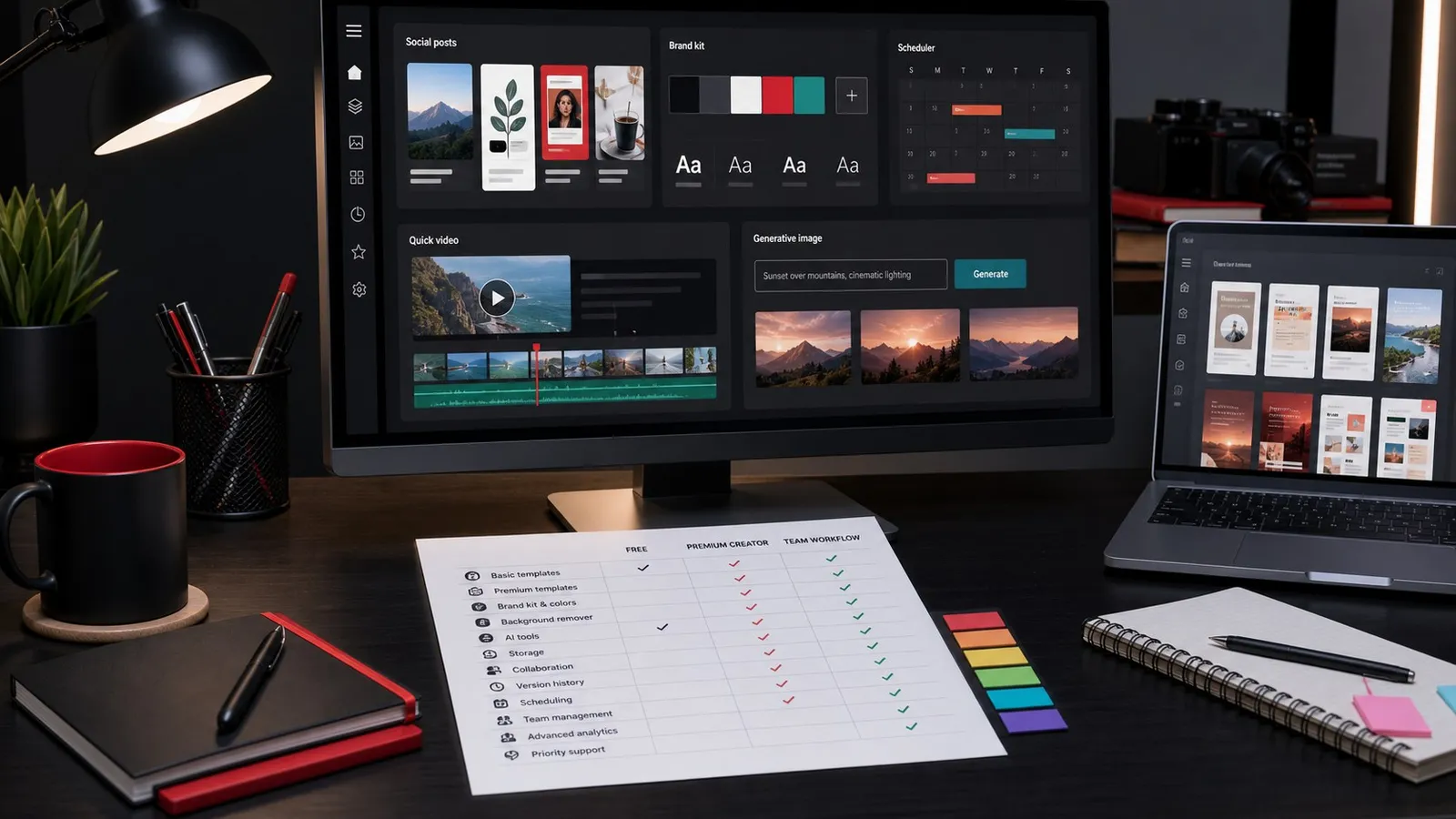
| Need | Free is enough when... | Premium is worth comparing when... |
|---|---|---|
| Social posts and thumbnails | You make occasional posts and can work within free templates. | You publish often and want faster template, resize, and brand workflows. |
| Brand kit | You can manually apply colors, fonts, logos, and layouts. | You need repeatable brand controls for yourself, clients, or a team. |
| Assets and templates | You only need free templates and your own media. | Premium templates, design assets, and integrated creative resources save time. |
| AI and Firefly workflows | You only test occasional generative features. | You use generation, edits, text effects, or fast creative exploration regularly. |
| Publishing workflow | You download designs manually when needed. | Scheduling and content planning are part of your workflow. |
| Best user | Casual creators, students, and occasional social posts. | Creators, small businesses, marketers, YouTubers, photographers, and freelancers. |
Related: compare Adobe Express vs Canva if you are choosing between quick-design platforms. For YouTube workflows, see Adobe Express for YouTube thumbnails.
When Adobe Express Premium Is Worth Paying For
Express Premium is easiest to justify when you create repeatable content: thumbnails, short social videos, channel graphics, client promos, simple ads, event graphics, podcast clips, and small business marketing assets.
It is less about one individual feature and more about workflow speed. If you spend time rebuilding the same layouts, resizing content for different platforms, removing backgrounds, hunting for matching templates, or keeping brand colors consistent, Premium may pay for itself in saved production time.
- YouTube creators: thumbnails, end-card graphics, Shorts covers, and quick channel promos.
- Photographers: mini portfolios, social promos, service menus, and client announcements.
- Small businesses: branded posts, flyers, menus, sale graphics, and simple web content.
- Freelancers: quick client deliverables that do not justify a full Photoshop or Illustrator workflow.
What If You Already Have Creative Cloud?
Before buying Express separately, check your Adobe account. Some Creative Cloud paths include Express Premium or make Express part of a broader bundle. If you already pay for Photoshop, Illustrator, Premiere Pro, Lightroom, or Acrobat Pro, the better value may be a broader Creative Cloud plan rather than a separate Express subscription.
Acrobat Studio currently combines Acrobat Pro, AI Assistant, PDF Spaces, and Express Premium. Use the Acrobat Pro vs Acrobat Studio comparison to check whether that document-first bundle duplicates or improves your current Adobe plan.
For the broader Adobe decision, compare current Creative Cloud plans, then read the Creative Cloud price guide.
Avoid paying twice
Check your current Adobe account first
If Express Premium is already included with your Adobe plan, use that before adding another subscription. If it is not included, compare standalone Express pricing against Creative Cloud.
Check Adobe ExpressAdobe Express Alternatives To Consider
Express is strongest when you want quick branded content inside the Adobe ecosystem. It is not always the best tool if your work is mostly complex photo compositing, vector illustration, advanced page layout, or long-form video editing.
| Alternative path | Better fit when... | Tradeoff |
|---|---|---|
| Canva | You want a broad template library and team-friendly social design workflow. | Less connected to Adobe desktop apps and Creative Cloud assets. |
| Photoshop | You need advanced image editing, compositing, retouching, and precise control. | Slower for simple social templates and quick campaign resizing. |
| Illustrator | You need logos, vector art, icons, and precise illustration work. | Not as fast for template-first social production. |
| Premiere Pro | You need real timeline editing, audio, color, captions, and client video delivery. | Too heavy for simple social graphics and lightweight promos. |
Official Sources Checked
Use Adobe's official pages for current plan names, checkout terms, trial rules, included features, storage, credits, and regional availability. Commercial Adobe links on this page route through affiliate tracking where available.
- Adobe Express plans and pricing
- Adobe Express product page
- Adobe Creative Cloud plans
- Adobe generative credits FAQ
FAQ
Is Adobe Express free?
Adobe Express has a free path, but the exact included templates, assets, credits, and export options can change. Check Adobe's live plan table before relying on a specific free feature.
Is Adobe Express Premium worth it?
Express Premium is worth comparing if you publish branded content often, need premium templates/assets, use brand kits, remove backgrounds, schedule posts, or want more Adobe-connected creator tools.
Is Adobe Express included with Creative Cloud?
It depends on the plan. Some Adobe plans may include Express Premium or related features. Check your Adobe account and current Creative Cloud plan details before paying for Express separately.
Should I buy Adobe Express or Canva?
Choose Express if you want quick social design inside the Adobe ecosystem. Compare Canva if your main need is a broad template-first design platform with team collaboration. See the full Adobe Express vs Canva comparison.

About the Author
Joseph Nilo has been working professionally in all aspects of audio and video production for over twenty years. His day-to-day work finds him working as a video editor, 2D and 3D motion graphics designer, voiceover artist and audio engineer, and colorist for corporate projects and feature films.