Overview
Envato Elements Review
Start here for the broad pros, cons, buyer fit, and practical value of the subscription.
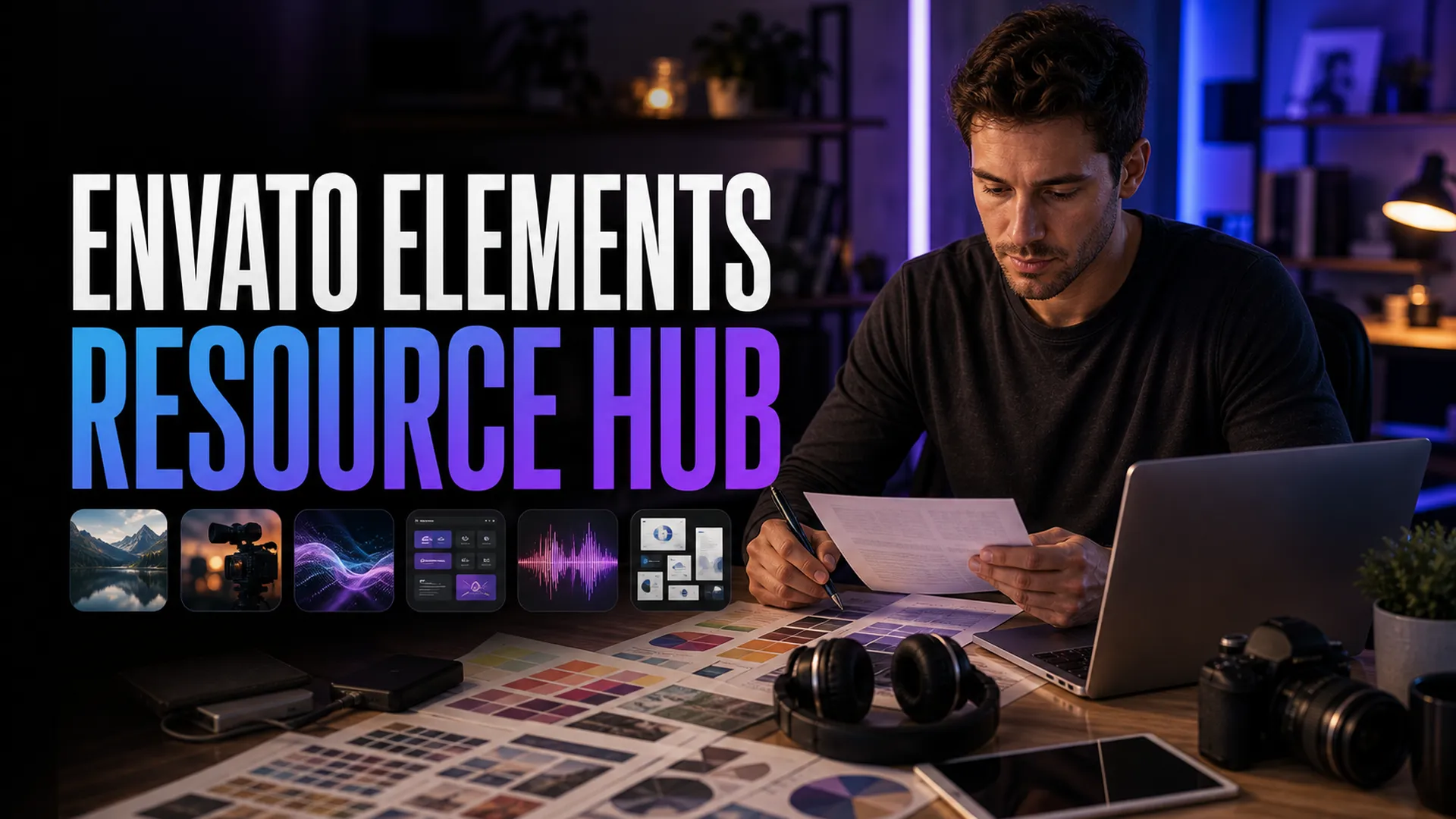
Use this hub to choose the right Envato Elements guide by intent: pricing, licensing, student discounts, design workflows, YouTube production, education, and comparisons.
Envato Elements is strongest when one subscription supports repeated creative output across video, design, presentations, music, photos, graphics, and web assets.
Affiliate disclosure: This page contains affiliate links. I may earn a commission if you buy through them, at no extra cost to you.
These are the decision pages to read before you subscribe, renew, or compare Envato against another asset library. For a stock-focused budget comparison, see Vecteezy vs Envato Elements.
Start here for the broad pros, cons, buyer fit, and practical value of the subscription.
Use this before subscribing to judge plan value, renewal logic, and whether your asset volume justifies it.
Project registration, cancellation, Fair Use, client work, and what not to do with downloaded assets.
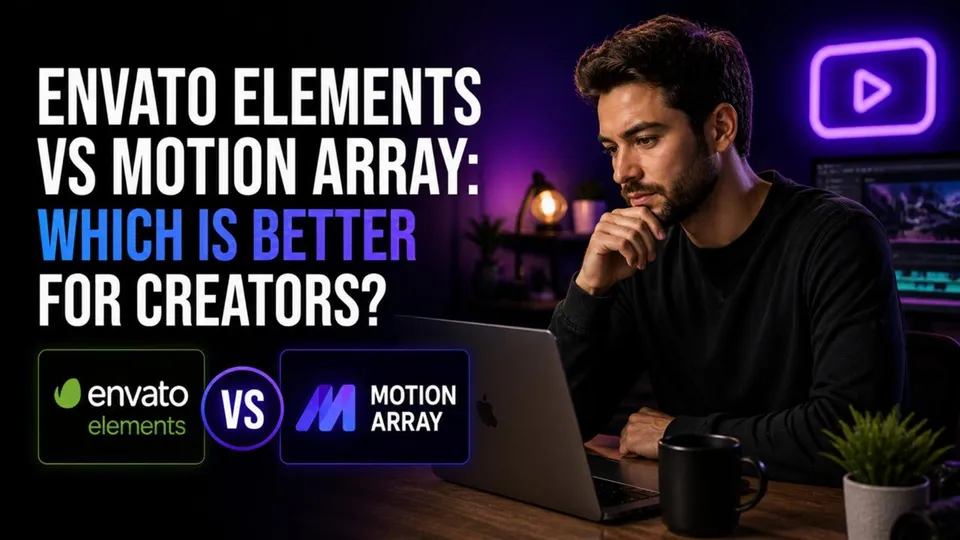
A creator comparison for video editors deciding between broad creative assets and video-first workflows.
Pick the guide closest to the way you actually create: design, YouTube, business content, or faceless video production.
Mockups, fonts, brand systems, presentation assets, and client-delivery workflows.
Templates, music, b-roll, graphics, thumbnails, channel kits, and weekly upload workflows.
A practical business-use guide for marketing teams, content systems, and recurring brand production.
A workflow guide for using stock video, templates, music, and graphics without appearing on camera.
Use these pages for classroom assets, lesson decks, student projects, and education discount questions.

Teacher and student workflows, classroom fit, project-based licensing cautions, and education use cases.
Current student plan guidance, eligibility, verification, discount wording, and what the plan includes.

Student presentations, creative projects, portfolios, and polished class deliverables.
A teacher-focused workflow for lesson decks, handouts, presentation visuals, and classroom media.
Use these when you are deciding whether Envato is the right library or whether a narrower tool fits better.
A broader comparison page for evaluating alternatives before committing to a subscription.
Best when your decision is specifically between broad creator assets and a video-production library.
Quick answers for the most common subscription, licensing, and workflow decisions.
Start with the Envato Elements review if you are deciding whether the subscription fits you. Use the pricing guide if the decision is mostly about cost, and use the license guide before client, education, or commercial work.
Usually, Envato Elements is strongest when you need repeated downloads across several projects. If you only need one asset, compare the subscription against a one-off marketplace purchase before subscribing.
Yes, but each downloaded item should be registered to the specific project where it is used. The license guide explains the practical client-work rules and the mistakes to avoid.
Registered uses remain covered for the project they were licensed to, but you should not use downloaded items in new projects after the subscription ends unless you renew and register the item again.
Use the YouTubers guide for channel assets and video workflows, the education guides for lesson decks and student projects, and the designers guide for mockups, brand systems, and client deliverables.
Envato Elements can be a strong subscription when it supports repeated creative output across multiple asset categories. If you only need one asset, compare the subscription cost against a one-off marketplace purchase before subscribing.