
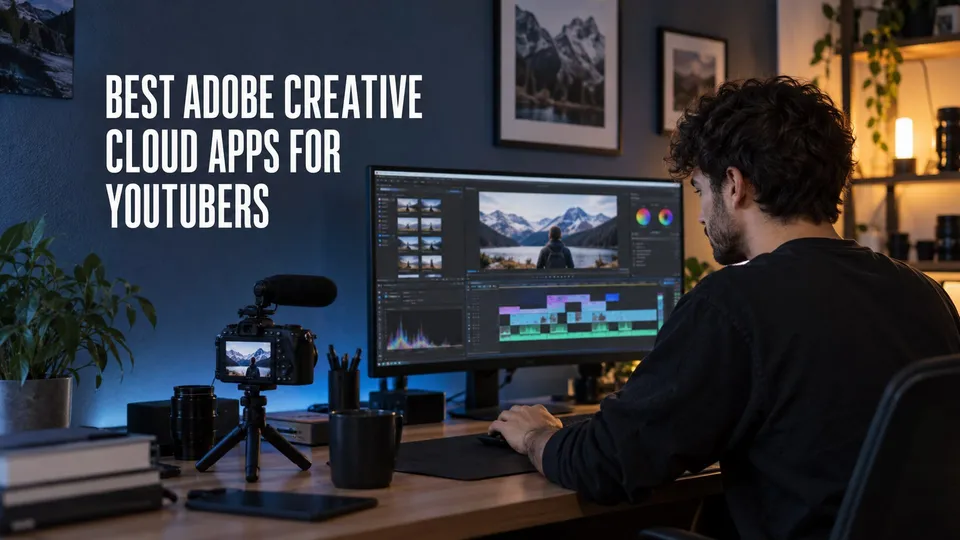
You do not need every Adobe app to run a YouTube channel. You need the few that remove friction from shooting, editing, packaging, publishing, and reusing your videos.
Creator audio note: YouTubers who care about narration, podcasts, or interview cleanup should check the Adobe Audition price guide before picking an Adobe plan.
Creator audio workflow: For YouTube narration, interviews, and podcast-style episodes, see the Adobe Audition podcast and voiceover workflow for a practical cleanup and export process.
Updated June 2026: Adobe lists Premiere Pro and Photoshop single-app plans at US$22.99/month, Photography (1TB) at US$19.99/month, and Creative Cloud Pro at US$69.99/month before limited promotions. For YouTubers, that makes the bundle easiest to justify only when multiple Adobe apps solve weekly production problems.
Compare the Adobe plan before you decide
Creative Cloud is most compelling for YouTubers when more than one Adobe app solves a real weekly problem, not when it becomes a folder of apps you never open.
Affiliate disclosure: This page contains affiliate links. I may earn a commission if you buy through them, at no extra cost to you.
Quick Answer
For most YouTubers, the core Adobe stack is Premiere Pro, Photoshop or Adobe Express, Audition, and optionally After Effects. Adobe Stock and Lightroom become useful when your channel depends on polished visuals, b-roll, product photos, or consistent brand assets.
Start with the workflow you repeat every week: edit the video, clean the audio, build the thumbnail, make the short clip, publish the asset, then archive the project. Choose apps around that loop.
Premiere Pro
Premiere Pro is the center of the Adobe YouTube workflow. It handles long-form edits, interviews, multicam, captions, vertical cuts, exports, and handoff to other Adobe tools.
It is overkill for a creator who only trims phone clips. It is a good fit when your channel is becoming a repeatable production system.
Photoshop And Adobe Express
Photoshop is still the deeper thumbnail and image-compositing tool. Adobe Express is faster for templates, social graphics, simple thumbnails, brand kits, and quick promotional variants.
Many YouTubers can use both: Photoshop for the important hero thumbnail and Express for episode promos, community posts, Shorts covers, and simple campaign assets.
Audition And After Effects
Audition is useful when audio cleanup matters: noisy rooms, podcast clips, voiceover polish, and reusable processing chains. Premiere has audio tools, but Audition gives you more focused control.
After Effects is the app to add when motion graphics become part of the channel identity. Lower thirds, intro systems, title animations, map callouts, and product explainers all benefit from a dedicated motion workflow.
The Best Stack For Most Channels
A practical YouTube stack is Premiere Pro for edits, Adobe Express or Photoshop for thumbnails, Audition for audio polish, and Adobe Stock when you need licensed assets. Add After Effects only when motion graphics are part of the channel, not because you feel obligated.
That keeps Creative Cloud tied to outcomes instead of app collecting.
Suggested Adobe Stacks By Channel Type
A tutorial channel usually needs Premiere Pro, Adobe Express or Photoshop, and Audition. The edit must be clear, the thumbnail must explain the lesson quickly, and the voice track has to stay clean.
A product-review channel may add Lightroom and Adobe Stock. Lightroom helps with product photos and thumbnail source images, while Adobe Stock can fill gaps for abstract backgrounds, b-roll, and visual metaphors.
A documentary or essay channel is more likely to need After Effects, Audition, and stock assets. Motion graphics, maps, lower thirds, archival images, and music beds become part of the editorial language.
A Shorts-heavy channel may use Premiere Pro for controlled vertical edits and Adobe Express for fast visual packaging. The goal is repeatable output without rebuilding the whole design system for every clip.
Match the plan to the channel stack
Use the app stack that fits the channel you actually run, then compare the current Creative Cloud plans before choosing the broader bundle.
FAQ
Do YouTubers need all Adobe Creative Cloud apps?
No. Most YouTubers only need a small set: Premiere Pro, Photoshop or Adobe Express, Audition, and sometimes After Effects or Adobe Stock.
Is Adobe Express enough for YouTube thumbnails?
Adobe Express can be enough for simple branded thumbnails and fast templates. Photoshop is better for detailed compositing and more advanced thumbnail work.
Is Creative Cloud worth it for YouTubers?
Creative Cloud is worth considering when you use multiple Adobe apps every week. If you only need one editor, compare the single-app plan or a non-Adobe editor first.
About the Author
Joseph Nilo is a video producer and technical creator who writes practical software, creator-workflow, and post-production guides from hands-on production experience.