
Last checked July 8, 2026 against Adobe Audition product and HelpX documentation.
Before subscribing: Pair this workflow with the Adobe Audition price guide so you can compare the app-focused path against broader Creative Cloud options.
Quick answer
Adobe Audition is a strong fit for podcast and voiceover editing when audio cleanup, multitrack organization, loudness, repair, and export consistency matter. It is less compelling if you only need a quick one-clip trim or a music-production DAW.
For creators already using Premiere Pro or Creative Cloud, Audition makes the most sense as the dedicated audio finishing app: record cleanly, edit dialogue, remove noise carefully, mix levels, then export reliable WAV or MP3 deliverables. For a faster browser-first option, compare Adobe Podcast vs Adobe Audition.
Affiliate disclosure: This page may include affiliate links. I may earn a commission if you buy through them, at no extra cost to you.
Where Audition Fits Best
Adobe describes Audition as an audio workstation with multitrack, waveform, and spectral display tools for recording, mixing, editing, and restoring audio. That maps well to podcasts, voiceover, dialogue cleanup, video post-production, and sound finishing.
It is especially useful when the audio has to survive real publishing pressure: client revisions, loudness expectations, background noise, mouth clicks, inconsistent voice levels, remote interviews, or multiple export formats.
Affiliate disclosure: This link may earn a commission if you buy through it.
Best next step
If podcast or voiceover cleanup is part of your Adobe workflow, compare the current Audition and Creative Cloud plan options before buying.
Check current Adobe plansA Practical Podcast And Voiceover Workflow
For most podcast and voiceover jobs, I would use Audition in a controlled sequence instead of randomly stacking effects.
- Record or import clean source audio. Start with mic placement, input gain, headphones, and a quiet room. Software cleanup cannot fully rescue a bad recording chain.
- Organize the session. Separate host, guest, music, intro/outro, ads, room tone, and pickups into tracks or labeled clips.
- Edit content first. Remove false starts, long pauses, repeated lines, and obvious mistakes before heavy processing.
- Clean carefully. Use noise reduction, repair tools, EQ, compression, and de-essing in small moves so the voice stays natural.
- Balance loudness. Match voice levels and check the final loudness target required by the destination.
- Export deliverables. Save archival WAV files when needed, then export MP3 or compressed delivery files for publishing.
Voice Cleanup And Repair
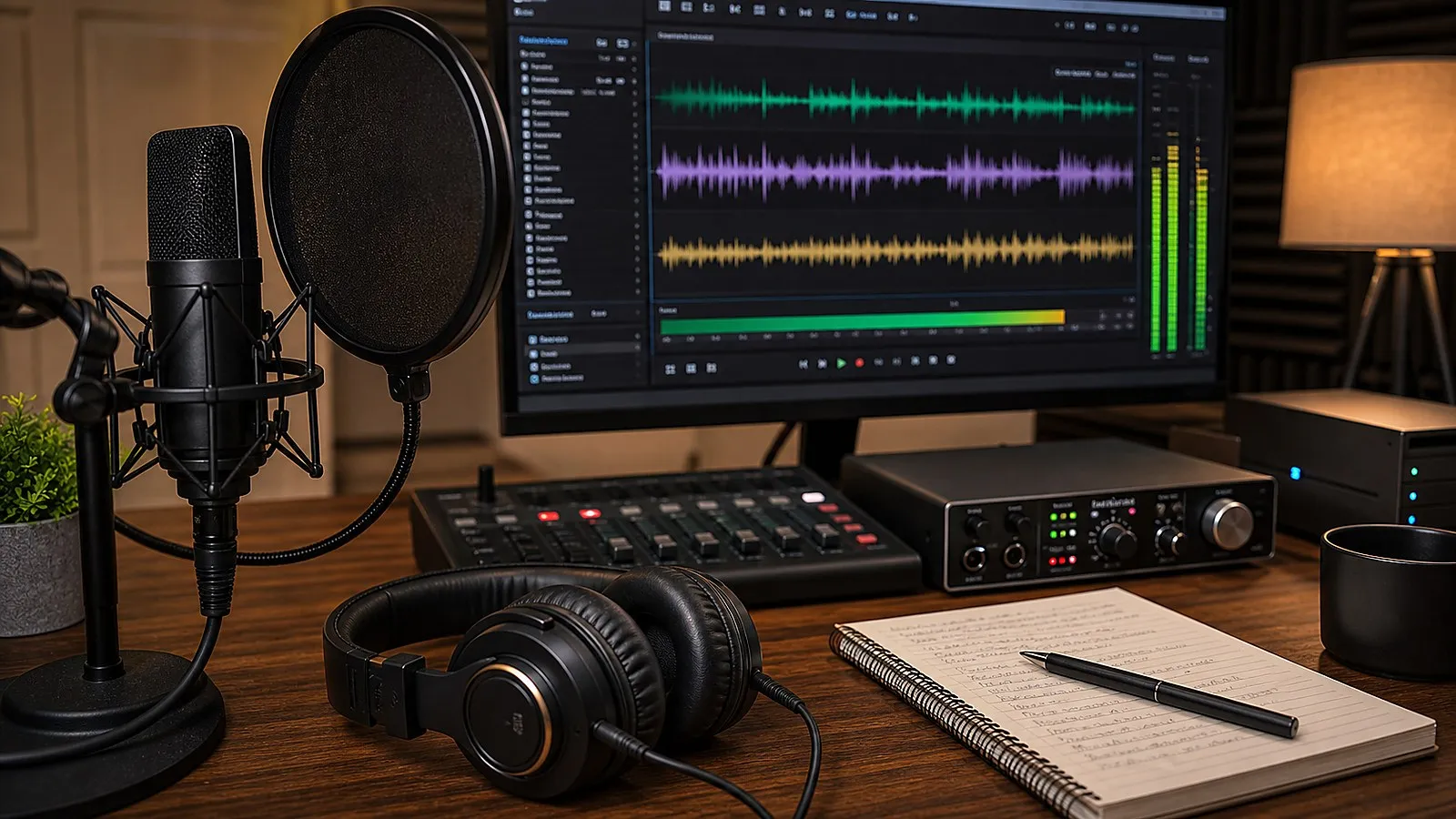
Audition's strength is not just that it can record audio. The reason to choose it over a simple editor is the cleanup and restoration workflow: waveform editing, spectral repair, Essential Sound, noise reduction, amplitude/compression, EQ, loudness matching, and export tools.
The caution is restraint. Over-processing a voice can sound worse than leaving a small imperfection. For paid voiceover, podcast intros, e-learning, and narration, save a clean original, make a working copy, and process in stages you can undo.
When Premiere Pro Is Enough
If the audio is part of a simple video edit, Premiere Pro may be enough. Its Essential Sound workflow can handle basic dialogue improvement, volume control, and common video-audio fixes.
Move into Audition when you need more precise waveform/spectral editing, multitrack podcast cleanup, long-form dialogue editing, detailed noise repair, or repeatable voice processing outside the video timeline.
Audition Alternatives To Compare
Audition is not the only sensible choice. Compare it against the actual job:
| Option | Best fit | Tradeoff |
|---|---|---|
| Premiere Pro audio tools | Simple video dialogue cleanup | Less detailed audio editing than Audition |
| Audacity | Free basic recording and editing | Less integrated with Adobe video workflows |
| Logic Pro | Music, podcasts, voice recording on Mac | Not part of Creative Cloud or Premiere workflow |
| Reaper | Flexible DAW-style production | More setup decisions and less Adobe integration |
| Pro Tools | Professional studio/post workflows | Different ecosystem and pricing model |
If your work is mostly voice cleanup tied to Premiere, After Effects, or client video delivery, Audition's Adobe integration can matter more than the raw feature checklist.
Official Sources Checked
- Adobe Audition product page
- Adobe Audition release notes
- Adobe Audition system requirements
- Recording audio in Audition
- Essential Sound panel in Audition
Adobe Audition Podcast And Voiceover FAQ
Is Adobe Audition good for podcast editing?
Yes. Audition is a strong podcast editor when you need multitrack editing, dialogue cleanup, loudness control, repair tools, and repeatable export settings.
Is Adobe Audition good for voiceover?
Yes, especially for voiceover cleanup, punch-in recording, noise reduction, compression, EQ, and preparing WAV or MP3 deliverables for video, e-learning, ads, or podcast production.
Do I need Audition if I already use Premiere Pro?
Not always. Premiere can handle basic audio work, but Audition is better when dialogue cleanup, long-form podcast editing, detailed waveform work, spectral repair, or reusable audio processing chains matter.
Can Audition replace a music DAW?
Audition is best for audio editing, cleanup, restoration, podcasting, voiceover, and post-production. For MIDI-heavy music production, Logic Pro, Ableton Live, Pro Tools, or other music-focused DAWs may fit better.
What should I check before buying Audition?
Check your current Creative Cloud plan, recording hardware, operating system support, plugin needs, loudness/export requirements, and whether your workflow really needs Audition beyond Premiere or a simpler editor.

About the Author
Joseph Nilo has been working professionally in all aspects of audio and video production for over twenty years. His day-to-day work finds him working as a video editor, 2D and 3D motion graphics designer, voiceover artist and audio engineer, and colorist for corporate projects and feature films.