
Updated July 8, 2026. Adobe plan names, prices, promotions, and regional availability can change, so use Adobe's checkout as the source of truth before buying.
Quick answer
The Adobe Audition price question is really a plan-fit question: do you only need a dedicated audio editor, or do you also need Premiere Pro, After Effects, Photoshop, Media Encoder, and the rest of Creative Cloud?
For podcast, voiceover, dialogue cleanup, and video post-production, Audition is most compelling when it saves enough editing time to justify a paid Adobe workflow. If you only trim occasional clips, a lighter audio editor may be enough.
Affiliate disclosure: This page may include affiliate links. I may earn a commission if you buy through them, at no extra cost to you.
Adobe Audition Price And Plan Paths
Do not judge Audition only by the monthly number you see on a checkout screen. The better question is whether Audition is the only Adobe app you need, or whether it belongs inside a broader production workflow.
Most creators should compare these paths:
- Audition-focused path: best when audio editing, voiceover cleanup, podcast production, and dialogue repair are the main reason you are buying.
- Creative Cloud path: better when Audition supports video editing, motion graphics, Photoshop work, Adobe Stock, Media Encoder, or cross-app client deliverables.
- Non-Adobe path: reasonable when you only need simple cuts, basic noise reduction, or a low-cost audio editor with no Adobe workflow attached.
Affiliate disclosure: This link may earn a commission if you buy through it.
Best next step
Compare Adobe's current Audition and Creative Cloud plan options before choosing the cheapest-looking path.
Check current Adobe plansAudition Alone Vs Creative Cloud
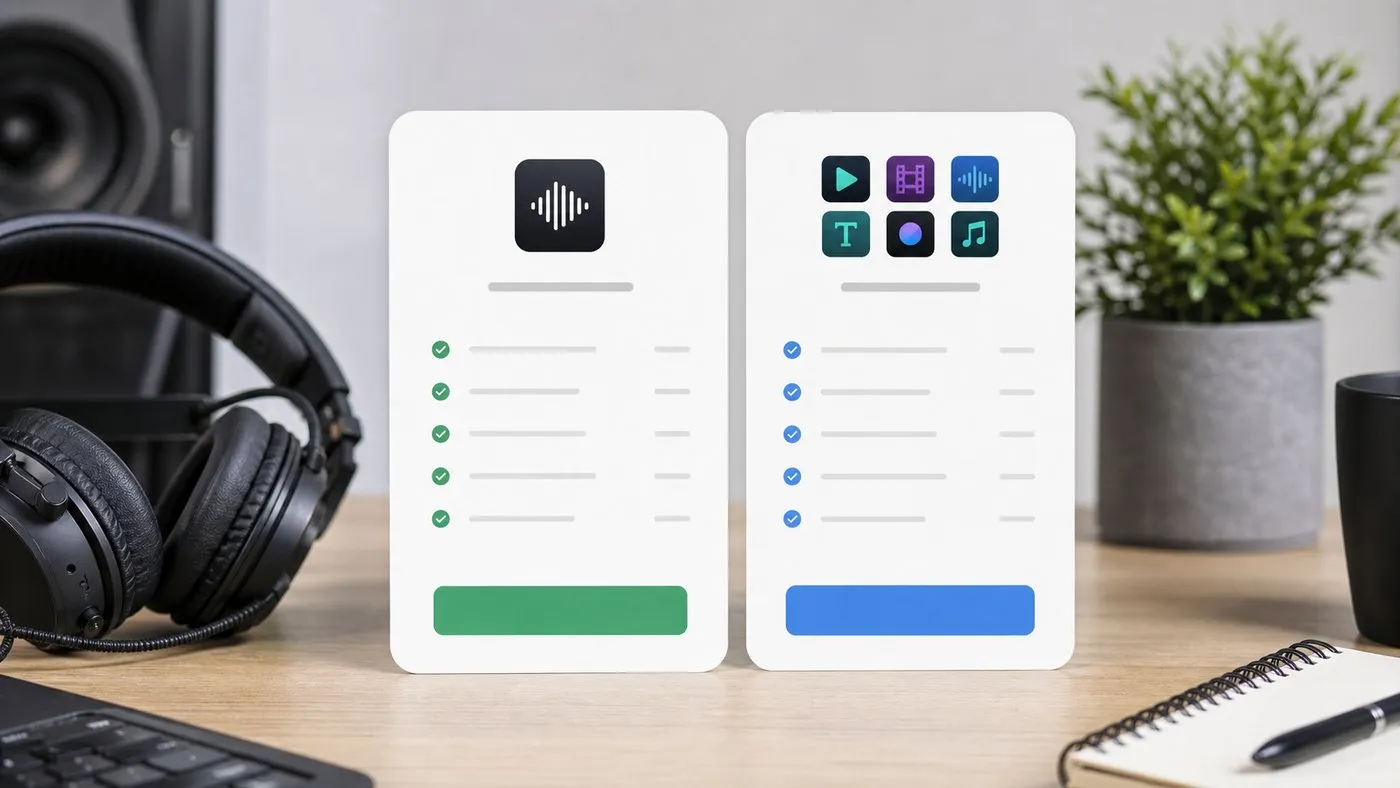
If Audition is the only Adobe app you will open every week, a narrower app-focused plan may be the cleanest starting point. If audio is part of video production, YouTube publishing, client post-production, or branded content work, Creative Cloud often deserves a closer look.
| Choice | Best fit | Watch closely |
|---|---|---|
| Audition-focused purchase | Podcasters, voiceover editors, dialogue cleanup work, and creators who need one serious audio editor. | Whether you will soon need Premiere Pro, After Effects, Media Encoder, Photoshop, or Adobe Stock. |
| Creative Cloud plan | Video editors, YouTubers, production teams, and freelancers who move between audio, video, graphics, and exports. | Higher total cost if you do not actually use the broader app bundle. |
| Alternative audio editor | Simple trimming, hobby edits, basic cleanup, or users who prefer a traditional DAW/audio tool outside Adobe. | Missing Adobe workflow integration and extra steps when handing off to Premiere or client video projects. |
Related: If your audio work is tied to video editing, read Adobe Creative Cloud for video editing and my Adobe Audition podcast and voiceover workflow before choosing a plan.
When Audition Is Worth Paying For
Audition makes the most sense when the audio work is repeatable and important enough to need a controlled workflow. That includes podcast editing, voiceover cleanup, video dialogue repair, client review revisions, and consistent exports.
It is not just about having more effects. The value is in the combination of waveform editing, multitrack sessions, repair tools, loudness control, batchable habits, and a workflow that can sit next to Premiere Pro when needed.
- Podcast editors: use it for dialogue cleanup, music beds, intros, outros, ad inserts, room tone, and loudness checks.
- Voiceover artists: use it for pickup edits, breath control, mouth-click cleanup, noise reduction, and consistent delivery files.
- Video editors: use it when Premiere's built-in audio tools are not enough for a noisy interview, narration pass, or client polish job.
Affiliate disclosure: This link may earn a commission if you buy through it.
Check Audition directly
If you already know Audition is the app you need, start with Adobe's current Audition product page, then compare it against the broader plans page.
Check Adobe AuditionWhen Audition May Not Be Worth It
Audition is probably overkill if your audio work is occasional, short, and simple. If you only trim silence, normalize a one-off clip, or make basic edits for personal projects, a free or lower-cost audio editor may be enough.
It may also be the wrong tool if your real need is music production, MIDI composition, virtual instruments, or deep mixing in a DAW. Audition is strongest as an audio editor and post-production tool, not as a replacement for every music-production environment.
Alternatives To Compare Before Buying
Audition is not the only valid choice. The right alternative depends on whether you care more about cost, music production, AI transcript editing, or Adobe app integration.
- Audacity: a sensible free starting point for basic editing and simple cleanup.
- REAPER: a flexible DAW-style option for users who want a deeper audio production environment.
- Logic Pro: a strong Mac choice when music production is as important as spoken-word editing.
- Descript: useful when transcript-based podcast editing is more important than detailed waveform work.
If you already live in Premiere Pro, After Effects, and Adobe exports, Audition has a workflow advantage. If not, compare the total cost and learning curve before subscribing.
Official Sources To Check
Adobe pricing and plan details change more often than editing fundamentals, so I avoid hard-coding exact dollar amounts here. Check these official pages before you buy:
- Adobe Audition product page
- Adobe Creative Cloud plans
- Adobe Audition system requirements
- Adobe Audition release notes
FAQ
Is Adobe Audition free?
Audition is not something I would treat as a permanently free audio editor. Adobe may offer trials, promotions, or different regional purchase paths, but the live Adobe checkout should be your source of truth.
Is Audition worth it for podcast editing?
It can be worth it if you edit podcasts regularly and need cleanup, multitrack organization, loudness consistency, and export reliability. It is less compelling for occasional basic trims.
Should video editors buy Audition or Creative Cloud?
If your work already depends on Premiere Pro, After Effects, Media Encoder, or Photoshop, compare the broader Creative Cloud plan path before buying Audition alone.
What should I compare before subscribing?
Compare how often you will edit audio, whether you need Adobe app integration, how much client work the tool supports, and whether a free or DAW-style alternative is enough.

About the Author
Joseph Nilo has been working professionally in all aspects of audio and video production for over twenty years. His day-to-day work finds him working as a video editor, 2D and 3D motion graphics designer, voiceover artist and audio engineer, and colorist for corporate projects and feature films.