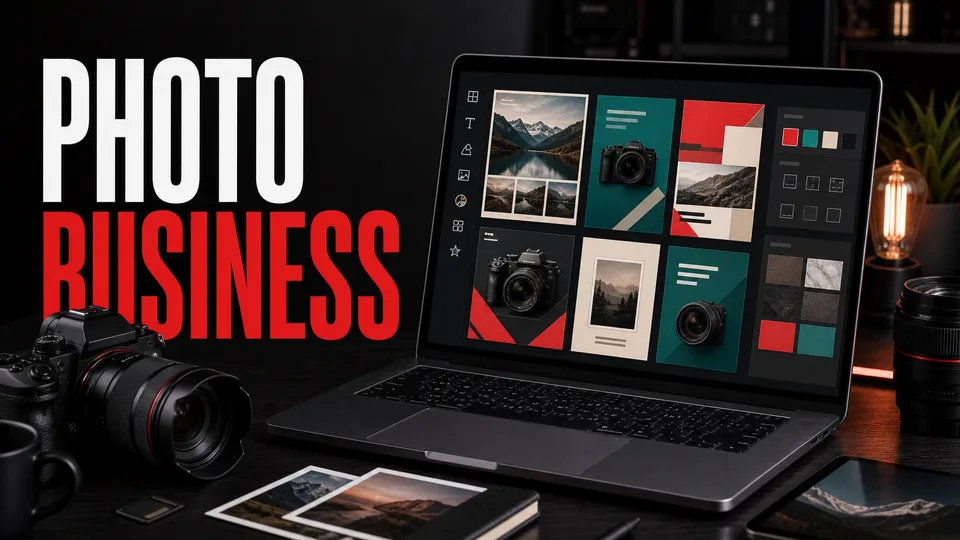
| Quick answer | Adobe Express can help photographers make polished marketing assets quickly: social posts, short videos, pricing sheets, client guides, mini portfolios, flyers, ads, and branded templates. |
|---|---|
| Best for | Solo photographers, family and portrait studios, wedding shooters, real estate photographers, and creators who need consistent promotional content without building every layout from scratch. |
| Skip if | You need deep RAW editing, advanced retouching, large catalog management, or final gallery delivery. Use Lightroom, Photoshop, and your client gallery system for that work. |
| Main rule | Use Express to market the business around your photography. Do not use it as a replacement for your photo editing workflow. |
Adobe Express is useful for the business side of photography: getting noticed, explaining your offers, and keeping your brand consistent.
For the subscription decision, compare the Adobe Express price paths before buying.
It is not where you should do serious photo editing. It is where you turn finished images into client-facing marketing assets.
For a small photography business, that distinction matters. Lightroom and Photoshop make the images stronger; Express helps sell the service around them.
This page may include affiliate links.
I only recommend software I would seriously evaluate for real creator or production workflows.
⭐⭐⭐⭐⭐
I pay for Adobe Creative Cloud and have used it every day in my 20-year career as a video editor, producer, and colorist.
Use the Adobe link below to check the current Creative Cloud offer. It can support this site and helps me keep these guides updated. Check current Adobe Creative Cloud offer.
Get Adobe Creative Cloud Now!
Where Adobe Express Fits in a Photography Business
Adobe positions Express as a fast app for creating social posts, videos, flyers, resumes, presentations, and branded content. For photographers, that makes it a lightweight marketing production tool.
You can start from templates, add your own images, use brand assets, resize for social platforms, and create polished materials without opening a full design app every time.
Highest-Value Express Assets for Photographers
- Session promos: mini-session announcements, seasonal offers, and limited booking windows.
- Pricing explainers: simple package cards, upgrade sheets, and what-is-included graphics.
- Social proof: testimonial posts, before/after stories, and client feature layouts.
- Client education: prep guides, wardrobe tips, posing notes, and location reminders.
- Portfolio teasers: short image-driven videos and carousel-style social graphics.
These are the small pieces that keep a photography brand visible between shoots.
A Simple Weekly Adobe Express Workflow
Do not treat Express like a blank canvas every day. Build a small repeatable system.
- Choose three or four branded templates for your main content types.
- Add your logo, colors, fonts, and preferred layouts.
- Drop in finished client-safe images from your edited gallery.
- Make one post for booking, one for education, and one for proof each week.
- Resize or adapt the strongest idea for another platform.
| Business goal | Express asset | Call to action |
|---|---|---|
| Book more sessions | Mini-session promo, seasonal offer, package card | Book a date or request availability. |
| Reduce client confusion | Prep guide, wardrobe tips, timeline graphic | Read before your session. |
| Show credibility | Testimonial post, client story, before/after | View the full gallery or inquire. |
| Build repeat work | Holiday cards, graduation promos, anniversary reminders | Book your next session. |
Adobe Express vs. Lightroom and Photoshop
Express should sit after your editing tools. Lightroom handles organization, RAW editing, and batch photo adjustments. Photoshop handles detailed retouching and compositing.
Express is for final presentation: social graphics, branded posts, short promotional videos, and client-facing documents.
Where to Go Next
If you are building the full Adobe workflow, read what Adobe Express is for, what Lightroom does, and what Photoshop is used for.
For official feature details, use the current Adobe Express product page.
FAQ
Is Adobe Express good for photographers?
Yes, for marketing assets. It is useful for social posts, flyers, pricing graphics, client prep guides, short videos, and branded promotional content.
Can Adobe Express replace Lightroom?
No. Lightroom is for photo editing and organization. Express is for turning finished images into designed marketing materials.
Can Adobe Express make photography pricing sheets?
Yes. Express templates are useful for package cards, pricing explainers, and booking graphics, especially for solo photographers.
Should photographers use Adobe Express or Photoshop?
Use Photoshop for detailed image work and Express for fast branded layouts, social graphics, and client-facing promotional pieces.
Can I use Adobe Express for client guides?
Yes. Prep guides, wardrobe tips, location reminders, and session timelines are some of the best practical uses for Express in a photography business.

About the Author
Joseph Nilo has been working professionally in all aspects of audio and video production for over twenty years. His day-to-day work finds him working as a video editor, 2D and 3D motion graphics designer, voiceover artist and audio engineer, and colorist for corporate projects and feature films.
Related Posts:
Adobe Creative Cloud What Is Series
Adobe Creative Cloud Pricing Explained
Adobe Creative Cloud Pricing and Plans - The Ultimate Resource
Best Adobe Creative Cloud Apps for Graphic Design
How to Install Adobe Creative Cloud on Mac
Adobe Creative Cloud for Photographers
Adobe Creative Cloud for Video Editing
How to Use Adobe Creative Cloud Libraries
Adobe Creative Cloud Subscription Discount
Adobe Creative Cloud Student Discount
Adobe creator and buying paths
Adobe Creative Cloud for Video Creators
Adobe Photography Plan vs Photoshop Single App
Best Adobe Creative Cloud Apps for YouTubers
Adobe Express for YouTube Thumbnails
Adobe Stock Licensing for YouTube and Client Work
Adobe app explainers and storage
What Is Adobe Photoshop Elements?
What Is Adobe Premiere Elements?
What Is Adobe Character Animator?
Adobe Rush migration paths
Premiere Rush Discontinuation FAQ
Adobe Creative Cloud "What Is" Series:
What is Adobe Character Animator?
What is the Creative Cloud App?
What Is Adobe Photoshop Elements?
What Is Adobe Premiere Elements?
More Adobe app explainers