Blog
Software Comparison · Workflow Fit
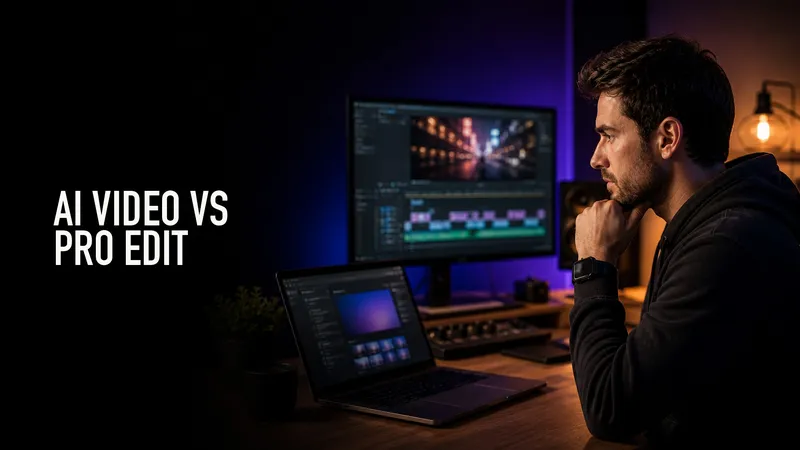
InVideo vs Premiere Pro: AI Video Drafts or Professional Editing?
Use InVideo for fast AI video drafts; use Premiere Pro when footage, pacing, audio, and client-level control matter.
Compare options →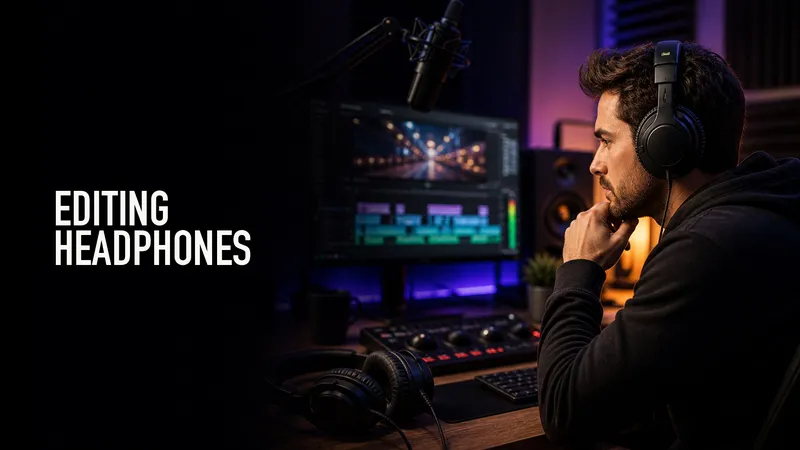
Gear Guide · Updated 2026
Best Headphones for Video Editing: Creator Monitoring Guide
Choose headphones for dialogue cleanup, YouTube edits, travel work, and studio monitoring without overbuying.
See picks →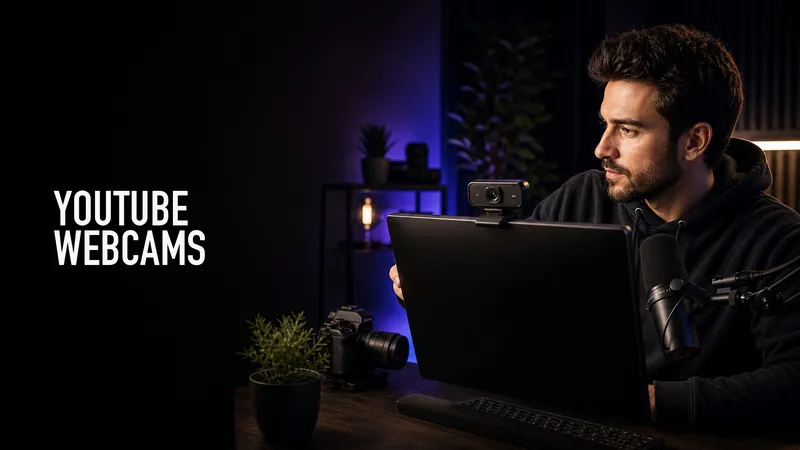
Gear Guide · Updated 2026
Best Webcams for YouTube Creators: What To Buy Before a Camera
Compare webcams and creator cameras for YouTube, streaming, remote teaching, and desk-based video work.
Compare options →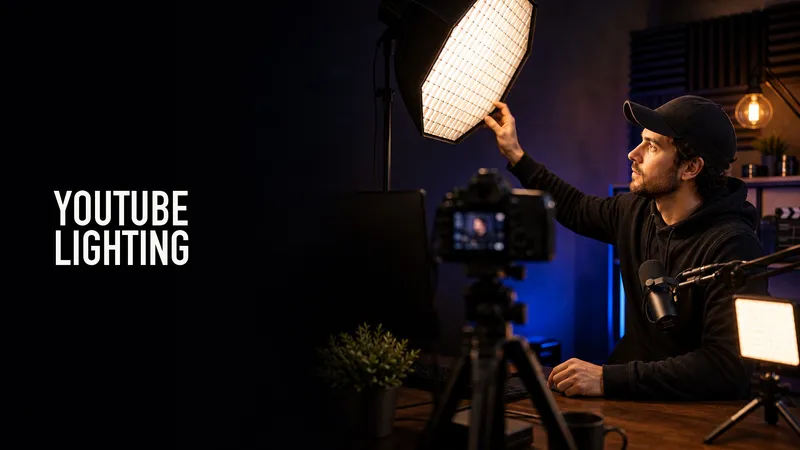
Gear Guide · Updated 2026
Best Lights for YouTube Videos: Simple Creator Lighting Setup
Build a simple YouTube lighting setup with key lights, softboxes, desk lights, background accents, and the right color temperature.
See picks →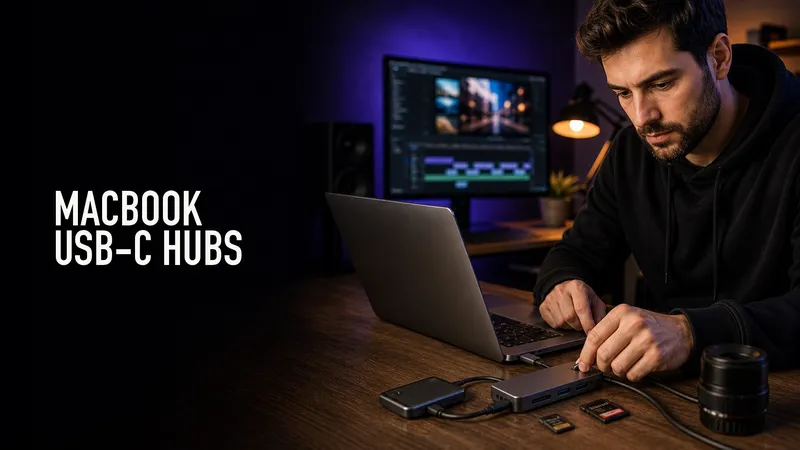
Gear Guide · Updated 2026
Best USB-C Hubs for MacBook Video Editors
Find MacBook hubs and docks with the ports video editors actually need: card readers, displays, Ethernet, power, and fast storage.
See picks →
Gear Guide · Updated 2026
Best External SSDs for Video Editing
Compare external SSDs for editing speed, capacity, ruggedness, USB-C vs Thunderbolt, and real creator workflows.
Compare options →
Software Review · Creator Workflow
Premiere Pro Export Settings for YouTube Shorts
Dial in vertical sequence settings, captions, bitrate, audio, and export checks for clean YouTube Shorts uploads.
Check workflow fit →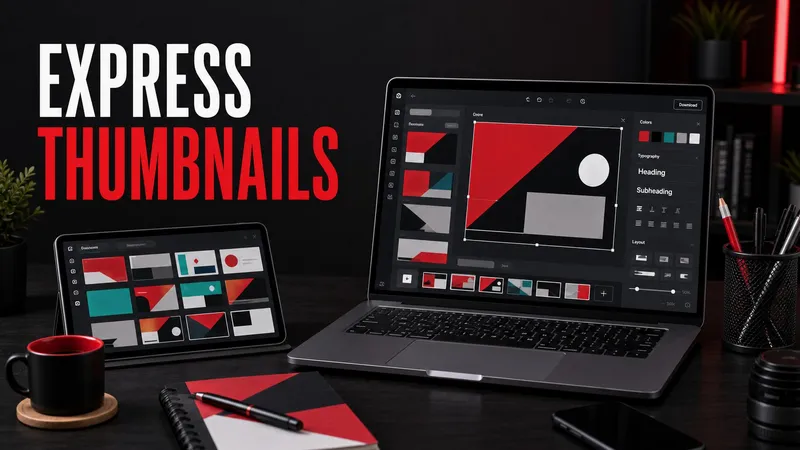
Software Review · Creator Workflow
Adobe Express for YouTube Thumbnails
Use Adobe Express for YouTube thumbnails, brand kits, templates, quick exports, and deciding when Photoshop or Creative Cloud is worth the extra control.
Check workflow fit →
Gear Guide · Updated 2026
Best Adobe Creative Cloud Apps for YouTubers
The most useful Adobe Creative Cloud apps for YouTubers, including Premiere Pro, Photoshop, Adobe Express, Audition, After Effects, Lightroom, Adobe Stock, and Frame.io workflows.
Compare options →