
Updated July 8, 2026. Adobe prices, promotions, plan names, included apps, and regional availability can change, so confirm the live Adobe checkout before buying.
For the feature-level decision, see my Acrobat Pro vs Standard comparison.
If Pro already covers the PDF work, compare the AI and multi-document upgrade in my Acrobat Pro vs Acrobat Studio comparison.
Quick answer
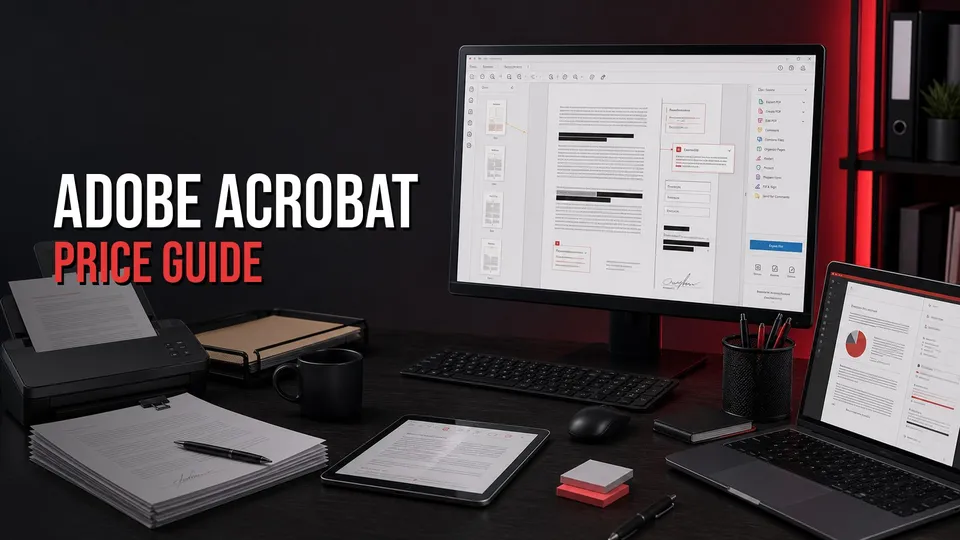
The Acrobat price decision comes down to whether you only need to read PDFs, need everyday PDF edits, or need full professional PDF production. Reader is enough for viewing and basic PDF interaction. Acrobat Standard can fit common office PDF edits. Acrobat Pro is the stronger path for OCR, redaction, advanced editing, forms, signatures, comparing files, and more complete document workflows.
Use Adobe checkout for current pricing, billing terms, regional offers, and the exact Acrobat Standard, Acrobat Pro, or Creative Cloud bundle available to you.
Affiliate disclosure: This page may include affiliate links. I may earn a commission if you buy through them, at no extra cost to you.
Adobe Acrobat Price And Plan Paths
Do not choose Acrobat only by looking for the lowest monthly number. The right plan depends on the PDF jobs you repeat: reading, editing, exporting, redacting, scanning, signing, making forms, combining files, or preparing client-ready documents.
- Reader path: best when you only view, print, comment lightly, fill basic forms, or sign simple PDFs.
- Acrobat Standard path: worth checking for common office PDF editing, combining files, converting documents, and everyday document cleanup.
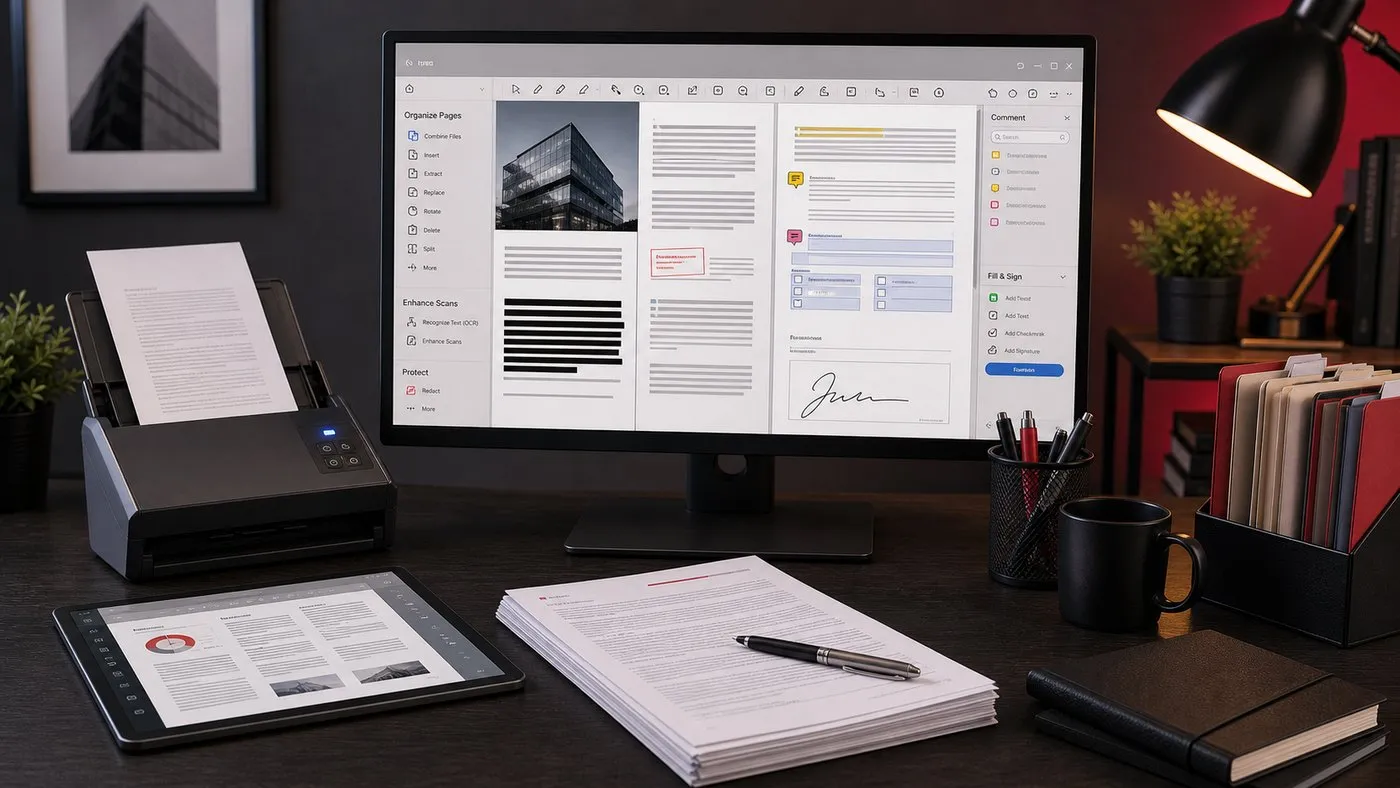
- Acrobat Pro path: better when PDF work includes OCR, redaction, compare, accessibility, advanced form workflows, scan cleanup, or professional production.
- Creative Cloud path: worth comparing when Acrobat sits beside InDesign, Illustrator, Photoshop, Premiere Pro, or other Adobe apps.
Affiliate disclosure: This link may earn a commission if you buy through it.
Best next step
Compare Adobe's current Acrobat Standard, Acrobat Pro, and broader plan paths before choosing a subscription.
Check current Acrobat plansAcrobat Standard Vs Acrobat Pro Vs Creative Cloud
If you work with PDFs occasionally, Standard may be enough. If PDFs are part of client delivery, legal review, training materials, contracts, scanned documents, redactions, accessibility, or professional publishing, Acrobat Pro is usually the safer comparison point.
| Choice | Best fit | Watch closely |
|---|---|---|
| Acrobat Reader | Reading, printing, basic form filling, simple comments, and basic signatures. | It is not a full PDF editing or production workflow. |
| Acrobat Standard | Office workers and small businesses that need everyday PDF edits, combining files, exporting, and document cleanup. | Whether you need Pro-only features such as redaction, OCR, compare, accessibility, or advanced production tools. |
| Acrobat Pro | Creators, businesses, agencies, educators, and document-heavy teams that need stronger editing, scan/OCR, forms, signatures, and review workflows. | Whether your workload justifies the higher plan compared with Standard or free Reader. |
| Creative Cloud path | Creators who also need InDesign, Illustrator, Photoshop, Premiere Pro, or other Adobe apps alongside Acrobat. | Higher total cost if Acrobat is the only app you use. |
Related: Start with what Acrobat Pro is used for, compare Acrobat Reader vs paid Acrobat, and review Creative Cloud pricing if Acrobat is part of a wider Adobe workflow.
When Acrobat Is Worth Paying For
Acrobat is easiest to justify when PDF work is recurring and business-critical. Editing PDFs, exporting to Office formats, combining files, cleaning scans, adding signatures, collecting comments, redacting sensitive information, and preparing finished documents can all become expensive if they are slow or unreliable.
It also matters when the handoff is professional. Client contracts, production documents, forms, manuals, statements of work, training materials, and print-ready PDFs often need a more dependable PDF workflow than a free viewer can provide.
- Small businesses: use it for contracts, forms, invoices, client documents, and signed PDFs.
- Creators and agencies: use it for proposals, PDFs from InDesign, client review, redaction, and polished deliverables.
- Educators and operations teams: use it for scanned documents, accessibility checks, fillable forms, and reusable document workflows.
Affiliate disclosure: This link may earn a commission if you buy through it.
Check Acrobat Pro directly
Review Adobe's current Acrobat Pro plan, trial details, included features, and bundle options before buying.
Check current Acrobat Pro offerWhen Acrobat May Not Be Worth It
Acrobat may be more than you need if you only read PDFs, print documents, add simple comments, or sign occasional forms. In those cases, free Acrobat Reader, Preview on macOS, browser PDF tools, or simple built-in scanner apps may be enough.
It may also be hard to justify if your PDF work is rare and never includes editing, OCR, redaction, forms, file combining, accessibility, export cleanup, or client-facing document production.
Acrobat Alternatives To Consider
Alternatives can be useful, but compare them against your real PDF workflow. A cheaper tool is not cheaper if it breaks formatting, weakens redaction, loses form fields, or creates client handoff issues.
| Alternative | Useful for | Where Acrobat is stronger |
|---|---|---|
| Acrobat Reader | Viewing, printing, commenting, simple form filling, and basic signatures. | Full editing, OCR, redaction, compare, PDF production, and stronger export tools. |
| Preview on macOS | Simple viewing, annotation, page rearranging, and lightweight PDF edits. | Business PDF workflows, forms, OCR, redaction, signatures, accessibility, and Adobe compatibility. |
| Browser PDF tools | Quick viewing and very simple edits. | Reliable document workflows, privacy controls, production features, and repeatable output. |
| Other paid PDF editors | Cost-sensitive PDF editing or teams already standardized elsewhere. | Adobe compatibility, industry familiarity, and integration with InDesign, Illustrator, and Creative Cloud workflows. |
Official Sources Checked
Use Adobe's current public product, plan, and documentation URLs to verify live checkout terms before buying. Prices and plan names can change by promotion, billing term, organization type, and region.
- Adobe Acrobat product page
- Adobe Acrobat plans and pricing page
- Adobe Acrobat Pro page
- Adobe Creative Cloud plans page
- Adobe Acrobat system requirements
- What's new in Acrobat
FAQ
How much does Adobe Acrobat cost?
Acrobat pricing depends on plan, region, promotion, billing term, and whether you choose Acrobat Standard, Acrobat Pro, or a broader Adobe path. Check Adobe's current checkout before buying.
Is Adobe Acrobat Reader free?
Yes, Acrobat Reader is the free PDF viewing and basic interaction app. Paid Acrobat plans add stronger PDF editing, exporting, organizing, form, signing, scan/OCR, and business document workflow features.
Should I buy Acrobat Standard or Acrobat Pro?
Standard can fit everyday PDF edits. Pro is the better comparison if you need OCR, redaction, compare, accessibility, advanced form workflows, scan cleanup, or professional PDF production.
Is Acrobat included with Creative Cloud?
Adobe includes Acrobat in some broader Adobe plan paths, but exact app availability depends on the current plan and region. Check Adobe's current plan page before buying.

About the Author
Joseph Nilo has been working professionally in all aspects of audio and video production for over twenty years. His day-to-day work finds him working as a video editor, 2D and 3D motion graphics designer, voiceover artist and audio engineer, and colorist for corporate projects and feature films.