

| Quick answer | Log can help VR and 360 video because these formats often include bright skies, dark ground, and multiple lenses that must match. The benefit only appears if exposure, stitching, and color management are handled carefully. |
|---|---|
| Best use | Bright outdoor scenes, mixed lighting, and multi-camera capture. |
| Main risk | Noisy shadows after stretching underexposed Log. |
| Workflow rule | Stitch and balance before final creative grading. |
Why Log Helps 360 Footage
A 360 camera sees everything, so it often captures extreme highlights and shadows in the same shot. Log gives the edit more room to balance that range before compression and platform delivery.
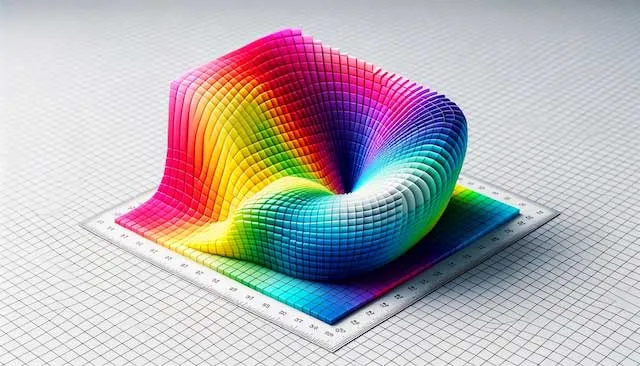
Exposure Is Harder in 360
You cannot hide lights and you cannot always choose one perfect exposure. Protect highlights, avoid noisy shadows when possible, and test how the footage behaves after the Log transform.
Stitch Before Final Color Decisions
Stitching can reveal seams, exposure mismatches, and lens color shifts. Do a technical transform and basic balance before judging the final look, but save precise creative grading until after the stitch is stable.
Color Management
| Challenge | How Log Helps | Extra Check |
|---|---|---|
| Bright sky and dark ground | Preserves more tonal range | Watch noise after transform. |
| Multiple lenses | Gives room to match modules | Check seams and color shifts. |
| Platform compression | Starts with cleaner source latitude | Test a short upload. |

Color Management Across Multiple Lenses
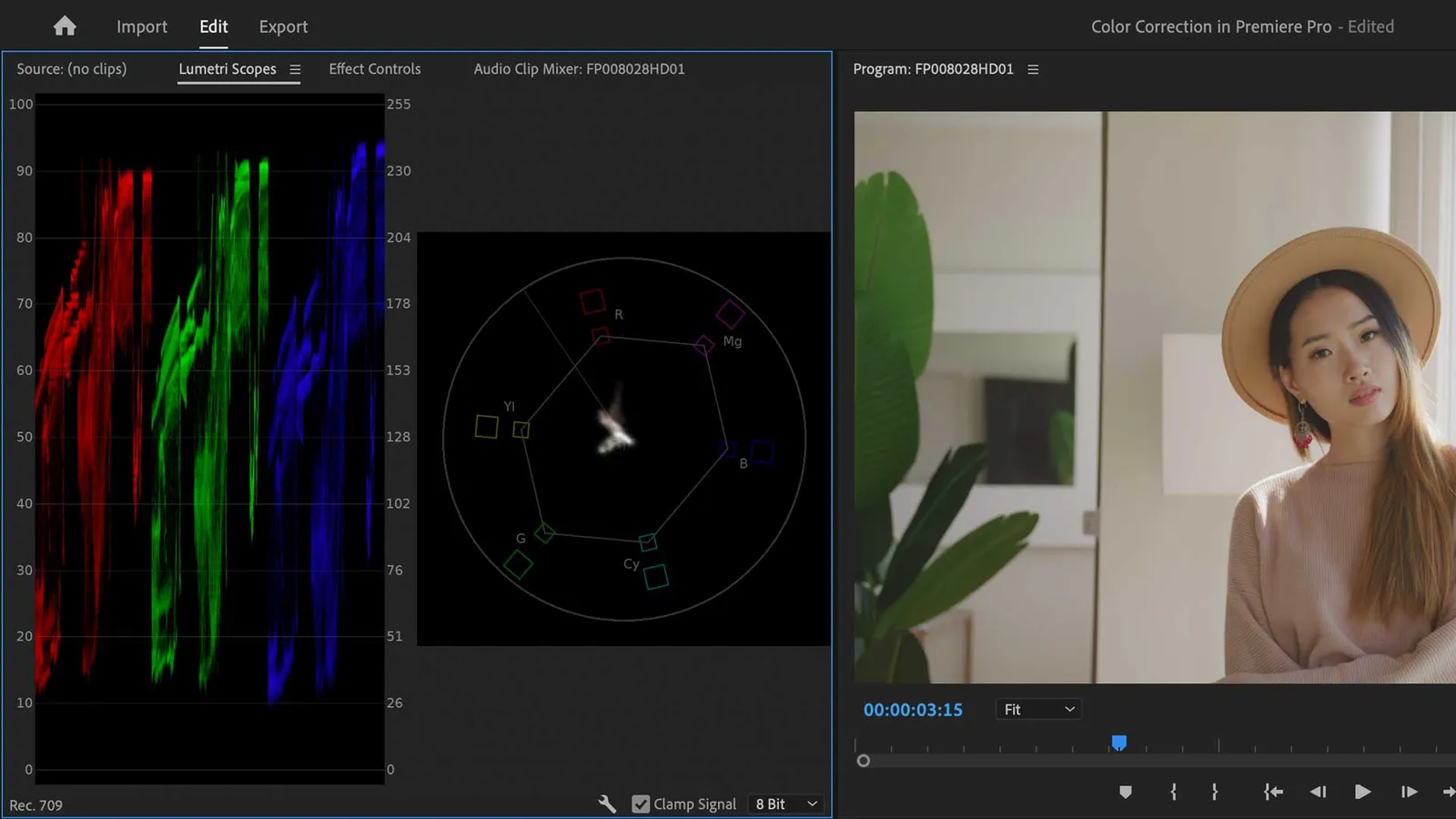
Each lens or camera module may respond slightly differently. Use scopes and neutral references to keep the full sphere consistent.
Delivery and Compression
VR and 360 exports are often heavily compressed by platforms. Keep gradients clean, avoid extreme saturation, and test a short upload before finishing the full project.
FAQ
Is Log useful for 360 video?
Yes, especially when the scene has wide brightness range or multiple lenses that need matching.
Should I grade before stitching?
Do only basic technical balancing before stitching, then finish the creative grade after the stitch is stable.
Does Log fix 360 exposure problems?
No. It gives more latitude, but poor exposure can still create noise or clipped highlights.
What should I test before delivery?
Test stitching, compression, color shifts, and playback on the target platform or headset.

About the Author
Joseph Nilo has been working professionally in all aspects of audio and video production for over twenty years. His day-to-day work finds him working as a video editor, 2D and 3D motion graphics designer, voiceover artist and audio engineer, and colorist for corporate projects and feature films.
Parent Article:
Log Video Formats Reference Guide
Related Articles:
The Evolution of Log Video Formats
Demystifying Log Video Formats
Log Video Formats vs. Traditional Video Formats
Top 10 Log Video Format Cameras
Color Grading Techniques for Log Video Formats
The Impact of Log Video Formats on Modern Cinematography
Mastering Post-Production Workflows for Log Video Formats
Best Practices for Archiving and Storing Log Video Format Files
Video Editing Related Posts
Adobe Creative Cloud for Video Editing
Top 10 Video Editing Software for Mac
The Benefits of Dual-Monitor Setups for Video Editing
How to Choose the Right Video Editing Monitor for Your Needs
Best Monitors for Video Editing
(Almost) 50 Mistakes Every New Video Producer Makes
Breakthrough AI Tools: Elevate Your Video Production Game!
Find the Best Export Settings for YouTube Videos Now!
Your Guide on Where To Find Video Editor Remote Jobs
Adobe video workflow guides
Parent Article:
Log Video Formats Reference Guide
Related Articles:
The Evolution of Log Video Formats
Demystifying Log Video Formats
Log Video Formats vs. Traditional Video Formats
Top 10 Log Video Format Cameras
Color Grading Techniques for Log Video Formats
The Impact of Log Video Formats on Modern Cinematography
Mastering Post-Production Workflows for Log Video Formats
Best Practices for Archiving and Storing Log Video Format Files
Video Editing Related Posts
Adobe Creative Cloud for Video Editing
Top 10 Video Editing Software for Mac
The Benefits of Dual-Monitor Setups for Video Editing
How to Choose the Right Video Editing Monitor for Your Needs
Best Monitors for Video Editing
(Almost) 50 Mistakes Every New Video Producer Makes
Breakthrough AI Tools: Elevate Your Video Production Game!
Find the Best Export Settings for YouTube Videos Now!
Your Guide on Where To Find Video Editor Remote Jobs
Adobe video workflow guides