
| Quick answer | The future of Log is less about flatter footage and more about smarter color management. Cameras, phones, editing apps, and cloud tools are making Log easier to capture, but editors still need to control the transform and delivery space. |
|---|---|
| Trend | Smarter color management inside editing apps. |
| Opportunity | Better-looking work from smaller teams. |
| Risk | More ways to misinterpret color if settings are mixed. |
HDR and Wide Gamut Workflows
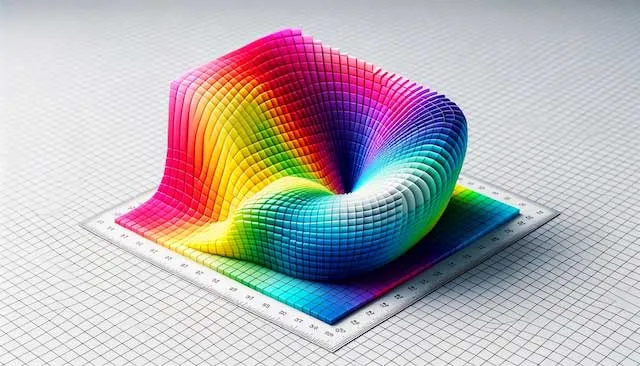
HDR and wide gamut finishing increase the value of disciplined color pipelines. Log capture can preserve the range needed for these finishes, but delivery settings must be deliberate.
Mobile Log Capture
Phone-based Log capture is making higher-latitude footage available to more creators. It is useful for lightweight work, behind-the-scenes capture, and fast social production, but it still needs monitoring and color management.
AI-Assisted Color Tools
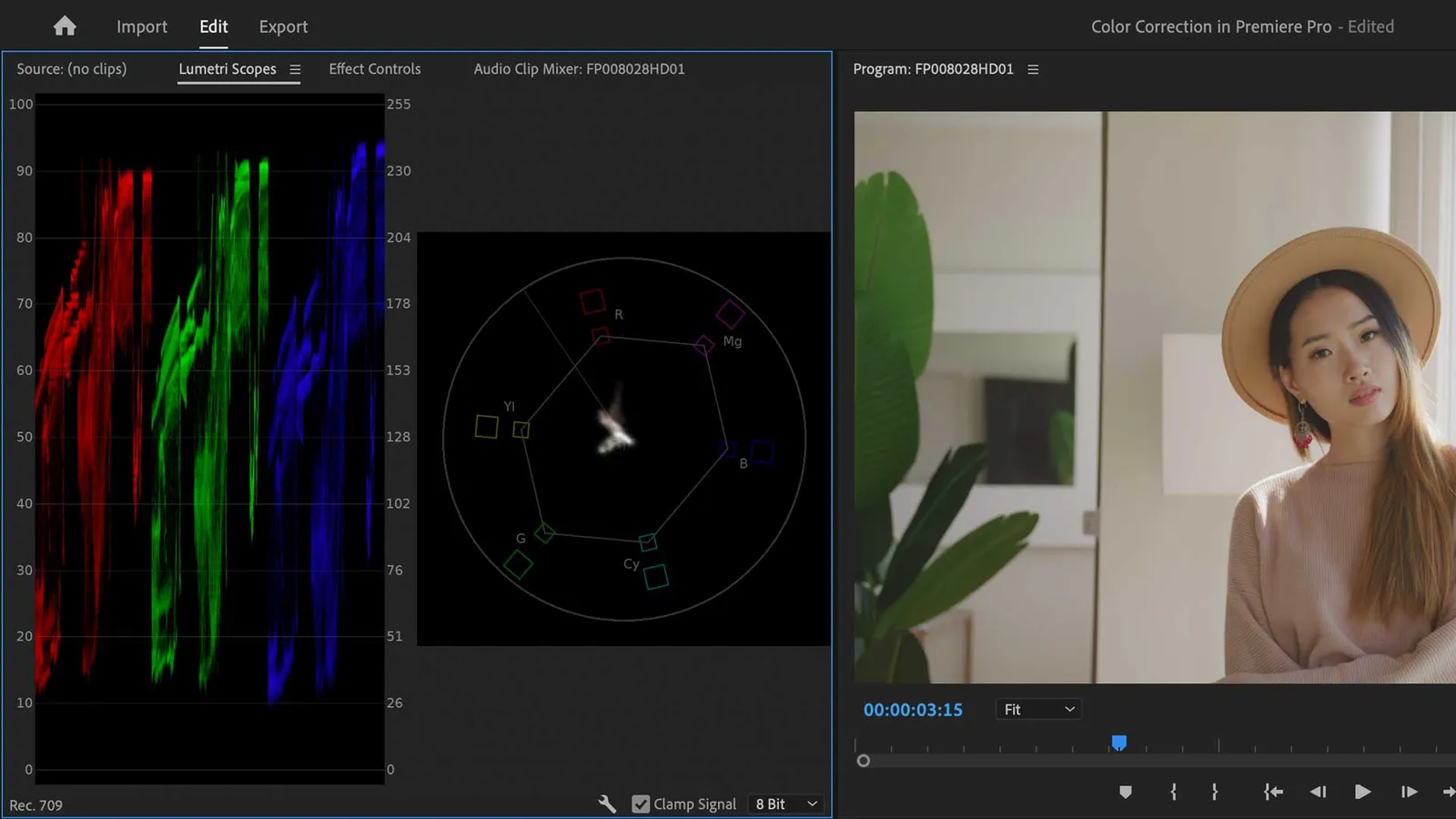
AI tools can speed up matching, balancing, and look exploration. They should be treated as assistants, not replacements for checking scopes, skin tone, and delivery color.
Cloud Workflows
| Trend | Why It Matters | Editor Action |
|---|---|---|
| HDR | More brightness and color range | Confirm project and export settings. |
| Mobile Log | More creators shoot flat profiles | Normalize before judging. |
| AI color | Faster matching and balancing | Verify with scopes and taste. |

Cloud Review and Remote Collaboration
Cloud review workflows make it easier for teams to comment on color, but compressed review files can mislead decisions. Keep final color calls tied to a trusted export and viewing path.
Virtual Production and Mixed Sources
Virtual production and mixed-source shoots make color consistency more complex. Log, color management, and on-set monitoring help keep camera, LED wall, CG, and post-production decisions aligned.
FAQ
Will AI replace color grading?
No. AI can speed up repetitive color tasks, but creative judgment and technical verification still matter.
Will Log disappear because of HDR?
No. HDR makes good color management more important, and Log remains useful for preserving source latitude.
Is mobile Log production-ready?
It can be useful in the right conditions, but dedicated cameras still offer better control and optics.
What should editors learn next?
Learn color management, scopes, HDR basics, and how your editing app handles camera Log profiles.

About the Author
Joseph Nilo has been working professionally in all aspects of audio and video production for over twenty years. His day-to-day work finds him working as a video editor, 2D and 3D motion graphics designer, voiceover artist and audio engineer, and colorist for corporate projects and feature films.
Parent Article:
Log Video Formats Reference Guide
Related Articles:
The Evolution of Log Video Formats
Demystifying Log Video Formats
Log Video Formats vs. Traditional Video Formats
Top 10 Log Video Format Cameras
Color Grading Techniques for Log Video Formats
The Impact of Log Video Formats on Modern Cinematography
Mastering Post-Production Workflows for Log Video Formats
Best Practices for Archiving and Storing Log Video Format Files
Video Editing Related Posts
Adobe Creative Cloud for Video Editing
Top 10 Video Editing Software for Mac
The Benefits of Dual-Monitor Setups for Video Editing
How to Choose the Right Video Editing Monitor for Your Needs
Best Monitors for Video Editing
(Almost) 50 Mistakes Every New Video Producer Makes
Breakthrough AI Tools: Elevate Your Video Production Game!
Find the Best Export Settings for YouTube Videos Now!
Your Guide on Where To Find Video Editor Remote Jobs
Adobe video workflow guides
Parent Article:
Log Video Formats Reference Guide
Related Articles:
The Evolution of Log Video Formats
Demystifying Log Video Formats
Log Video Formats vs. Traditional Video Formats
Top 10 Log Video Format Cameras
Color Grading Techniques for Log Video Formats
The Impact of Log Video Formats on Modern Cinematography
Mastering Post-Production Workflows for Log Video Formats
Best Practices for Archiving and Storing Log Video Format Files
Video Editing Related Posts
Adobe Creative Cloud for Video Editing
Top 10 Video Editing Software for Mac
The Benefits of Dual-Monitor Setups for Video Editing
How to Choose the Right Video Editing Monitor for Your Needs
Best Monitors for Video Editing
(Almost) 50 Mistakes Every New Video Producer Makes
Breakthrough AI Tools: Elevate Your Video Production Game!
Find the Best Export Settings for YouTube Videos Now!
Your Guide on Where To Find Video Editor Remote Jobs
Adobe video workflow guides