
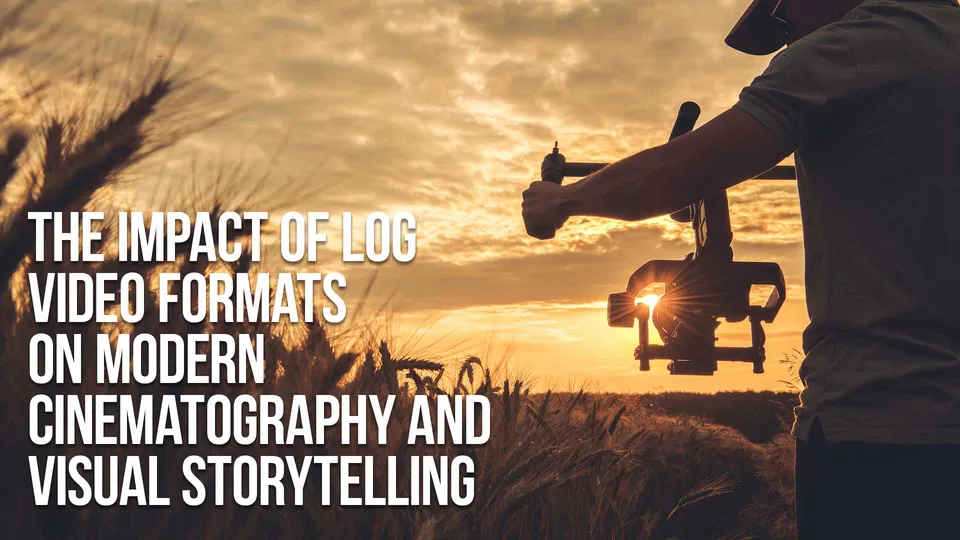
| Quick answer | Log video gives cinematographers and editors more control over the final image. It does not create a story by itself, but it gives the grade more room to support mood, time of day, skin tone, and visual continuity. |
|---|---|
| Mood | Contrast and color guide emotion. |
| Continuity | Consistent transforms help scenes match. |
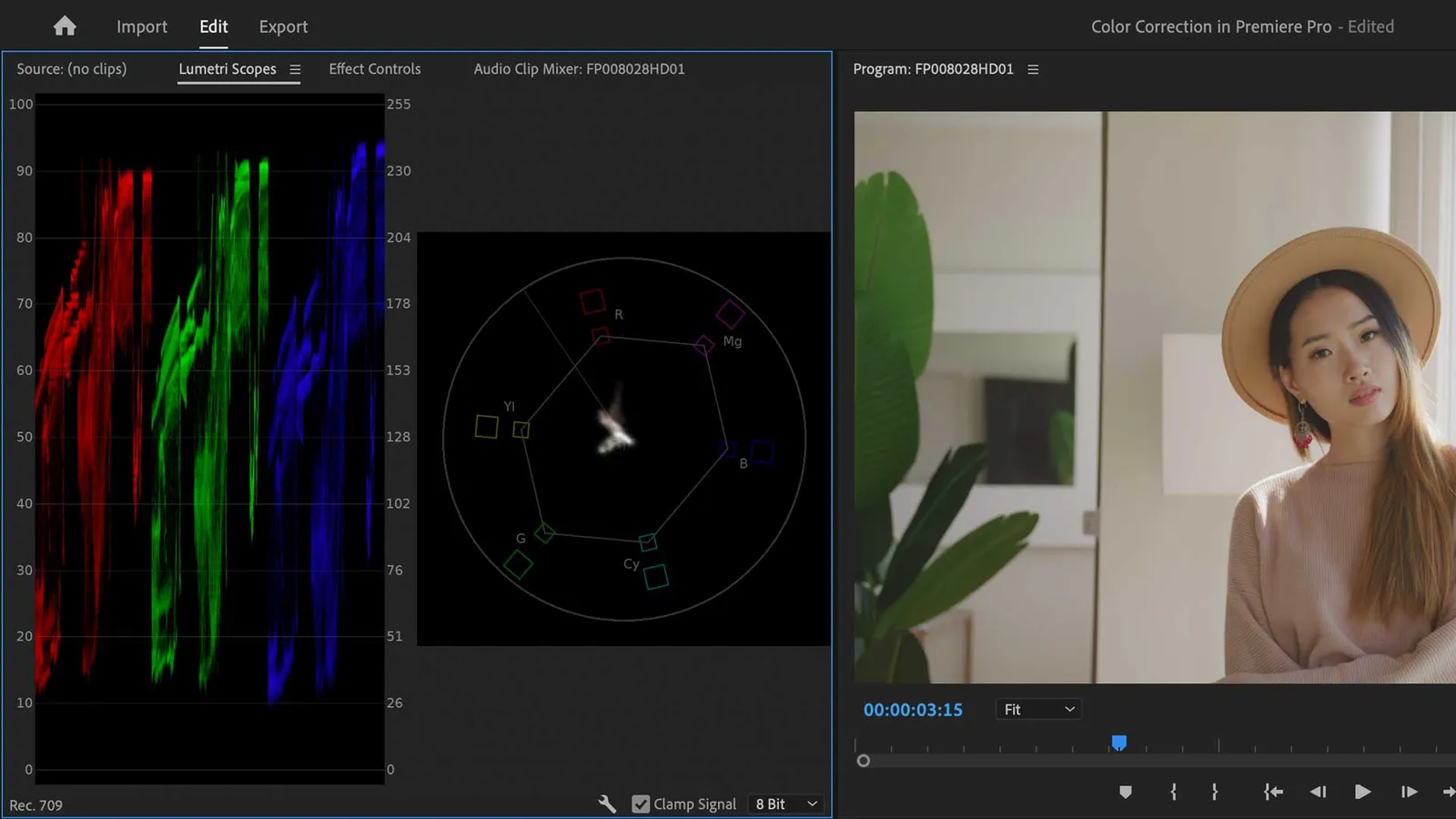
| Skin tones | Scopes keep people believable. |
More Creative Control in the Grade
A good Log workflow lets the production decide the look after capture instead of locking every contrast and color choice into the camera file. That matters when a project needs a consistent identity across multiple scenes.
Better Highlight and Shadow Handling
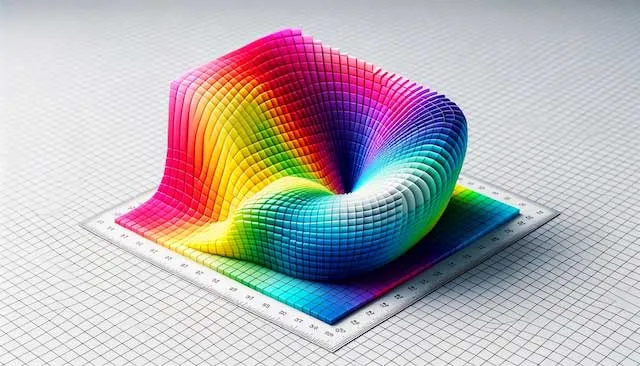
Log helps retain detail in practical lights, windows, skies, and dark interiors. It still needs careful exposure because underexposed Log can become noisy when lifted.
Matching Multiple Cameras
Modern productions often mix cinema cameras, mirrorless cameras, drones, and phones. Log profiles help, but each camera still needs the right transform and a careful balance pass.
Storytelling
| Story Need | Log Advantage | Practical Note |
|---|---|---|
| Natural documentary | Recover detail in mixed light | Keep saturation restrained. |
| Commercial polish | Shape product and skin tones | Protect brand colors. |
| Cinematic drama | Build contrast and mood | Do not crush important shadow detail. |

Visual Storytelling Choices
Color affects how a scene feels. A restrained grade can make a documentary feel honest, while a stronger palette can make a music video, brand film, or narrative piece feel more designed.
FAQ
Does Log make footage cinematic?
No. Log gives you room to grade, but lighting, lens choice, composition, and color decisions create the cinematic feel.
Can Log help match cameras?
Yes, but only when each camera is transformed correctly before the creative grade.
Is Log useful for documentary work?
Yes, especially when lighting changes quickly and highlight protection matters.
What is the biggest creative mistake?
Pushing a look too hard before the technical balance is clean.

About the Author
Joseph Nilo has been working professionally in all aspects of audio and video production for over twenty years. His day-to-day work finds him working as a video editor, 2D and 3D motion graphics designer, voiceover artist and audio engineer, and colorist for corporate projects and feature films.
Parent Article:
Log Video Formats Reference Guide
Related Articles:
The Evolution of Log Video Formats
Demystifying Log Video Formats
Log Video Formats vs. Traditional Video Formats
Top 10 Log Video Format Cameras
Color Grading Techniques for Log Video Formats
The Impact of Log Video Formats on Modern Cinematography
Mastering Post-Production Workflows for Log Video Formats
Best Practices for Archiving and Storing Log Video Format Files
Video Editing Related Posts
Adobe Creative Cloud for Video Editing
Top 10 Video Editing Software for Mac
The Benefits of Dual-Monitor Setups for Video Editing
How to Choose the Right Video Editing Monitor for Your Needs
Best Monitors for Video Editing
(Almost) 50 Mistakes Every New Video Producer Makes
Breakthrough AI Tools: Elevate Your Video Production Game!
Find the Best Export Settings for YouTube Videos Now!
Your Guide on Where To Find Video Editor Remote Jobs
Adobe video workflow guides
Parent Article:
Log Video Formats Reference Guide
Related Articles:
The Evolution of Log Video Formats
Demystifying Log Video Formats
Log Video Formats vs. Traditional Video Formats
Top 10 Log Video Format Cameras
Color Grading Techniques for Log Video Formats
The Impact of Log Video Formats on Modern Cinematography
Mastering Post-Production Workflows for Log Video Formats
Best Practices for Archiving and Storing Log Video Format Files
Video Editing Related Posts
Adobe Creative Cloud for Video Editing
Top 10 Video Editing Software for Mac
The Benefits of Dual-Monitor Setups for Video Editing
How to Choose the Right Video Editing Monitor for Your Needs
Best Monitors for Video Editing
(Almost) 50 Mistakes Every New Video Producer Makes
Breakthrough AI Tools: Elevate Your Video Production Game!
Find the Best Export Settings for YouTube Videos Now!
Your Guide on Where To Find Video Editor Remote Jobs
Adobe video workflow guides