
Updated June 4, 2026
Related: If your comparison starts inside Premiere, read Adobe Premiere Pro AI Assistant alongside this Firefly vs Runway guide.
Adobe Firefly is the better first choice for video editors who already finish work in Creative Cloud. Runway is the stronger sandbox for standalone generative video experiments. The right answer depends less on which model looks flashier and more on where the generated asset needs to go next.
If your final delivery moves through Premiere Pro, After Effects, Photoshop, Illustrator, Express, or Adobe Stock workflows, start with Adobe Firefly for video editors. If you are exploring abstract b-roll, visual concepts, music-video shots, or fast experimental motion, Runway is worth testing as a specialist tool.
Short version: Firefly fits the Adobe production pipeline. Runway fits fast generative exploration. Serious editors can use both, but they should not treat either one as a replacement for client review, rights checks, or a real edit pass in Premiere Pro.
Quick Verdict
| Decision | Choose Adobe Firefly when... | Choose Runway when... |
|---|---|---|
| Best workflow fit | You already work in Creative Cloud and want AI assets closer to Adobe editing, design, and review tools. | You want a standalone AI video lab for testing generative motion, reference clips, and creative directions. |
| Best for video editors | You need concept frames, image-to-video experiments, thumbnails, style references, and Premiere/After Effects handoff. | You need fast visual exploration before a shoot, pitch, music video, social concept, or abstract b-roll sequence. |
| Best client-safety posture | You want Adobe's commercial creator positioning, generative credits, and Content Credentials context in the same ecosystem. | You have a clear client policy and can separately track generation prompts, rights review, and final usage approval. |
| Where it is weaker | It is not always the most flexible standalone generative video playground. | It can add another disconnected export/review step if the final project is still being finished in Adobe apps. |
This page may include affiliate links.
I only recommend software I would seriously evaluate for real creator or production workflows.
⭐⭐⭐⭐⭐
I pay for Adobe Creative Cloud and have used it every day in my 20-year career as a video editor, producer, and colorist.
Use the Adobe link below to check the current Creative Cloud offer. It can support this site and helps me keep these guides updated. Check current Adobe Creative Cloud offer.
Get Adobe Creative Cloud Now!Where Adobe Firefly Wins for Video Editors
Firefly's biggest advantage is not that it replaces your editing app. It is that it belongs near the tools many professional creators already use. A video editor can use Firefly for visual exploration, then bring the approved direction back into Premiere Pro, After Effects, Photoshop, Illustrator, Express, or a Creative Cloud asset workflow.
That matters when the output is more than a one-off AI clip. You may need a thumbnail, concept frame, storyboard direction, background idea, campaign visual, social cutdown, or client-safe reference image that has to live alongside real footage and brand assets.
Use Firefly for these jobs
- Concept frames: create a visual direction before a shoot, thumbnail, or motion-design build.
- Image-to-video tests: explore how a still direction might move before you commit to an edit.
- Thumbnail and campaign exploration: test visual ideas that may later move through Photoshop, Express, or Adobe Stock workflows.
- Creative Cloud handoff: keep the generated asset close to the Adobe apps used for finishing, versioning, and review.
Firefly is also easier to recommend when the creator is already paying for Adobe apps. If the goal is a practical production stack, the tool decision should support Premiere Pro AI editing features, Premiere Pro transcription and captions, and the broader Creative Cloud for video creators workflow.

Where Runway Wins
Runway is stronger when the assignment is open-ended generative video exploration. It is useful when you want to test motion ideas, visual treatments, camera feel, style references, abstract transitions, or pitch visuals before production is locked.
That makes Runway a good companion for pre-production and ideation. It can help you see possibilities quickly. The tradeoff is that the final asset still needs to be reviewed, organized, licensed, and integrated into whatever editing workflow you actually deliver from.
Use Runway for these jobs
- Generative b-roll concepts: test mood shots or visual inserts before deciding whether they belong in the edit.
- Pitch visuals: show a client or team what a scene could feel like before hiring crew or building motion graphics.
- Music video and experimental creative: explore images that are more about mood and movement than product accuracy.
- Standalone AI exploration: move quickly without needing every generated step to happen inside Adobe apps.
The risk is overusing generated footage because it is fast. Runway output still needs story judgment. If the generated clip does not help the edit, brand, or viewer, it should stay in the exploration folder.
Workflow Comparison: Pre-Production, Editing, and Review
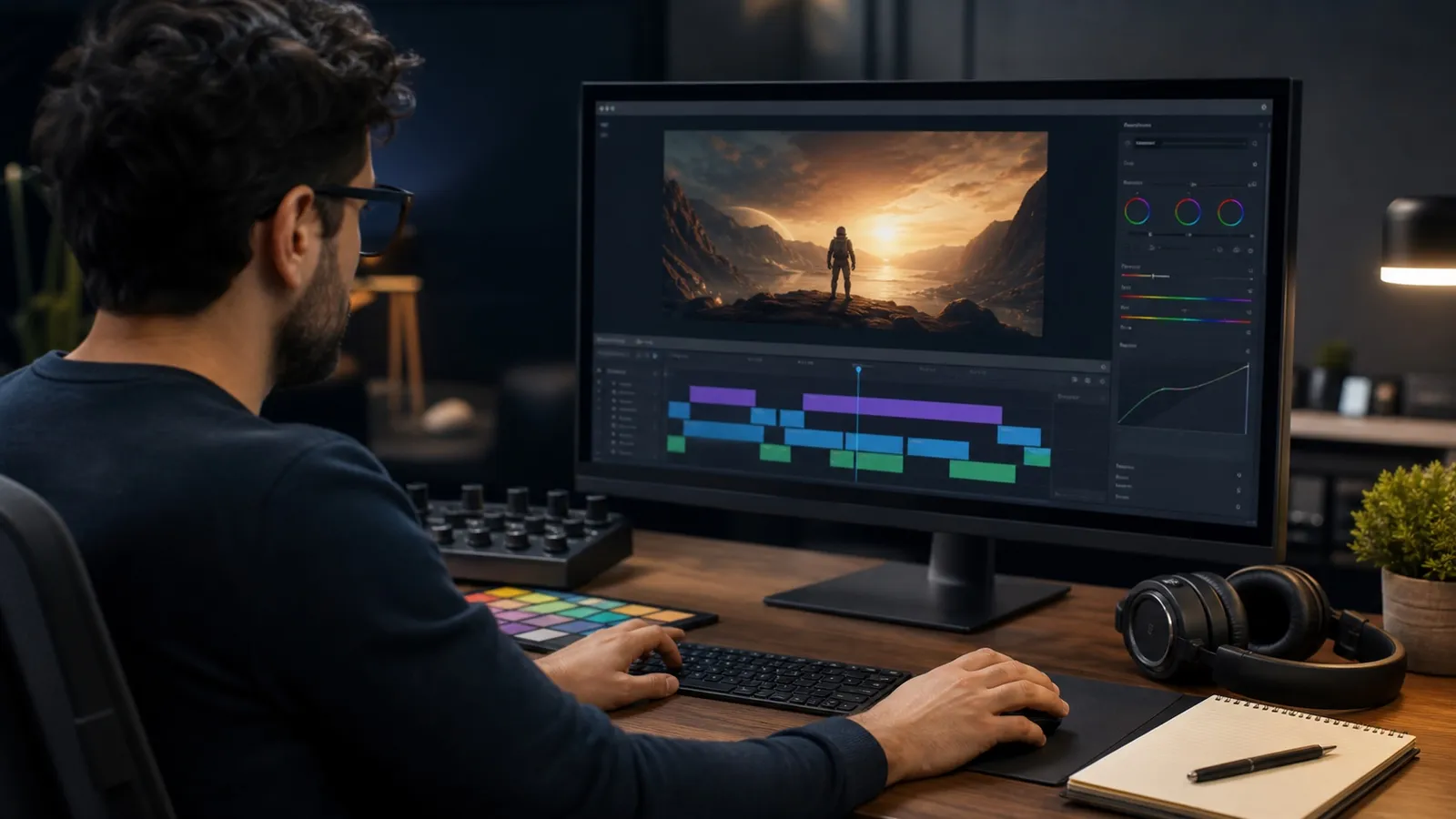
The clearest way to compare Firefly and Runway is by production stage. Editors rarely need an AI tool in isolation. They need a tool that moves a project from brief to rough cut to revision to delivery.
| Stage | Firefly advantage | Runway advantage | My practical pick |
|---|---|---|---|
| Brief and visual direction | Good when the direction will become Adobe assets, thumbnails, campaign visuals, or production references. | Good when the team wants a fast range of moving visual options. | Firefly for Adobe clients; Runway for open-ended concept exploration. |
| Storyboard and shot planning | Useful for individual frames, mood directions, and still-to-motion tests. | Useful for showing how a shot or camera idea could move. | Use both, but label generated material as reference-only. |
| Premiere Pro edit | Better ecosystem fit because the edit is already in Adobe. | Useful only after export/import and review. | Firefly plus Premiere Pro. |
| Client review | Better if the client cares about Adobe workflow, Content Credentials, and Creative Cloud governance. | Works if you maintain a separate approval record for generated material. | Firefly for safer commercial workflows. |
| Experimental final visuals | Can work when the visual style fits the Adobe pipeline. | Often stronger when the final look is intentionally generative or surreal. | Runway for experiments; Firefly for Adobe-centered deliverables. |
Client-Safe AI Video Rules
Both tools need a review process. The practical question is not only whether a generated clip looks good. It is whether it can be used in a paid project, whether the client understands how it was made, and whether the final asset survives brand, legal, and platform review.
For commercial work, I would use this rule: generated visuals are not final until a human reviewer checks the prompt, source media, output, rights posture, brand fit, and edit context. That rule applies to Adobe Firefly and Runway.
Use this checklist before final delivery
- Keep prompts, source images, generated files, and final exports in the project folder.
- Mark generated clips as reference, rough, or final-approved.
- Check for faces, hands, product details, logos, text artifacts, continuity errors, and brand mismatch.
- Confirm whether the client allows AI-generated visuals, synthetic people, synthetic voice, or generated locations.
- Use Premiere Pro resources and a normal finishing pass before delivery.
My Recommendation
If you are a video editor, YouTuber, or small production team already using Adobe, start with Firefly. It is the cleaner default for a Creative Cloud workflow, especially when the project will be edited, captioned, designed, reviewed, and exported through Adobe tools.
Use Runway when you need a more exploratory generative-video sandbox. It is strongest when the work is experimental, concept-heavy, or not tightly tied to Adobe delivery. For many serious creators, the best stack is Firefly for Adobe-centered production and Runway for outside-the-box visual experiments.
That is also why I would treat this as a workflow decision, not a tool fandom decision. The winner is the tool that helps you finish the video, protect the client, and move the viewer closer to the point of the piece.
FAQ
Is Adobe Firefly better than Runway for video editors?
Adobe Firefly is usually better for editors who already work in Creative Cloud and need AI assets to support Premiere Pro, After Effects, Photoshop, Express, or Adobe Stock workflows. Runway is stronger for standalone generative video exploration.
Is Runway better for AI video generation?
Runway can be better when the main goal is fast generative video experimentation. Firefly is usually the better first choice when the output needs to fit an Adobe-centered production workflow.
Can I use Firefly or Runway in client work?
Only after the client understands how AI will be used and the asset passes rights, brand, continuity, and quality review. Generated material should be tracked like any other production asset.
Should Premiere Pro editors use Firefly or Runway?
Premiere Pro editors should usually start with Firefly because it fits the Adobe ecosystem. Runway can still be valuable as a specialist tool for concept clips, b-roll experiments, and visual exploration before the final edit.

About the Author
Joseph Nilo has been working professionally in all aspects of audio and video production for over twenty years. His day-to-day work finds him working as a video editor, 2D and 3D motion graphics designer, voiceover artist and audio engineer, and colorist for corporate projects and feature films.