
Waves OneKnob Driver is a single-control overdrive and distortion processor, described by its manual as an analog-style effect with a warm character. The guide says it can move from light overdrive to full distortion, but does not specify a numeric range or a Driver-specific default for its knob.
This is a documentary control guide, not a listening review. I have not run Driver or tested it in a host. The current product page lists Waves versions V9–V17 and Mono and Stereo components. Those listing labels do not establish installation support or runtime behavior on a particular system.
My Short Version
The main control is the OneKnob Driver knob. The manual describes it as a guitar-overdrive-inspired processor that can add anything from light overdrive to full distortion, with a sound filtered for warmth rather than screeching high frequencies. It does not give a Driver-specific control range, default, or knob-to-distortion mapping. A number visible in product artwork is not a manual specification.
The shared WaveSystem toolbar handles preset save/load, Compare, Undo, Redo, Resize and the Guide. The OneKnob guide says most plugins in the series default to 0 and are designed for track inserts rather than auxiliary sends; it does not explicitly identify Driver's initial value. Treat those statements as series-level guidance, not a tested Driver setting or host requirement.
The same guide says Native floating-point processing does not clip internally, while warning that a hot output can exceed 0 dBFS downstream and may clip at a digital-to-analog converter. That is Waves' general series description, not proof that a particular output chain cannot clip.
What OneKnob Driver does
Waves describes Driver as an analog-style processor inspired by guitar overdrive pedals. Its use is not limited to guitar: the guide names vocals, piano, synthesizer, drums and bass as examples of possible sources. Those are manufacturer examples, not results from a listening test in this article.
The Driver description is distinct from OneKnob Brighter. “Mid-high and up” describes Brighter in the shared guide; Driver is described instead as warm rather than screeching in the high frequencies. This guide does not assign Driver a specific cutoff, frequency band, transfer curve or distortion percentage.
The single control and its limits
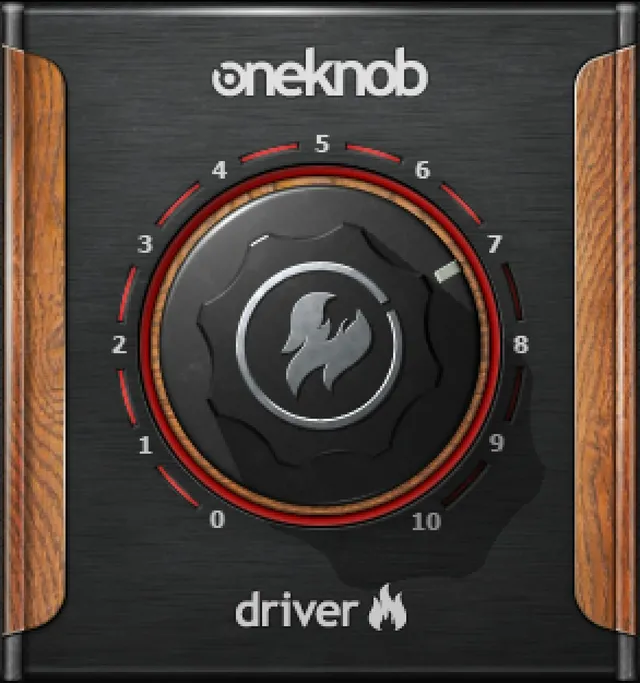
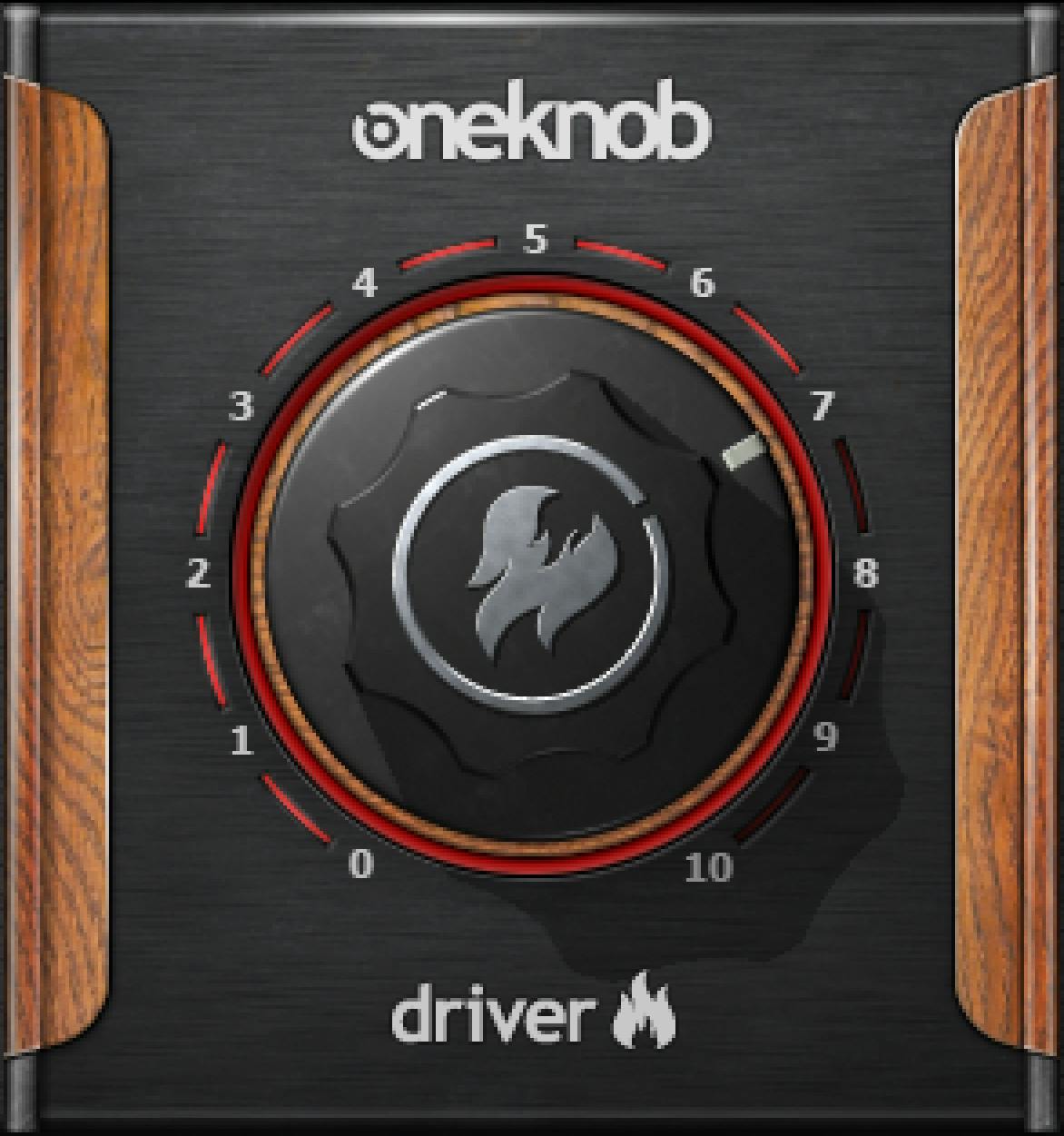
The Driver interface centers on one knob. The manual characterizes its span qualitatively—from light overdrive to full-on distortion—but does not state numerical endpoints, a default value, or exactly how each knob position changes the effect. The official interface illustration depicts a scale; it is illustrative art, not an additional numeric specification.
No separate Drive, Mix, output, bypass or metering control is documented for OneKnob Driver in this guide. This is not an exhaustive claim about every possible host wrapper or version; it reflects the linked manual's Driver documentation.
Mono and Stereo components
The OneKnob Series guide explicitly lists OneKnob Driver Mono and Stereo components, matching the current Waves product page. Neither source lists a separate Mono-to-Stereo Driver component. Component availability does not verify installation, operating-system support, or channel routing in a specific DAW.
Presets and the shared toolbar
The WaveSystem toolbar provides preset save and load, Compare, Undo, Redo, Resize and access to the WaveSystem Guide. The manual does not document a Driver-specific reset button. Preset tools are the documented way to recall saved settings; no claim is made here about the current factory-preset list or their knob positions.
Output level: a series-level caution
The manual says the OneKnob series uses Native floating-point processing and does not clip internally. It also cautions that a plugin can produce a hot output above full scale (0 dBFS), with possible clipping farther downstream, including at a digital-to-analog converter. The guide suggests using downstream trimming as one response. These are Waves' series-level statements, not an independent measurement, safety guarantee, or Driver-specific ceiling.
The same manual says most OneKnob plugins use 0 as a neutral default, with OneKnob Filter identified as an exception. Since it does not name Driver as a confirmed member of that “most” group, this article does not state a Driver default. Likewise, the guide's track-insert rather than aux-send advice applies to the OneKnob series; it is not a tested host-routing requirement for Driver.
A conservative way to think about the control
The manual provides a qualitative description rather than a numeric recipe. A reader can treat Driver as one adjustable overdrive/distortion control, compare settings using the documented toolbar, and evaluate any resulting level in their own setup. That is a practical reading of the guide, not an auditioned recommendation or proof of compatibility. The source does not establish what a particular knob position sounds like, how much gain it adds, or how an individual DAW handles the output.
Related tools
For a different approach to shaping a distorted signal's frequency balance, see the live Waves F6 Floating-Band Dynamic EQ guide. For stereo placement rather than distortion, the live Waves S1 Stereo Imager guide covers a separate task. The Waves Audio Post Resources hub is the site's live index for related Waves guides. These links describe adjacent tasks, not comparative listening results.
Sources and documentation limits
Checked October 19, 2026 (America/New_York). The current OneKnob Driver product page links the 8-page OneKnob Series User Guide. The guide was read in full, including the Driver description, component list, toolbar and series-level concepts. Product-page version/component listings and manual descriptions are attributed to their respective sources; neither establishes the installed state of a particular system.
The Waves Graphic Library requires attribution and a link from each product image to its relevant Waves.com product page. Artwork is a vendor reference, not a live plugin instance or a verified default. No plugin, host or audio test was performed for this guide. Driver-specific range/default information absent from the manual remains unspecified.
FAQ
What does the OneKnob Driver control do?
The manual describes it as an analog-style, guitar-overdrive-inspired processor that can range from light overdrive to full distortion. It does not specify a numeric knob range or a position-by-position effect mapping.
Is OneKnob Driver only for guitar?
No. The guide also names vocals, piano, synthesizer, drums and bass as possible sources. These are Waves' examples, not listening results from this guide.
Does the manual give Driver a 0–10 range or a default value?
It does not state a Driver-specific numeric range or default. The interface illustration is not a written range specification. The series guide says most OneKnob plugins default to 0, but does not explicitly identify Driver's default.
Is Driver the same as OneKnob Brighter?
No. Brighter is described as emphasizing the mid-high range and above. Driver is described as a warm overdrive/distortion effect; the guide does not assign it Brighter's frequency description.
Which channel components are listed for Driver?
The current product page and series guide list Mono and Stereo components. They do not list a separate Mono-to-Stereo Driver component. This does not verify availability in a particular installed system.
What does the shared toolbar do?
The guide documents preset save/load, Compare, Undo, Redo, Resize and opening the WaveSystem Guide. It does not describe a separate Driver reset button.
Can Driver's output exceed 0 dBFS?
The series guide says OneKnob plugins may output a hot signal above 0 dBFS and that downstream conversion can clip. It describes internal floating-point processing as non-clipping, but this is not a measured Driver ceiling or a guarantee about a specific downstream chain.
Does Waves recommend using Driver as an insert instead of a send?
The shared OneKnob guide says the series is designed for track inserts rather than auxiliary send/return setups. That is series-level vendor guidance, not a host-specific test or a Driver-specific routing requirement established here.

About the Author
Joseph Nilo has been working professionally in all aspects of audio and video production for over twenty years. His day-to-day work finds him working as a video editor, 2D and 3D motion graphics designer, voiceover artist and audio engineer, and colorist for corporate projects and feature films.